
Transfer everything from your old laptop to your new one
Everything means more than Documents. Computer Copier brings every user account's folders, other drives you choose, bookmarks, email, contacts, Wi-Fi, printers and program settings. What it can't copy, your programs and Windows itself, it lists so nothing gets forgotten.
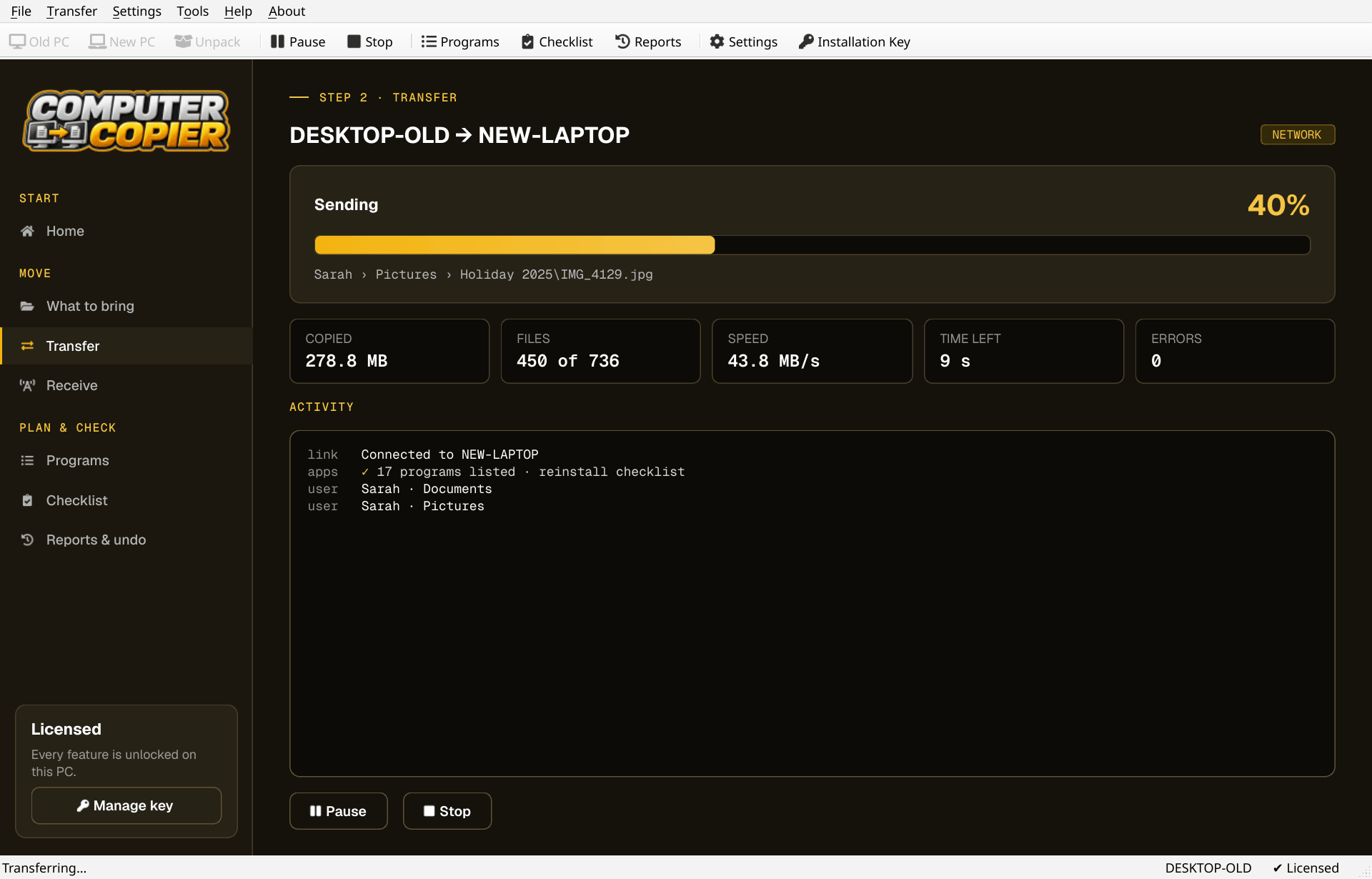
What everything really means
Honest about what moves and what has to be redone.
| Moves | All users' folders, other folders and drives you tick, bookmarks, Outlook and Thunderbird email, Windows Contacts, and chosen settings. |
| Moves if online | OneDrive files already in the cloud aren't downloaded; they come back when you sign in to OneDrive. |
| Reinstalled | Programs. The Programs page gives download links and flags ones like Office, Adobe or antivirus that need a key or sign-in. |
| Redone by you | Password managers, two-factor apps and license keys. The migration checklist walks you through them. |
| Stays behind | Windows itself and drivers. The new laptop keeps its own. |
Move everything in four steps
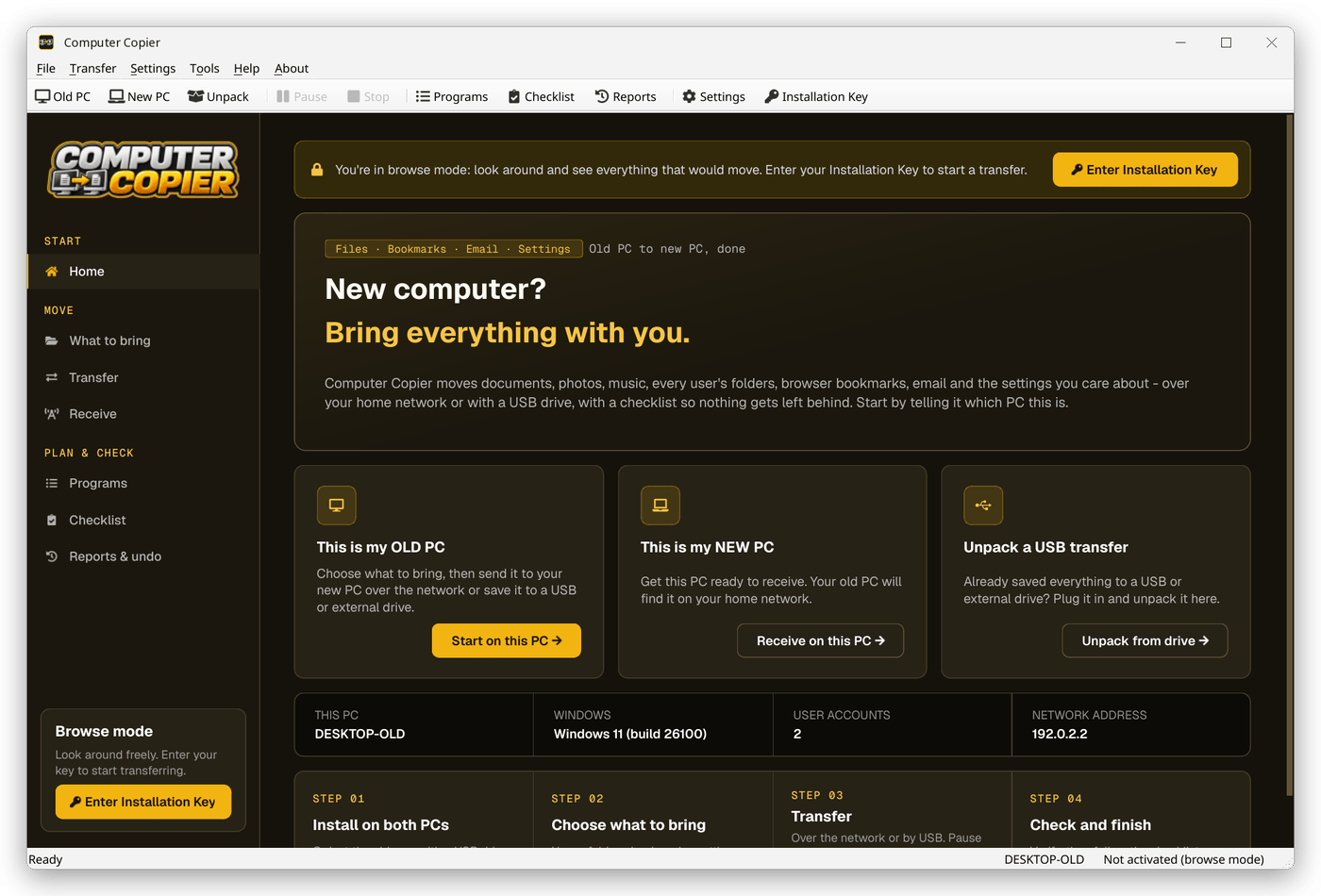
Leave everything ticked
On the old laptop open What to bring. User folders, bookmarks, email and settings are ticked by default; add other drives and folders.
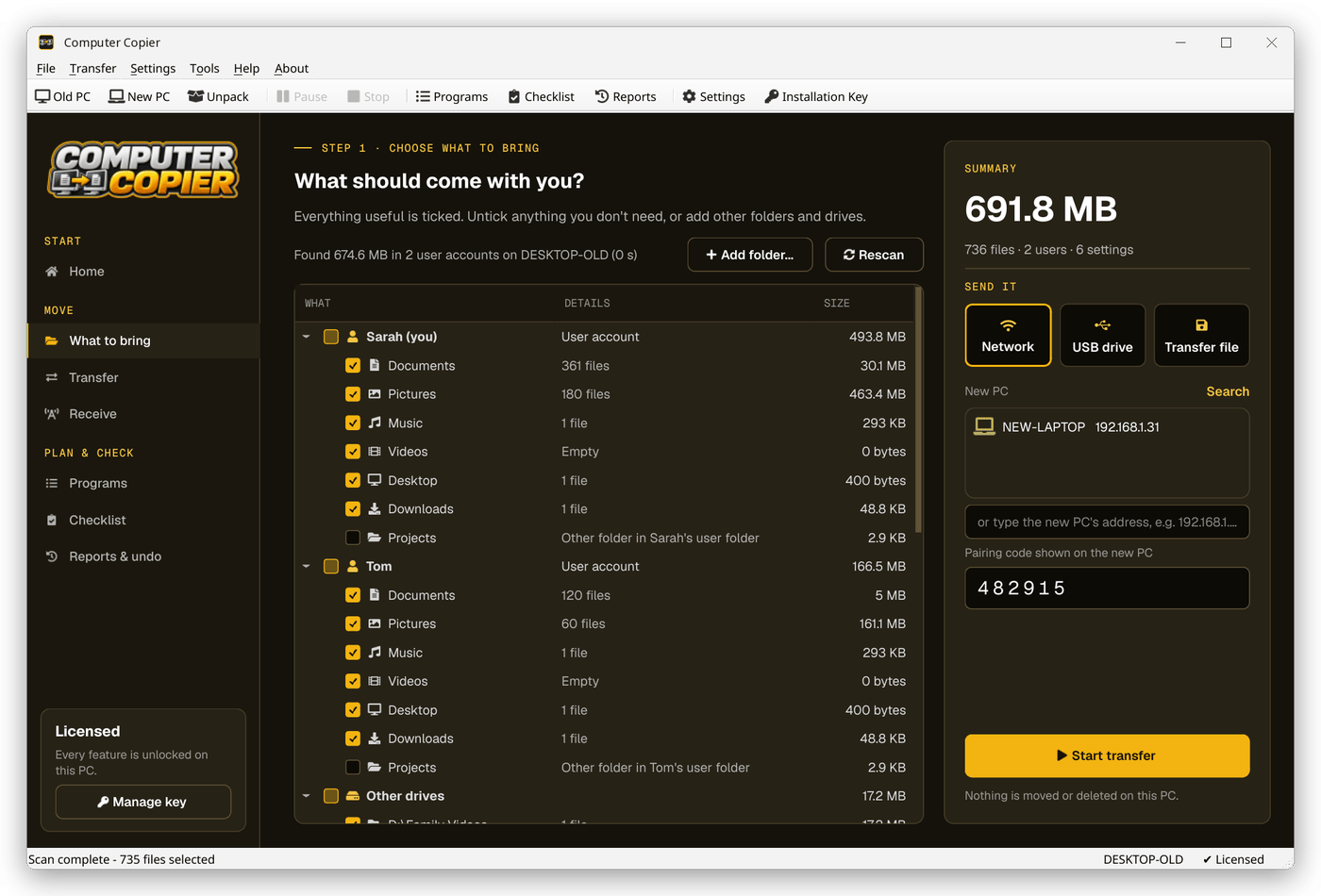
Transfer
Send over the network to This is my NEW PC, or by USB drive if the laptops don't share a network.
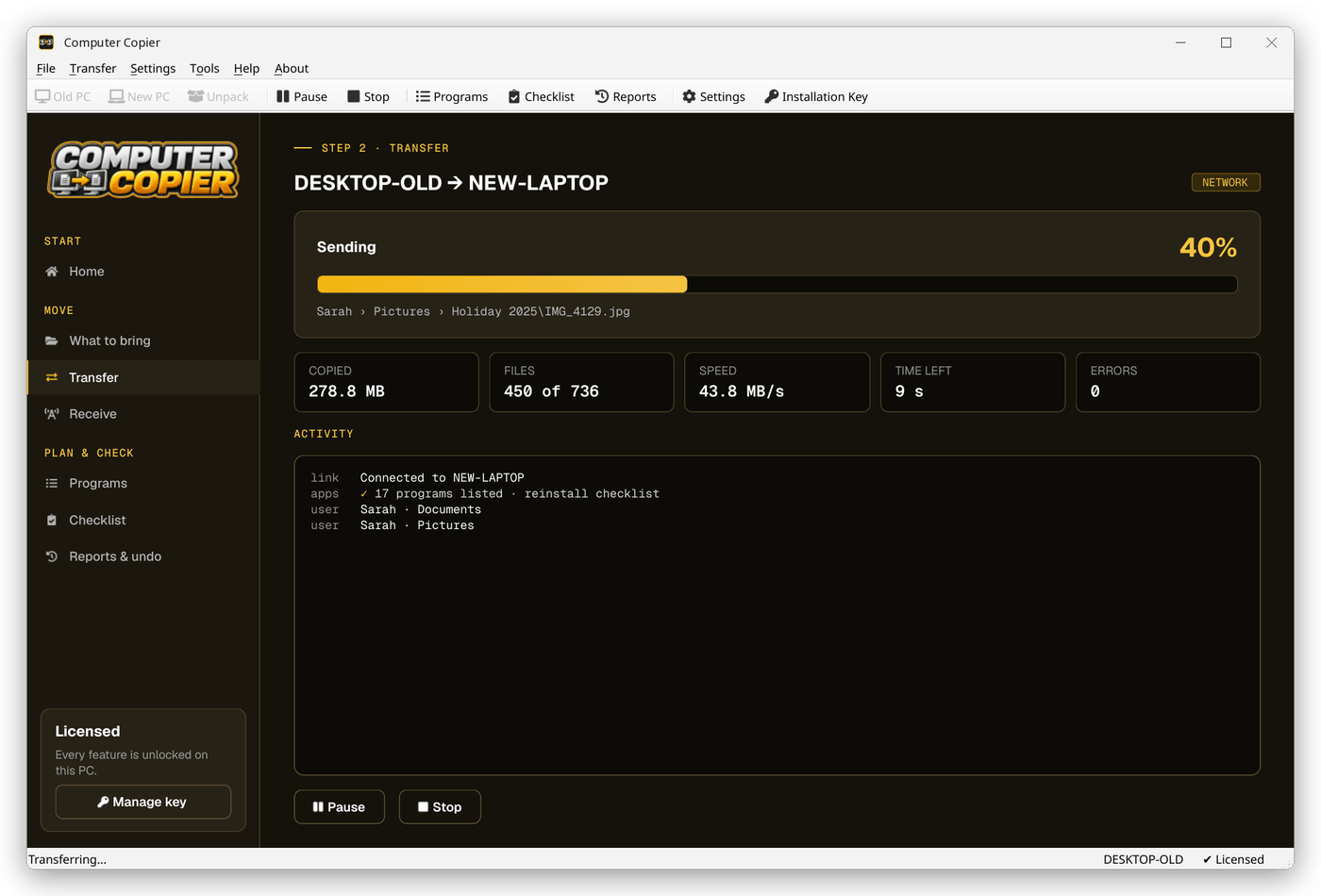
Reinstall programs
Open Programs on the new laptop and work down the Reinstall list using the download links.
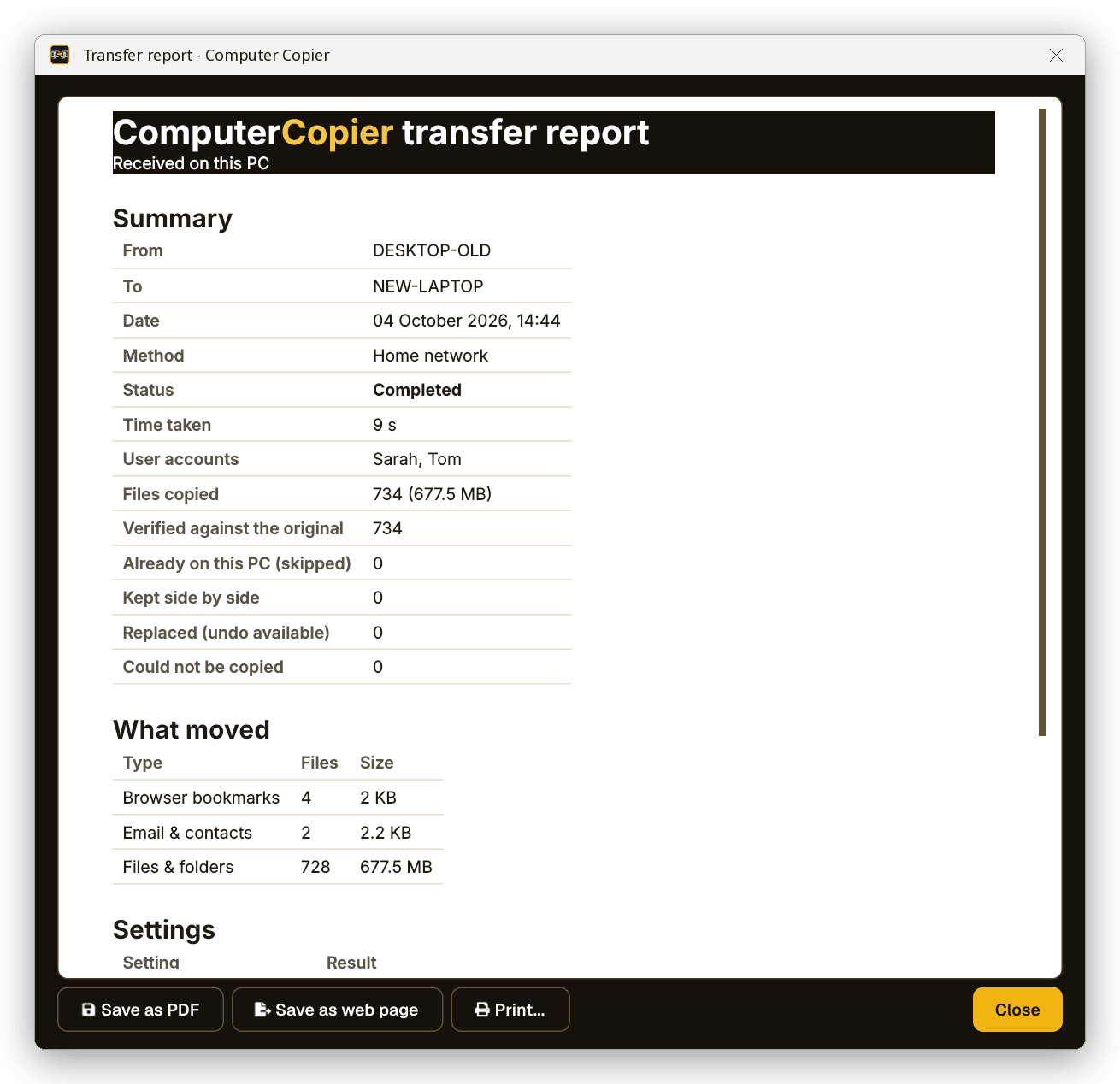
Close the gaps
Tick through the migration checklist: passwords, authenticator apps, keys, cloud sync and wiping the old laptop.
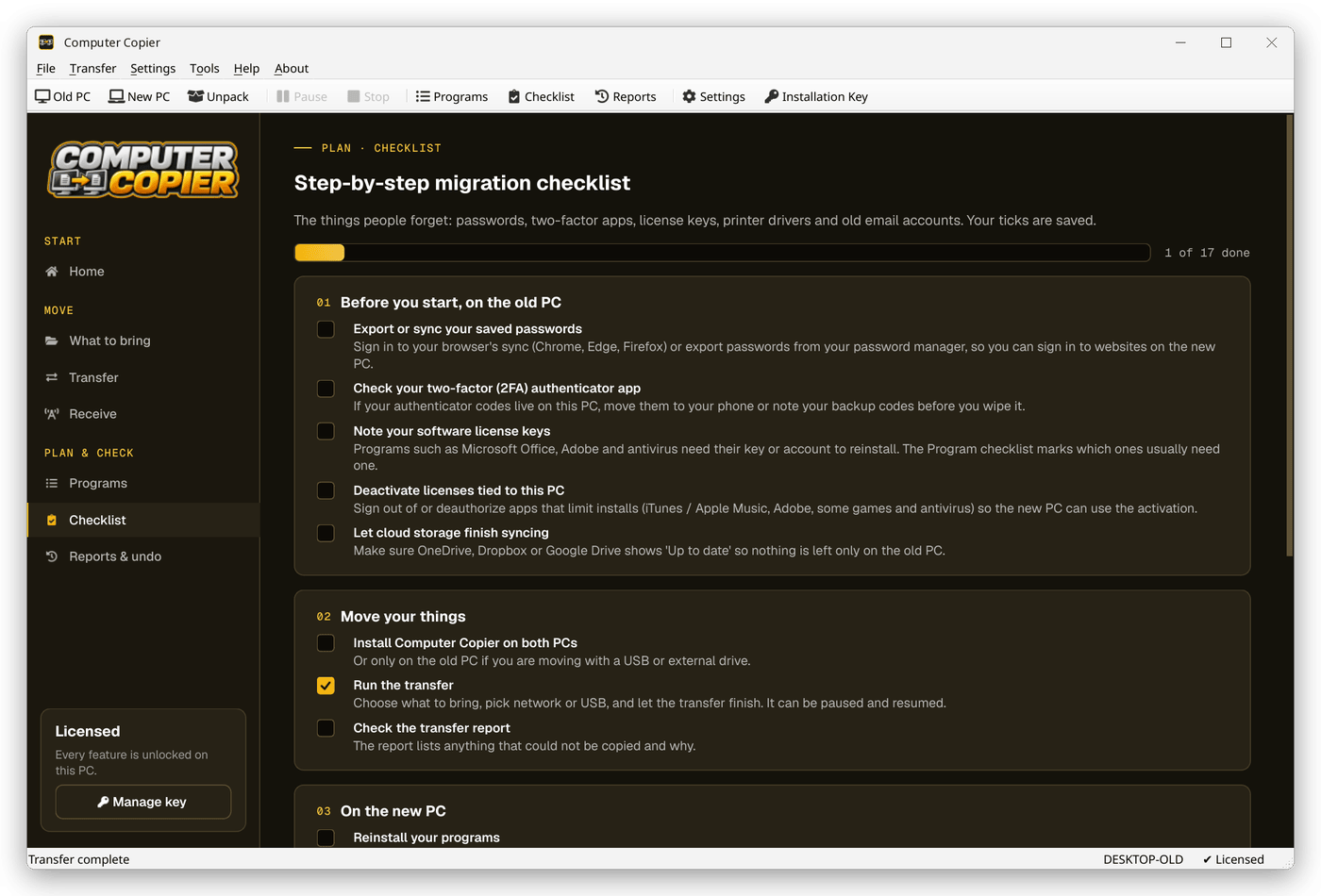
The migration checklist
The Checklist page covers what a transfer can't: passwords, two-factor apps, license keys, cloud sync, printer drivers and wiping the old laptop.
Everything, accounted for
Every user account
Each user's files go to the same user on the new PC. Users without an account there get a From OLD-PC folder.
Settings you pick
Wallpaper, saved Wi-Fi with passwords, mapped drives, printers, regional formats and settings for programs like Notepad++ and VS Code.
Email and contacts
Outlook .pst files, Thunderbird mail and settings, and Windows Contacts come across. Gmail and Microsoft 365 accounts sync again when you sign in.
Bookmarks merged, not replaced
Chrome, Edge and Brave bookmarks land in an Imported from OLD-PC folder. Firefox gets a ready-to-import HTML file on the Desktop.
Program checklist
Lists the old PC's programs with download links and flags the ones that usually need a license key. Programs aren't copied.
Migration checklist
A guided list for passwords, two-factor apps, license keys, cloud sync, printer drivers and wiping the old PC.
Who it's not for: Mac, Linux, iPhone or Android users. Computer Copier runs on 64-bit Windows 10 and 11 and must be installed on both PCs.
One license. No subscription.
- Transfer sizeUnlimited
- Network & USBIncluded
- Works onWindows 10 & 11 (64-bit)
- UpdatesFree
- Activations2 PCs
- DeliveryDownload + key by email
Get Computer Copier
You'll go straight to your download page once payment is confirmed, and we'll email your download link and license key.
Buy now · $39.95Already purchased? Get your download link again
Moving everything questions
Can it transfer literally everything?
Will other family members' accounts come across?
Do I need to transfer my games and apps separately?
What about my desktop layout?
When can I wipe the old laptop?
More from Computer Copier
Bring everything across
And a checklist for the rest.
Get Computer Copier · $39.95