
Transfer files between two Windows 11 PCs
Windows 11 can share files between PCs, but for a full move you want folders, bookmarks and settings to land in the right places. Computer Copier runs on both Windows 11 PCs and copies everything you pick directly across your network or by USB.
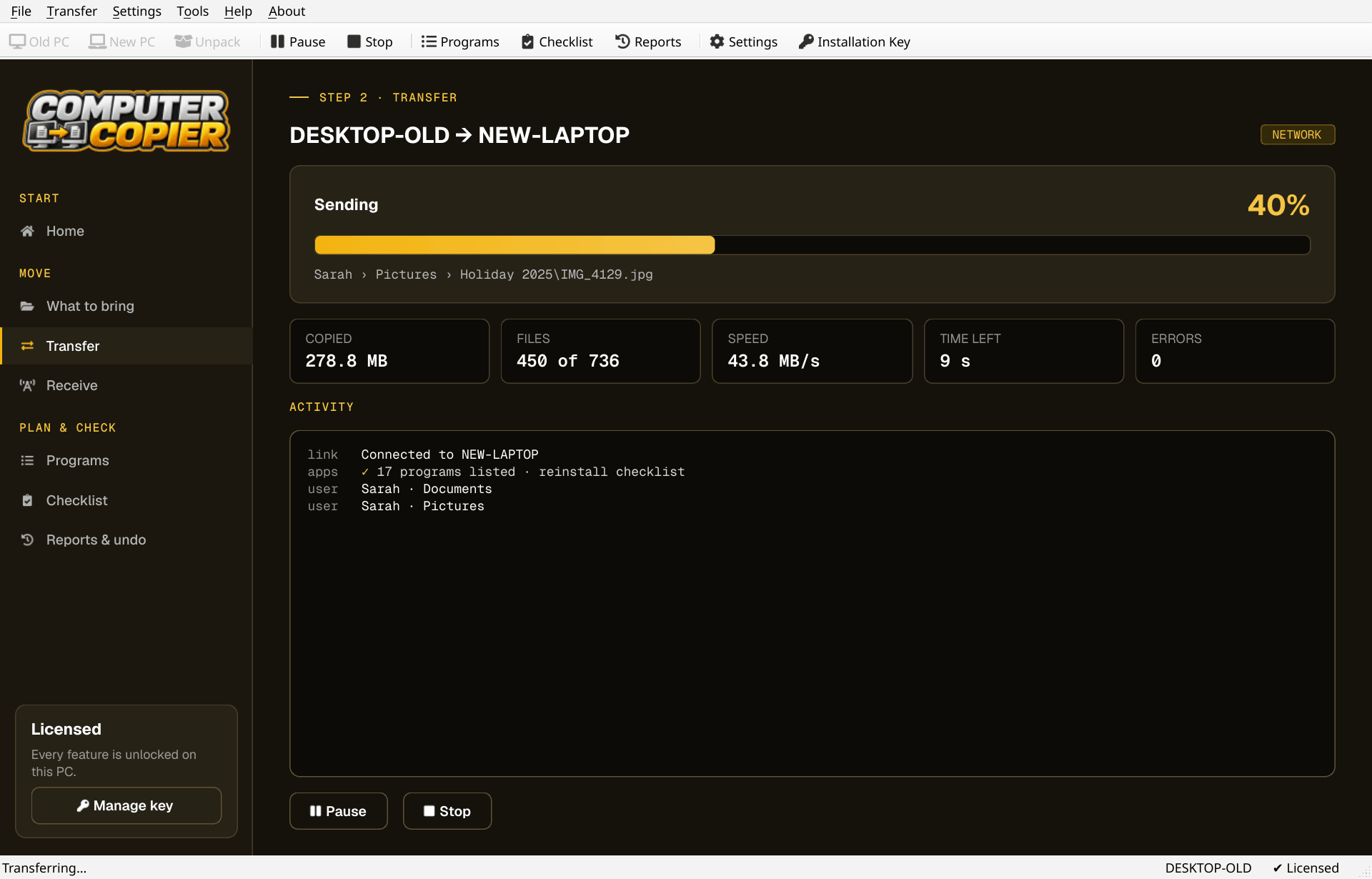
Moving between Windows 11 PCs
What to check on each PC.
| 64-bit | Computer Copier needs 64-bit Windows 10 or 11 on both PCs. Windows 11 is always 64-bit. |
| Admin rights | It asks for administrator rights at startup so it can read all user accounts and apply Wi-Fi and printer settings. |
| Same network | Both PCs need to be on the same home network. Guest Wi-Fi often blocks PCs seeing each other. |
| SmartScreen | If Windows SmartScreen appears during install, choose More info, then Run anyway. |
| OneDrive | Many Windows 11 PCs back Documents up to OneDrive. Computer Copier finds those folders, and skips online-only files. |
Windows 11 to Windows 11
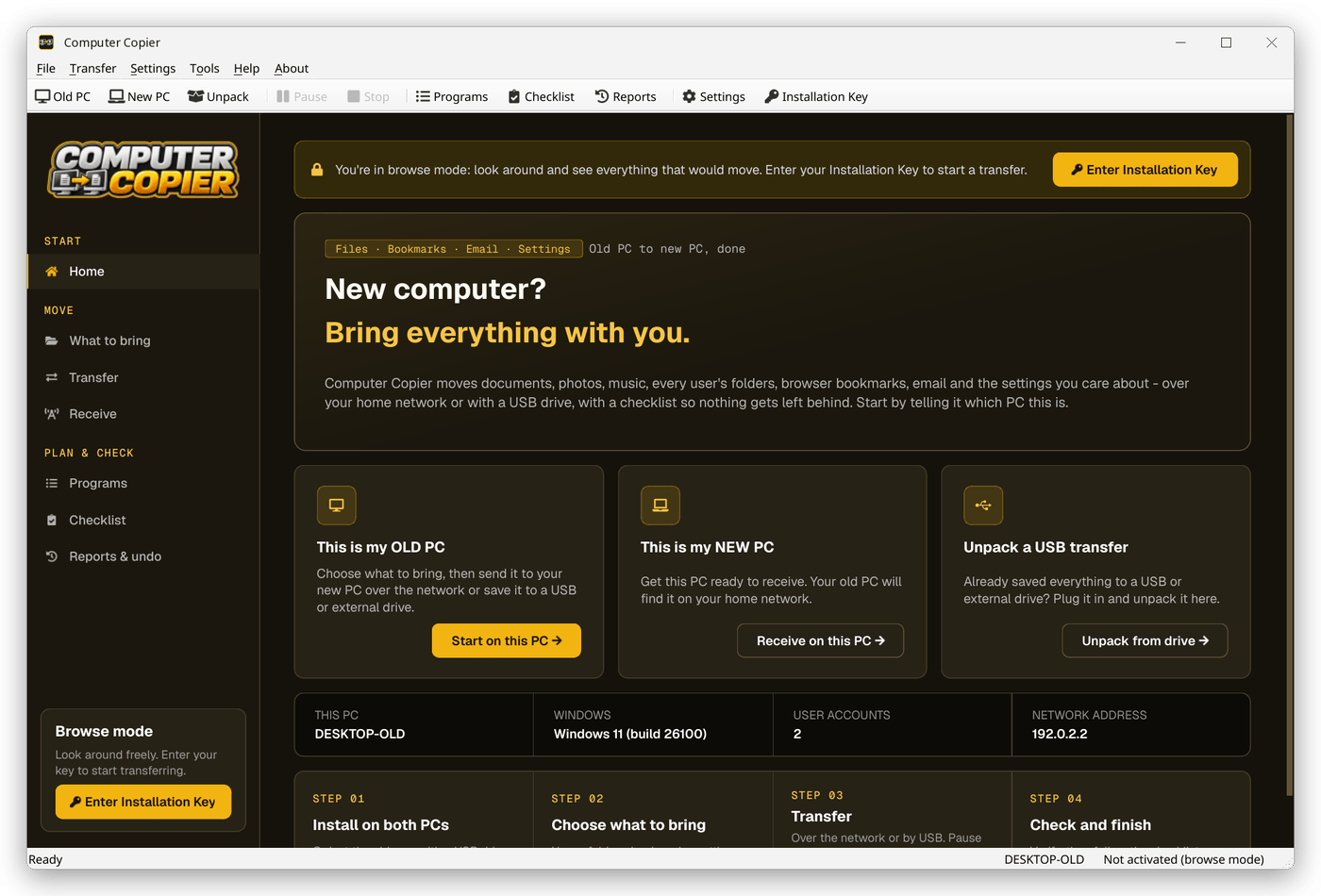
Install with the firewall rule
Run the installer on both PCs and keep Allow Computer Copier through Windows Firewall ticked.
Make one the receiver
On the PC you're moving to, click This is my NEW PC to get the pairing code.
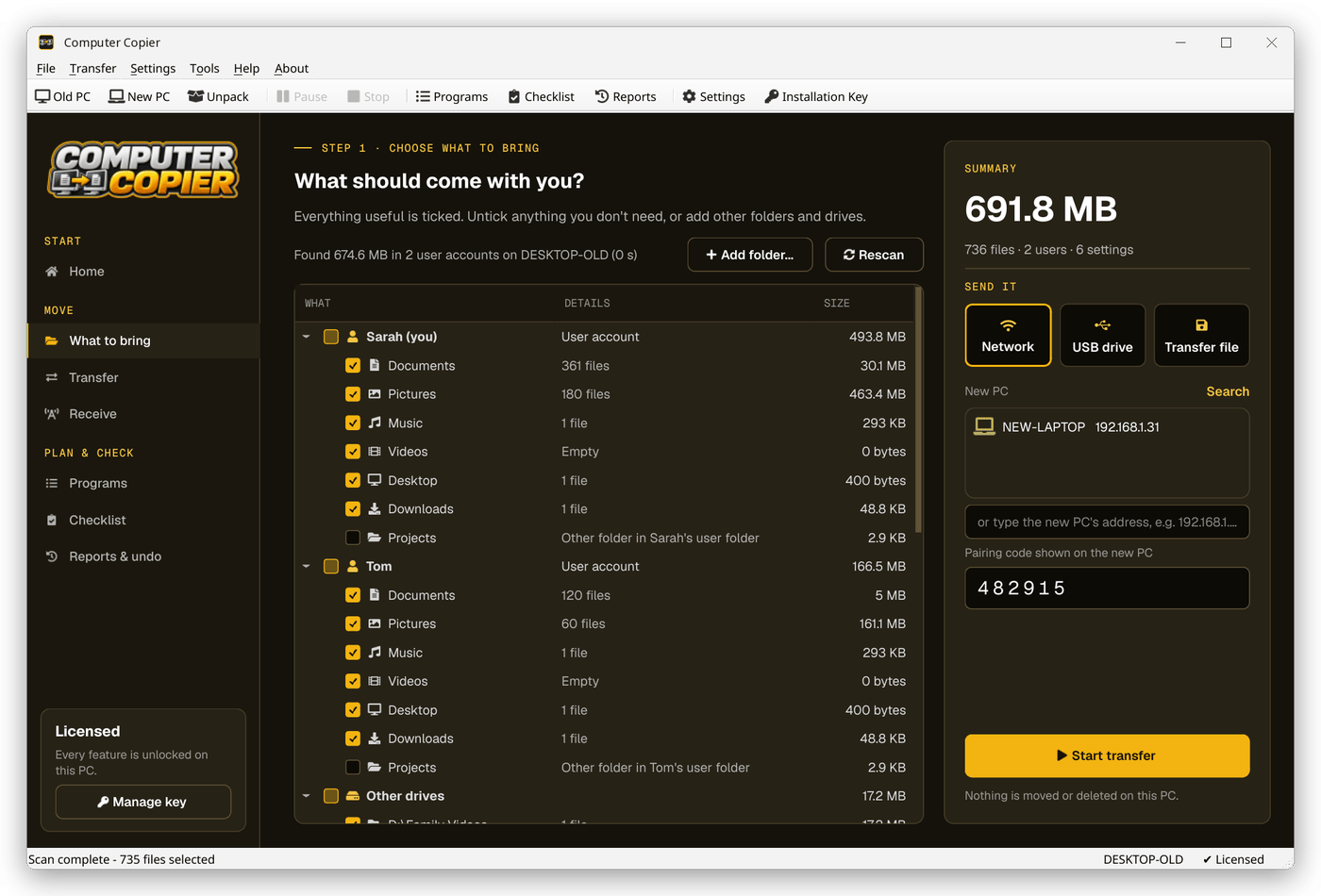
Choose on the sender
On the other PC tick folders, bookmarks, email and settings in What to bring.
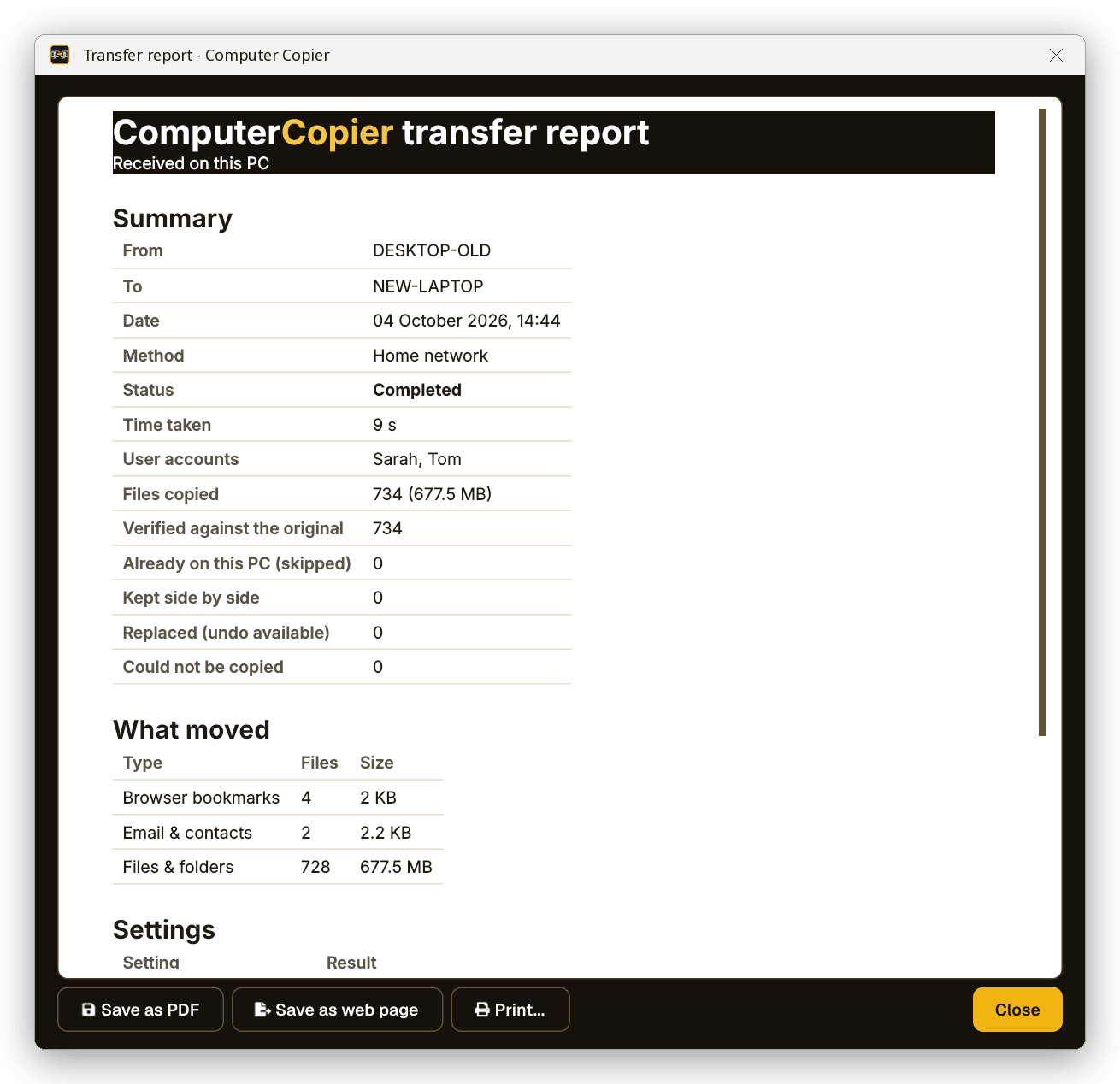
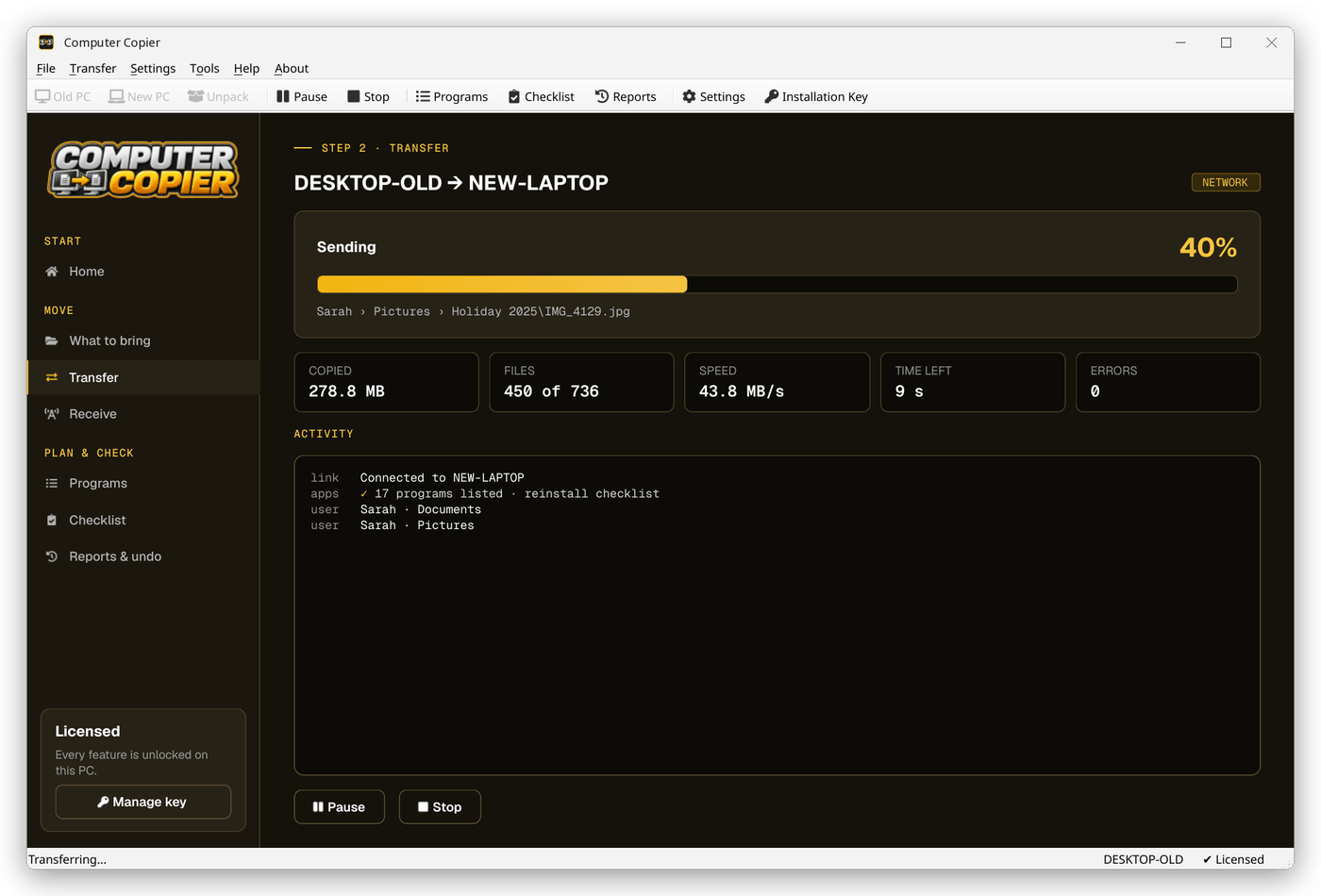
Start the transfer
Pick Network, choose the receiving PC, type the code and click Start transfer.
The Home screen
Home gives three choices: This is my OLD PC, This is my NEW PC and Unpack a USB transfer. Pick one on each Windows 11 PC.
Why Computer Copier on Windows 11
Network with a pairing code
Over Wi-Fi or Ethernet on your home network. A 6-digit code makes sure files only go to your PC.
Every user's folders
Documents, Pictures, Music, Videos, Desktop and Downloads for each account, including folders moved to another drive or OneDrive.
Bookmarks merged, not replaced
Chrome, Edge and Brave bookmarks land in an Imported from OLD-PC folder. Firefox gets a ready-to-import HTML file on the Desktop.
Every file verified
Each copied file is read back and checksum-compared with the original. Anything that failed is listed with the reason.
Undo and report
Undo removes copied files, restores replaced ones and reverts settings. Save the report as PDF or print it.
No cloud, no account
Files go PC to PC or onto your own drive. The internet is only used to activate your key and check for updates.
Who it's not for: Mac, Linux, iPhone or Android users. Computer Copier runs on 64-bit Windows 10 and 11 and must be installed on both PCs.
One license. No subscription.
- Transfer sizeUnlimited
- Network & USBIncluded
- Works onWindows 10 & 11 (64-bit)
- UpdatesFree
- Activations2 PCs
- DeliveryDownload + key by email
Get Computer Copier
You'll go straight to your download page once payment is confirmed, and we'll email your download link and license key.
Buy now · $39.95Already purchased? Get your download link again
Windows 11 transfer questions
Does it work between two Windows 11 PCs?
Do I need a Microsoft account to transfer?
Why does it ask for administrator rights?
Will Windows 11's firewall block it?
Can I transfer a few folders rather than a full move?
More from Computer Copier
Windows 11 to Windows 11
Direct, verified, and in the right folders.
Get Computer Copier · $39.95