
Transfer data from laptop to laptop over Wi-Fi or USB
Two laptops on the same Wi-Fi can swap data directly. Computer Copier pairs them with a 6-digit code and copies files, email, bookmarks and the settings you choose. No Wi-Fi in common? Use a USB stick or external drive and unpack on the other laptop.
What to know first
Laptop transfers have a few quirks worth knowing.
| Same network | Both laptops must be on the same home network, the same Wi-Fi or router. |
| Power and sleep | Plug both in. If one sleeps, restart the transfer and it skips what's already copied. |
| Saved Wi-Fi | Saved Wi-Fi networks and their passwords can move, so the new laptop joins your networks without retyping. |
| Outlook .pst files and Thunderbird mail move. Gmail, Outlook.com and Microsoft 365 accounts sync again when you sign in. | |
| Direction | Either laptop can be old or new, between 64-bit Windows 10 and 11. |
Laptop to laptop in four steps
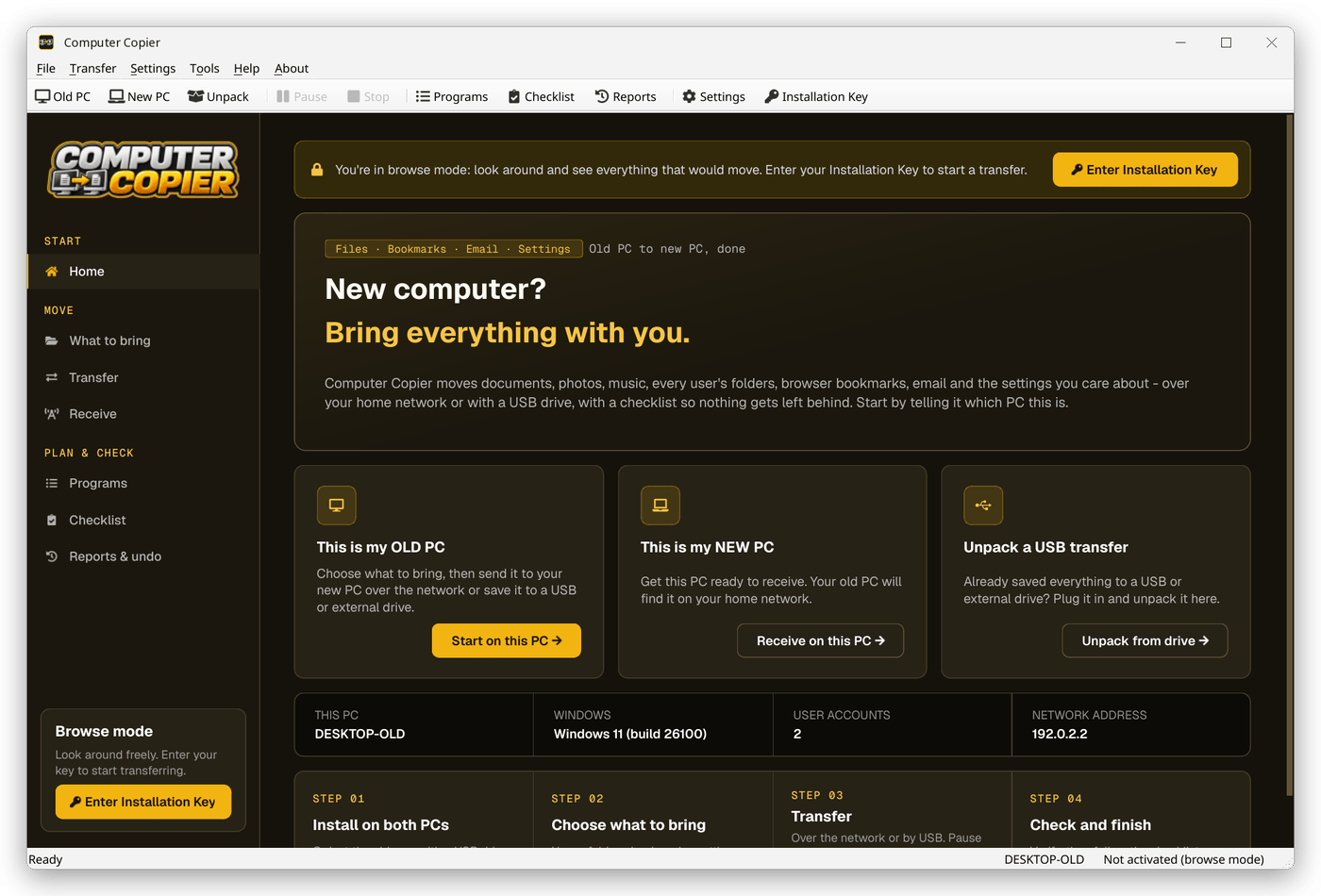
Install on both laptops
Install Computer Copier on each laptop. Activate the key on one, which is enough for a network transfer.
Receive on the new laptop
Click This is my NEW PC. Leave it showing the pairing code.
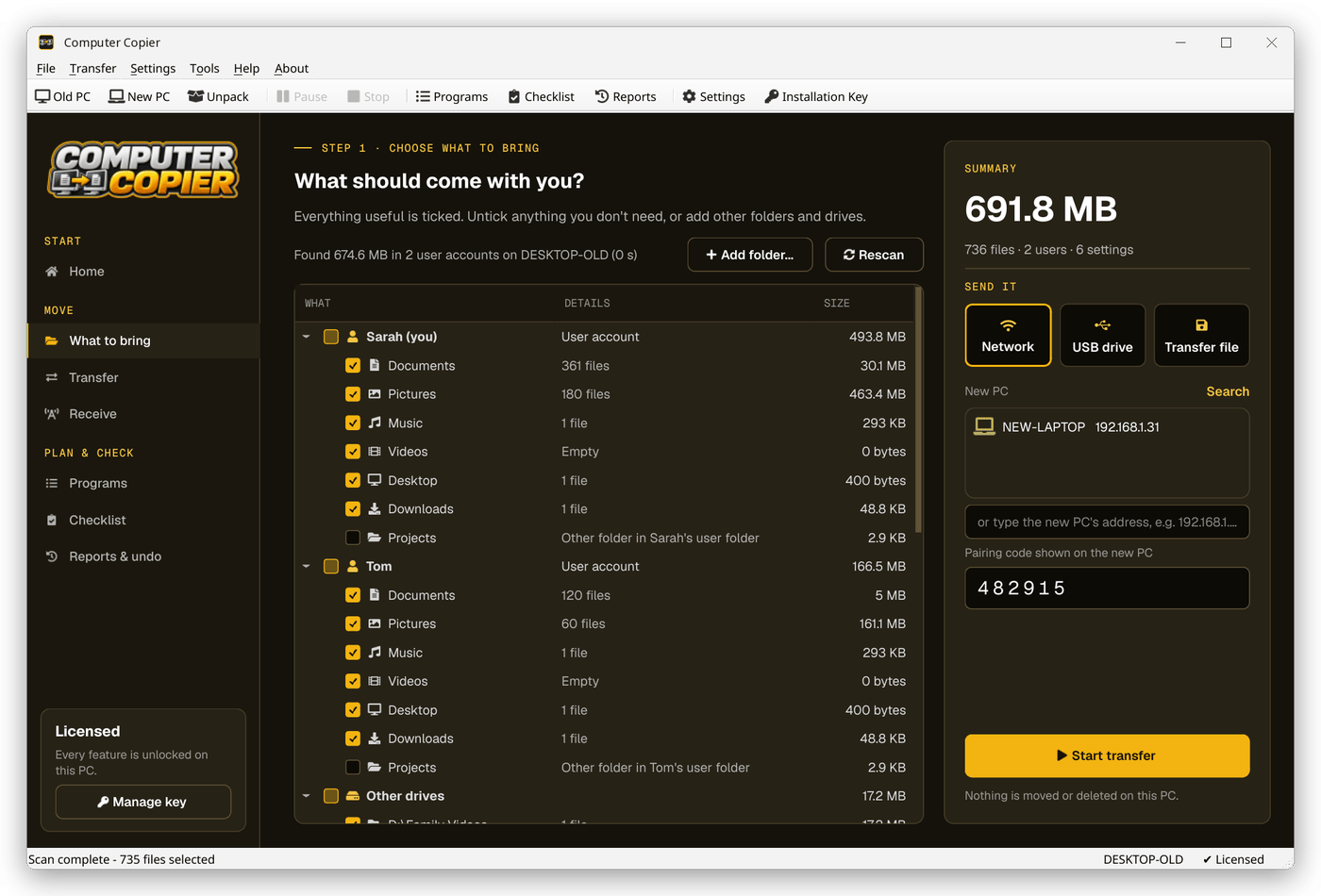
Select data on the old laptop
Tick folders, bookmarks, email and settings such as saved Wi-Fi networks on What to bring.
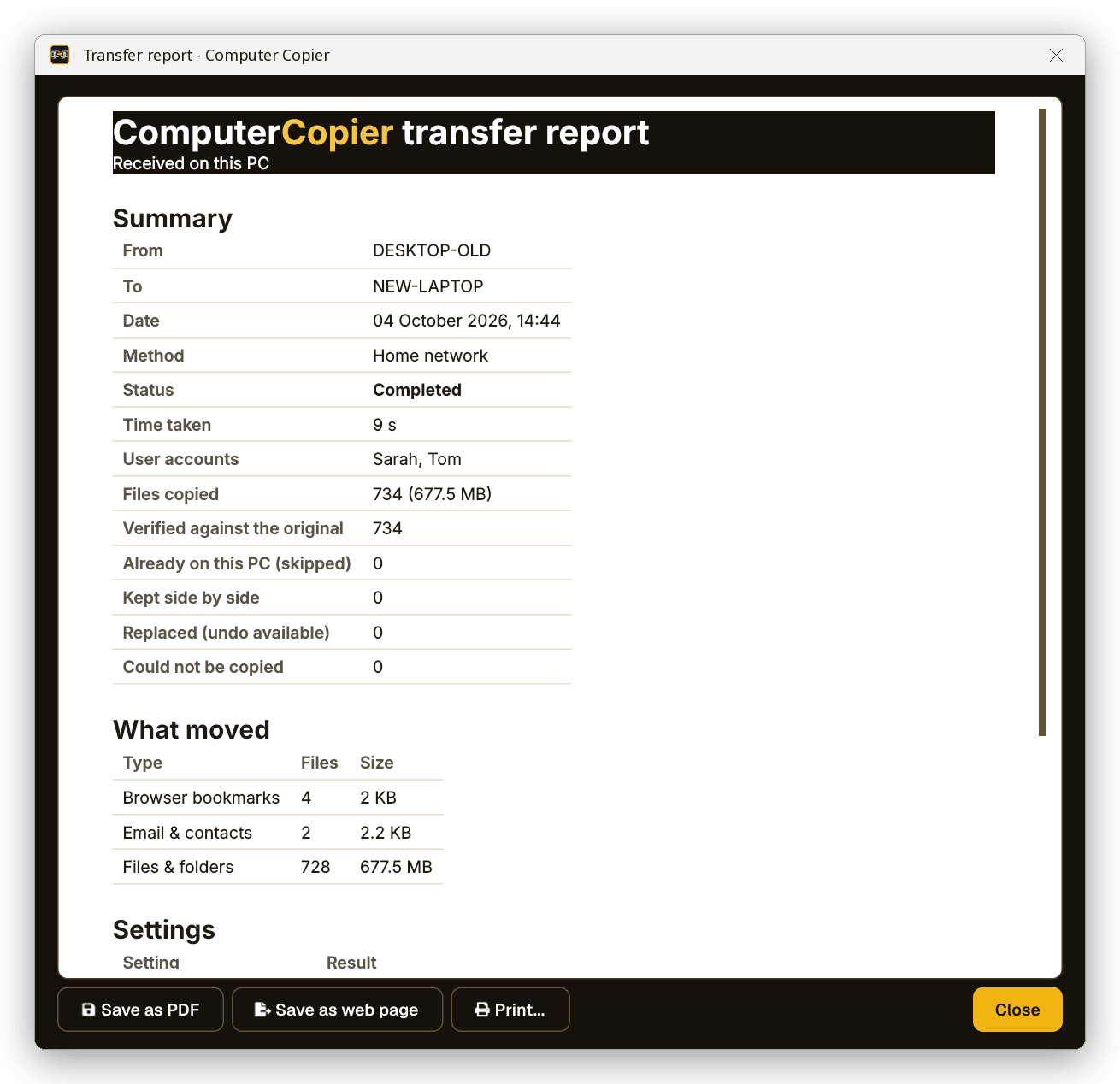
Pair and transfer
Choose Network, select the new laptop, type the code and start. Watch speed and time left as it runs.
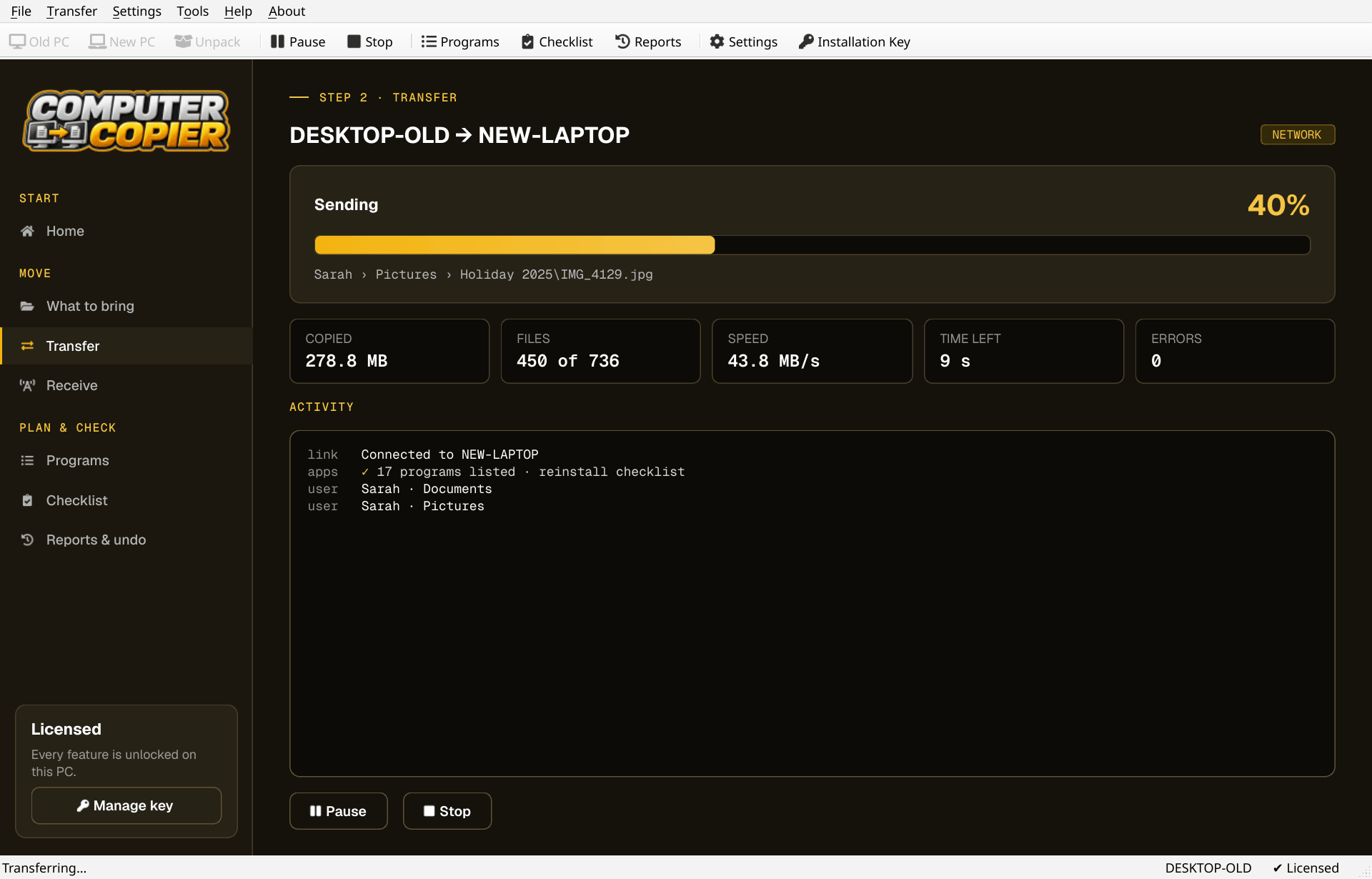
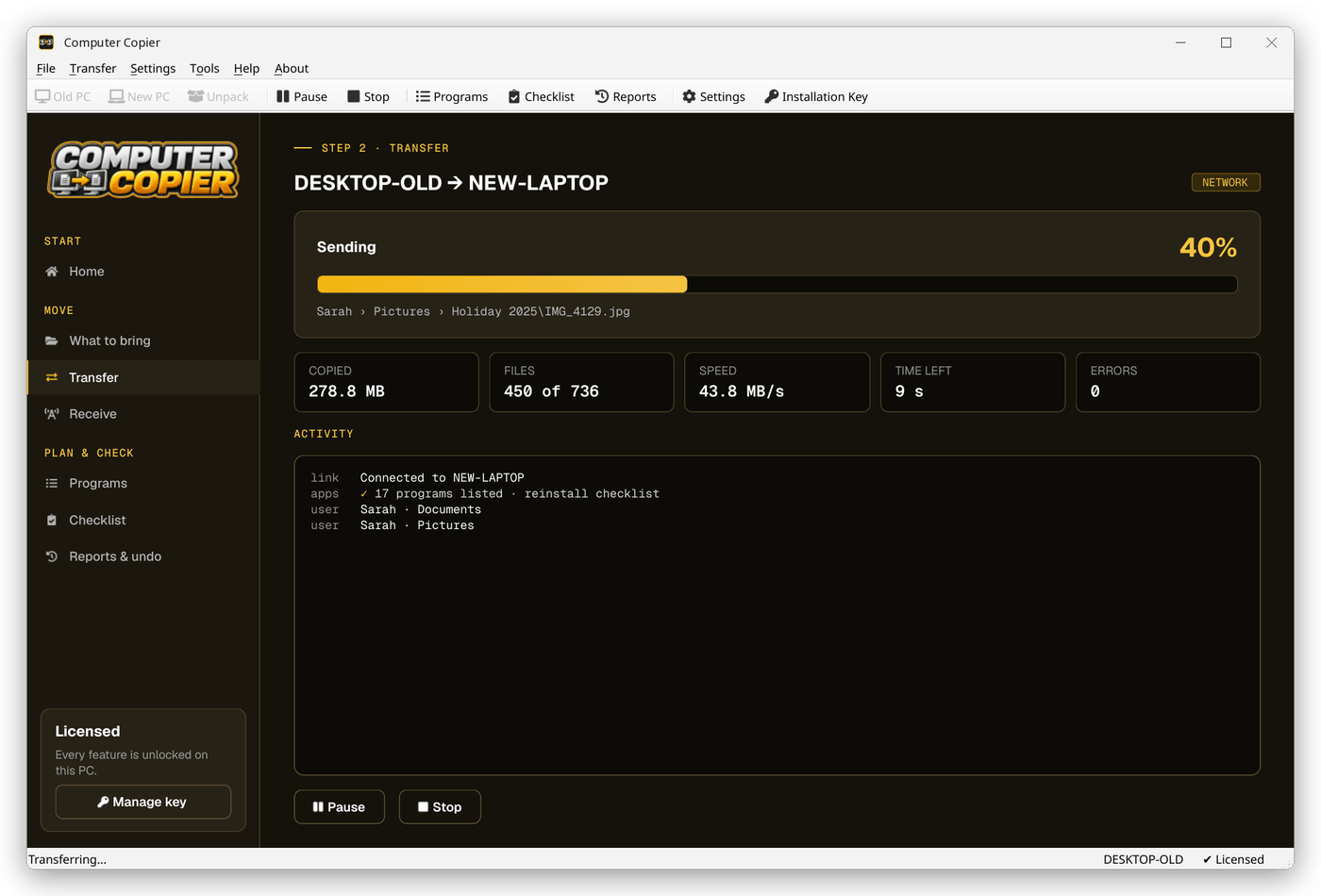
The transfer progress screen
Progress shows the current file, phase, files copied, speed, time left and any errors, with Pause available the whole time.
Why Computer Copier for laptops
Network with a pairing code
Over Wi-Fi or Ethernet on your home network. A 6-digit code makes sure files only go to your PC.
Settings you pick
Wallpaper, saved Wi-Fi with passwords, mapped drives, printers, regional formats and settings for programs like Notepad++ and VS Code.
Email and contacts
Outlook .pst files, Thunderbird mail and settings, and Windows Contacts come across. Gmail and Microsoft 365 accounts sync again when you sign in.
Pause and resume
Pause any time. If the transfer stops, restart it and it skips the files already copied.
Old PC untouched
Computer Copier only reads the old PC. Nothing there is moved, changed or deleted.
One-time license
Pay once, get free updates, no subscription. Two activations cover the old PC and the new one.
Who it's not for: Mac, Linux, iPhone or Android users. Computer Copier runs on 64-bit Windows 10 and 11 and must be installed on both PCs.
One license. No subscription.
- Transfer sizeUnlimited
- Network & USBIncluded
- Works onWindows 10 & 11 (64-bit)
- UpdatesFree
- Activations2 PCs
- DeliveryDownload + key by email
Get Computer Copier
You'll go straight to your download page once payment is confirmed, and we'll email your download link and license key.
Buy now · $39.95Already purchased? Get your download link again
Laptop to laptop questions
Do both laptops need Computer Copier?
Will my saved Wi-Fi passwords transfer?
Can I transfer between laptops on hotel or public Wi-Fi?
Will it wipe my old laptop?
What if a transfer fails partway?
More from Computer Copier
Laptop to laptop, done properly
Paired by code, checked file by file.
Get Computer Copier · $39.95