
PC migration software with a report and an undo
A migration is more than copying folders. Computer Copier moves every user's files, email, bookmarks and chosen settings, then gives you a program reinstall list, a migration checklist, a report you can save as PDF, and an undo for the receiving PC.
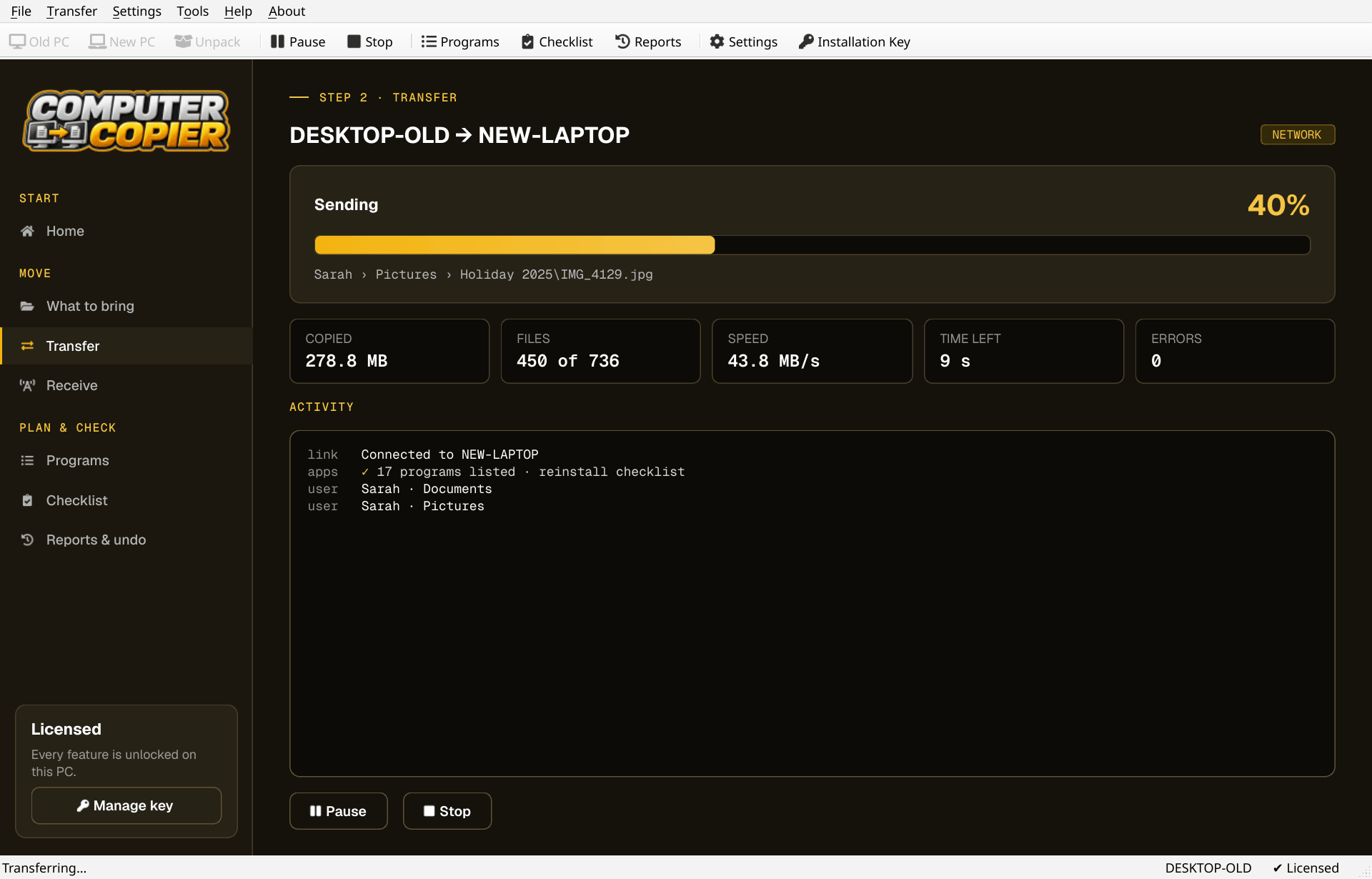
What a PC migration covers
The parts that make a move complete, and which ones Computer Copier handles.
| Data | User folders for every account, plus any other folders or drives you add. |
| Email and browsers | Outlook .pst files, Thunderbird, Windows Contacts, and Chrome, Edge, Brave and Firefox bookmarks. |
| Settings | Wi-Fi, printers, mapped drives, wallpaper, regional formats and supported program settings, each one optional. |
| Programs | Reinstalled, not copied. The Programs page lists them with download links and flags ones that usually need a key. |
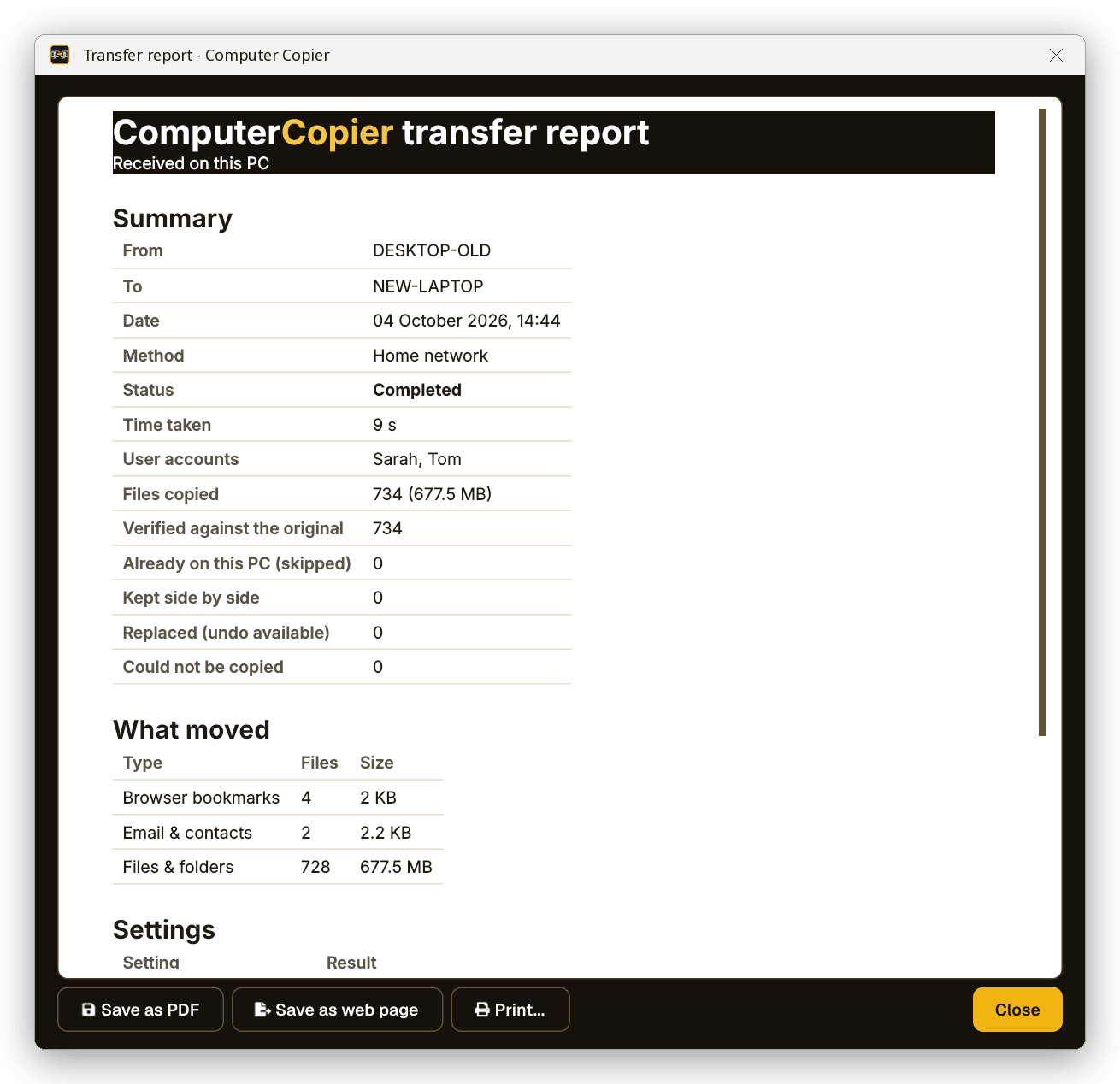
| Records | A transfer report and an undo, so you can show what moved and roll it back on the new PC. |
Run a migration in four steps
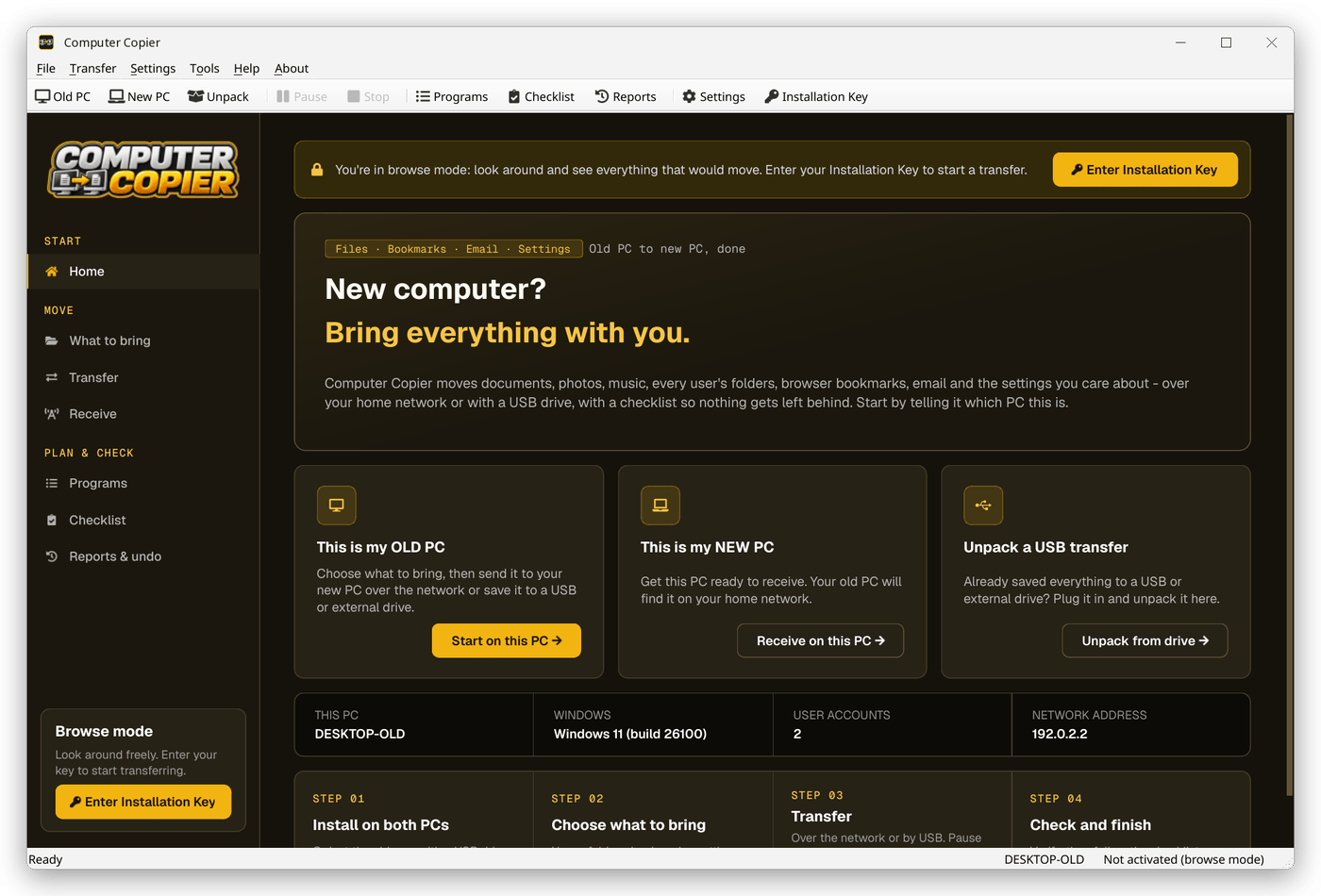
Prepare both PCs
Install on both, activate the key on one, and run the app as administrator so it can read every user account.
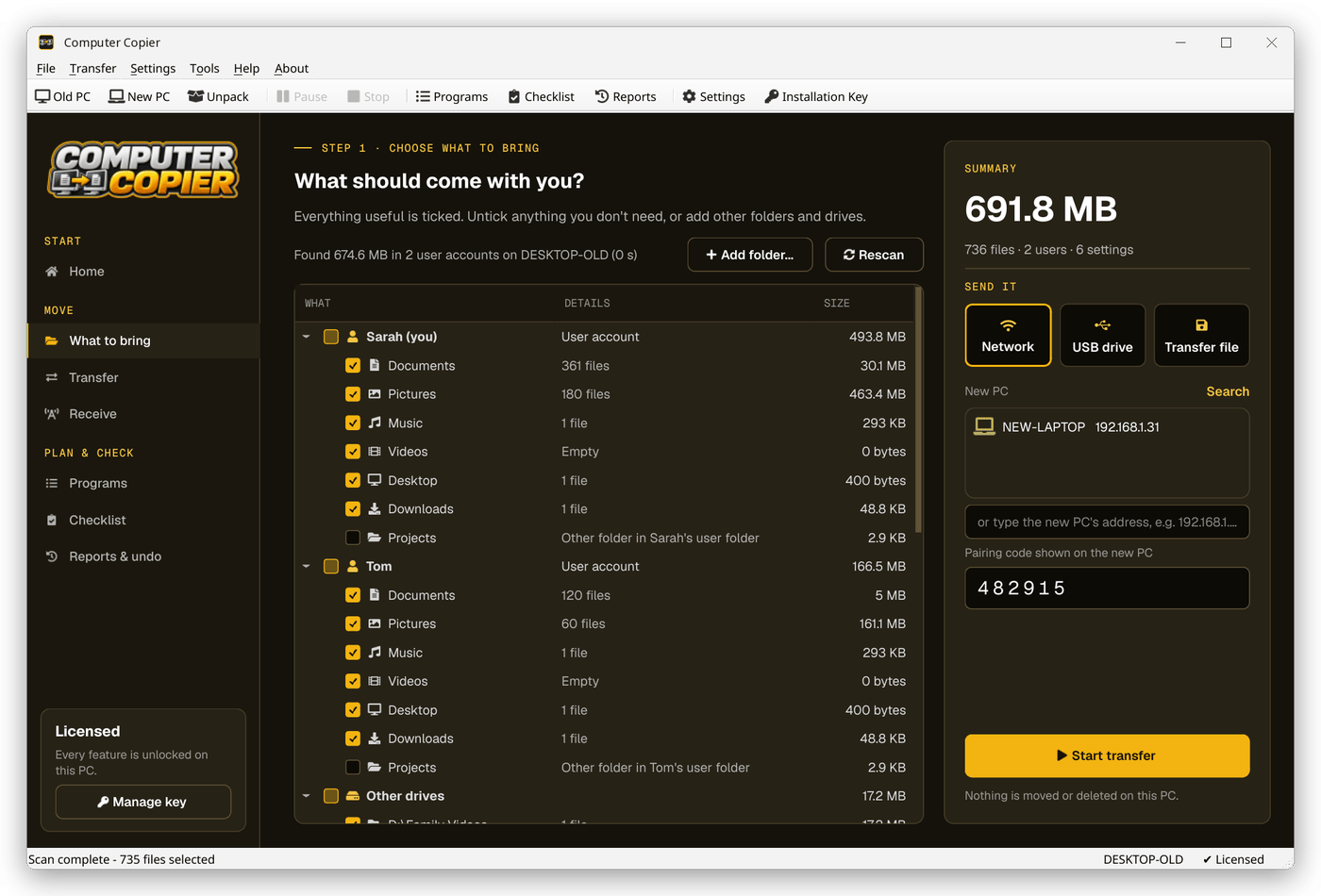
Scope the move
On What to bring, tick the user accounts, extra folders, email, bookmarks and settings this migration should cover.
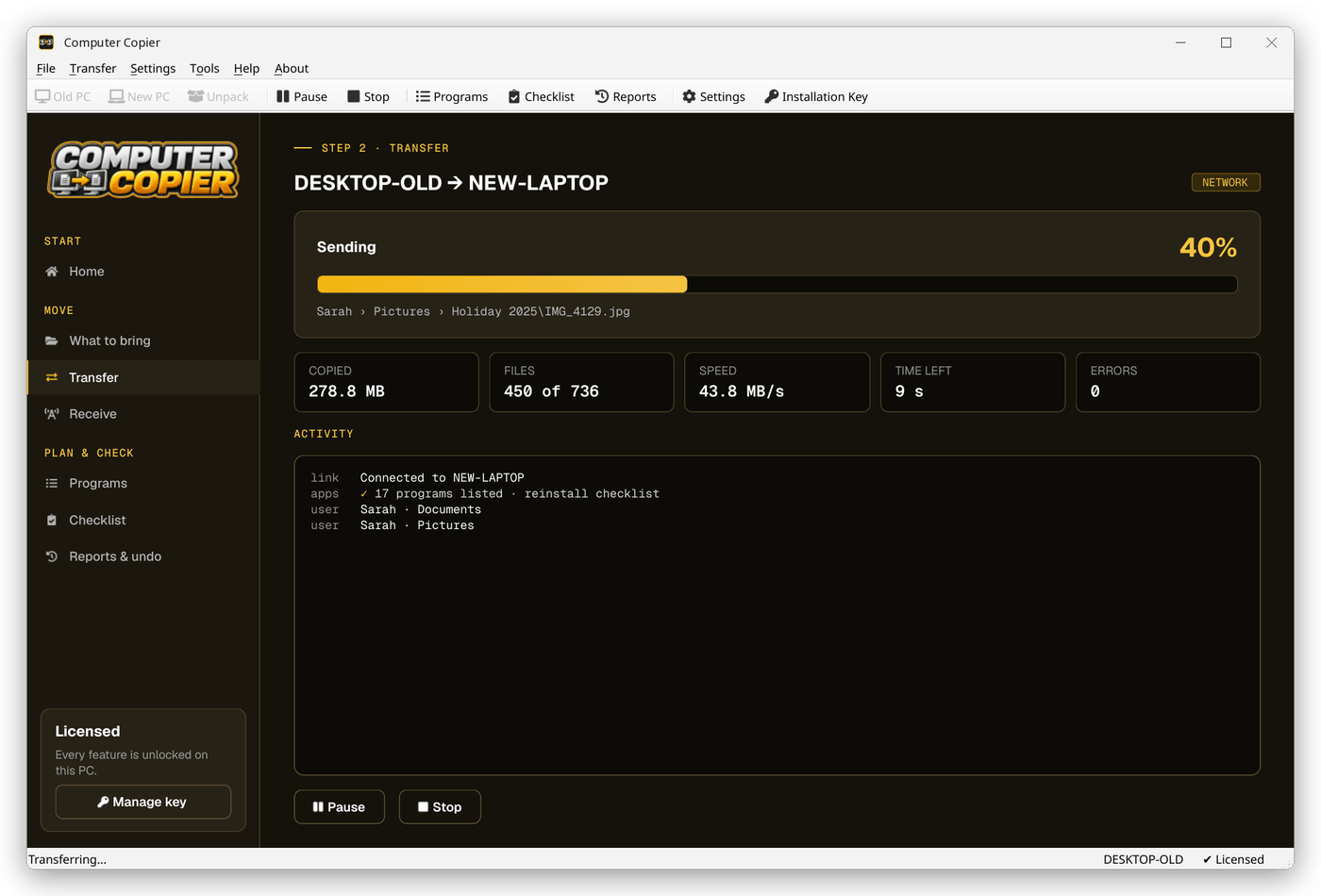
Transfer and verify
Send over the network or by USB. Each file is read back and checked against the original.
Document and finish
Save the report as PDF, work through the Programs checklist and tick off the migration checklist.
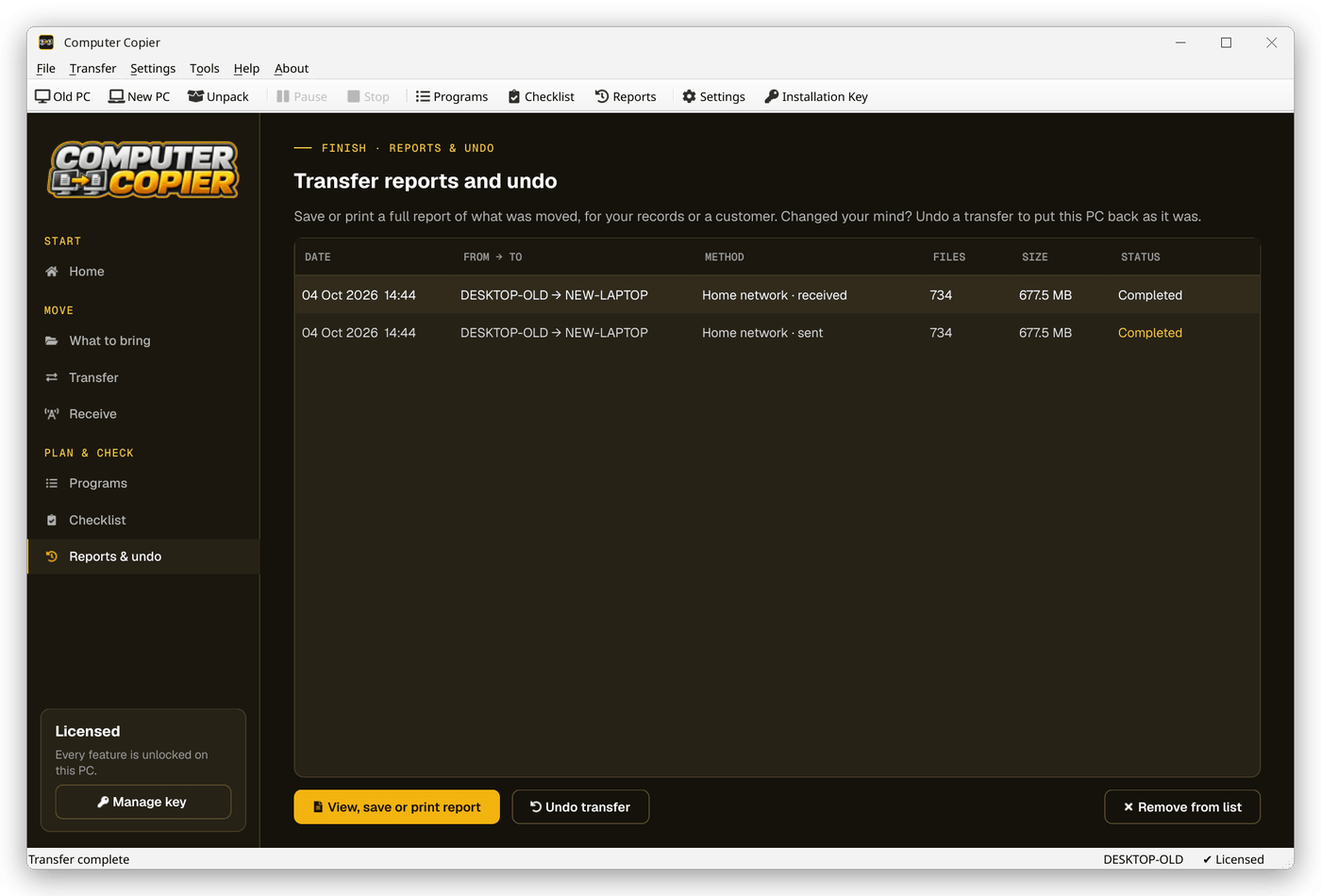
Reports & undo
The Reports & undo page lists past transfers by date, PCs, method, files, size and status, with the full report and Undo transfer one click away.
Built for a complete migration
Every user account
Each user's files go to the same user on the new PC. Users without an account there get a From OLD-PC folder.
Every file verified
Each copied file is read back and checksum-compared with the original. Anything that failed is listed with the reason.
Undo and report
Undo removes copied files, restores replaced ones and reverts settings. Save the report as PDF or print it.
Program checklist
Lists the old PC's programs with download links and flags the ones that usually need a license key. Programs aren't copied.
Migration checklist
A guided list for passwords, two-factor apps, license keys, cloud sync, printer drivers and wiping the old PC.
Settings you pick
Wallpaper, saved Wi-Fi with passwords, mapped drives, printers, regional formats and settings for programs like Notepad++ and VS Code.
Who it's not for: Mac, Linux, iPhone or Android users. Computer Copier runs on 64-bit Windows 10 and 11 and must be installed on both PCs.
One license. No subscription.
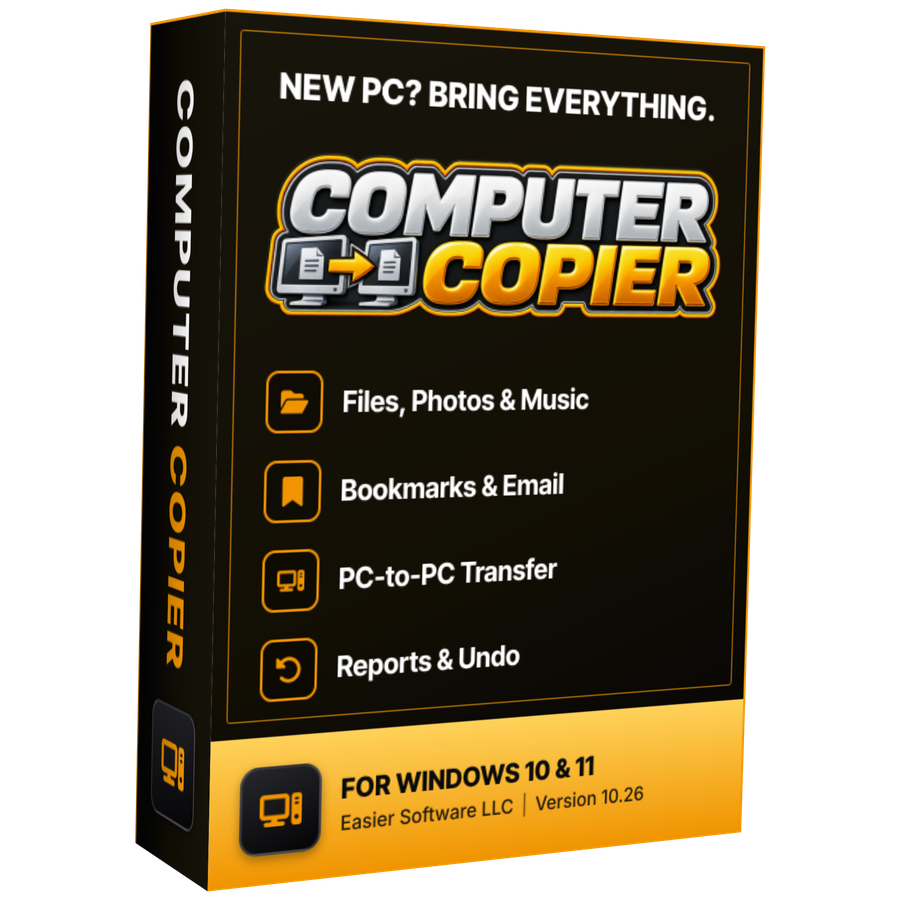
- Transfer sizeUnlimited
- Network & USBIncluded
- Works onWindows 10 & 11 (64-bit)
- UpdatesFree
- Activations2 PCs
- DeliveryDownload + key by email
Get Computer Copier
You'll go straight to your download page once payment is confirmed, and we'll email your download link and license key.
Buy now · $39.95Already purchased? Get your download link again
PC migration questions
What's the difference between migration and copying files?
Is it suitable for small business or repair shop migrations?
Can I roll back a migration?
Does it migrate installed programs?
What does the migration checklist include?
More from Computer Copier
A migration you can check
Every file verified, every step recorded.
Get Computer Copier · $39.95