
PC transfer software that moves what you actually use
A new PC arrives empty. Computer Copier copies your user folders, browser bookmarks, Outlook and Thunderbird email, contacts and the Windows settings you pick from the old PC to the new one, over Wi-Fi, Ethernet or a USB drive, and checks every file on the way.
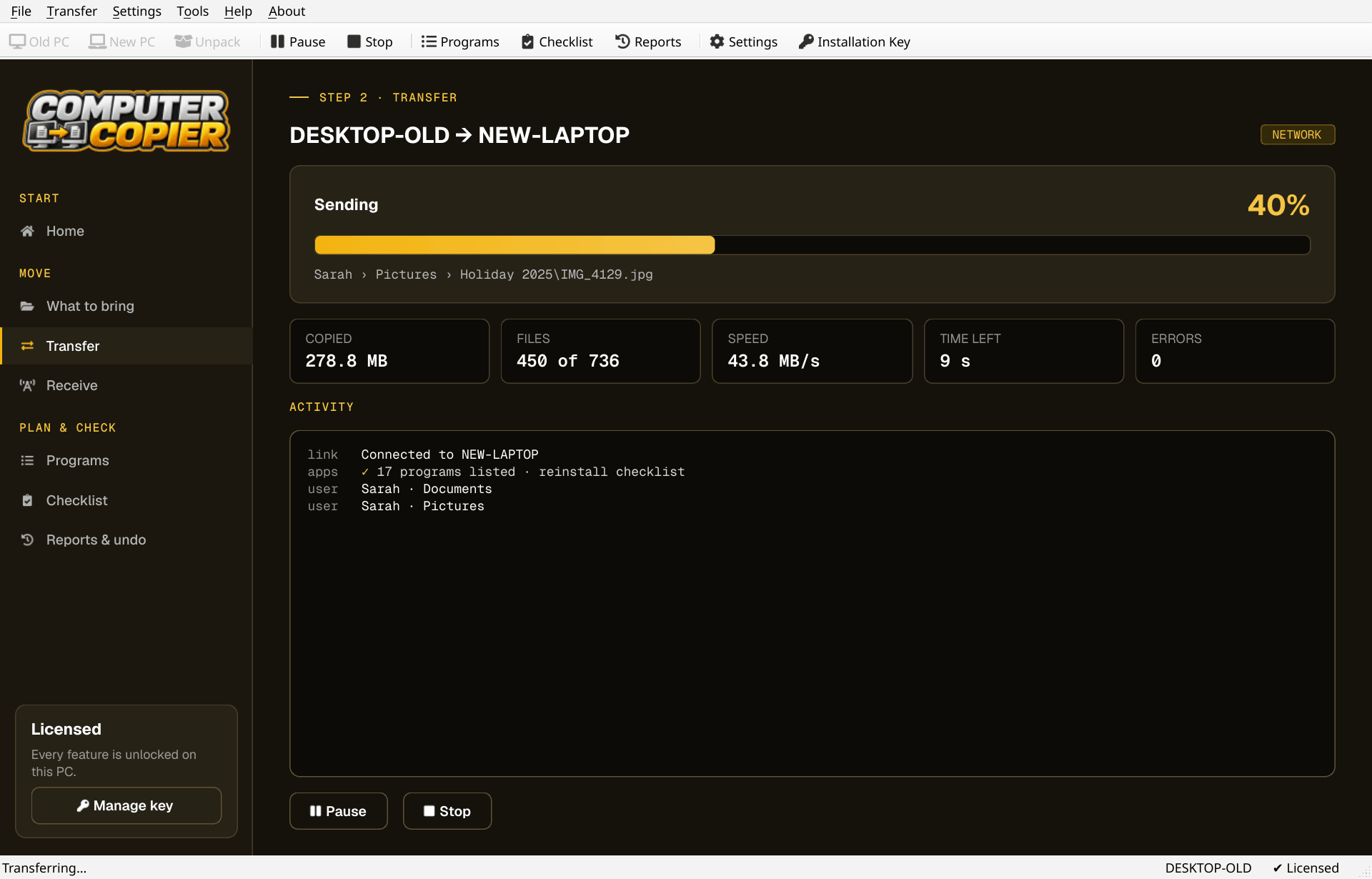
What moves and what doesn't
A straight list, so you know what to expect before you buy.
| User folders | Documents, Pictures, Music, Videos, Desktop and Downloads for every user, including folders moved to another drive or OneDrive. Other folders and drives are your choice. |
| Browsers | Chrome, Edge and Brave bookmarks are merged into an Imported from OLD-PC folder. Firefox bookmarks are saved as a file ready to import. |
| Outlook data files (.pst), Thunderbird mail and settings, and Windows Contacts. | |
| Settings | Wallpaper, Wi-Fi networks and passwords, mapped drives, printers, regional formats and supported program settings. Each one is optional and can be undone. |
| Not copied | Installed programs are listed with download links instead, because copied software often breaks. Windows itself and drivers don't move. |
Move to your new PC in four steps
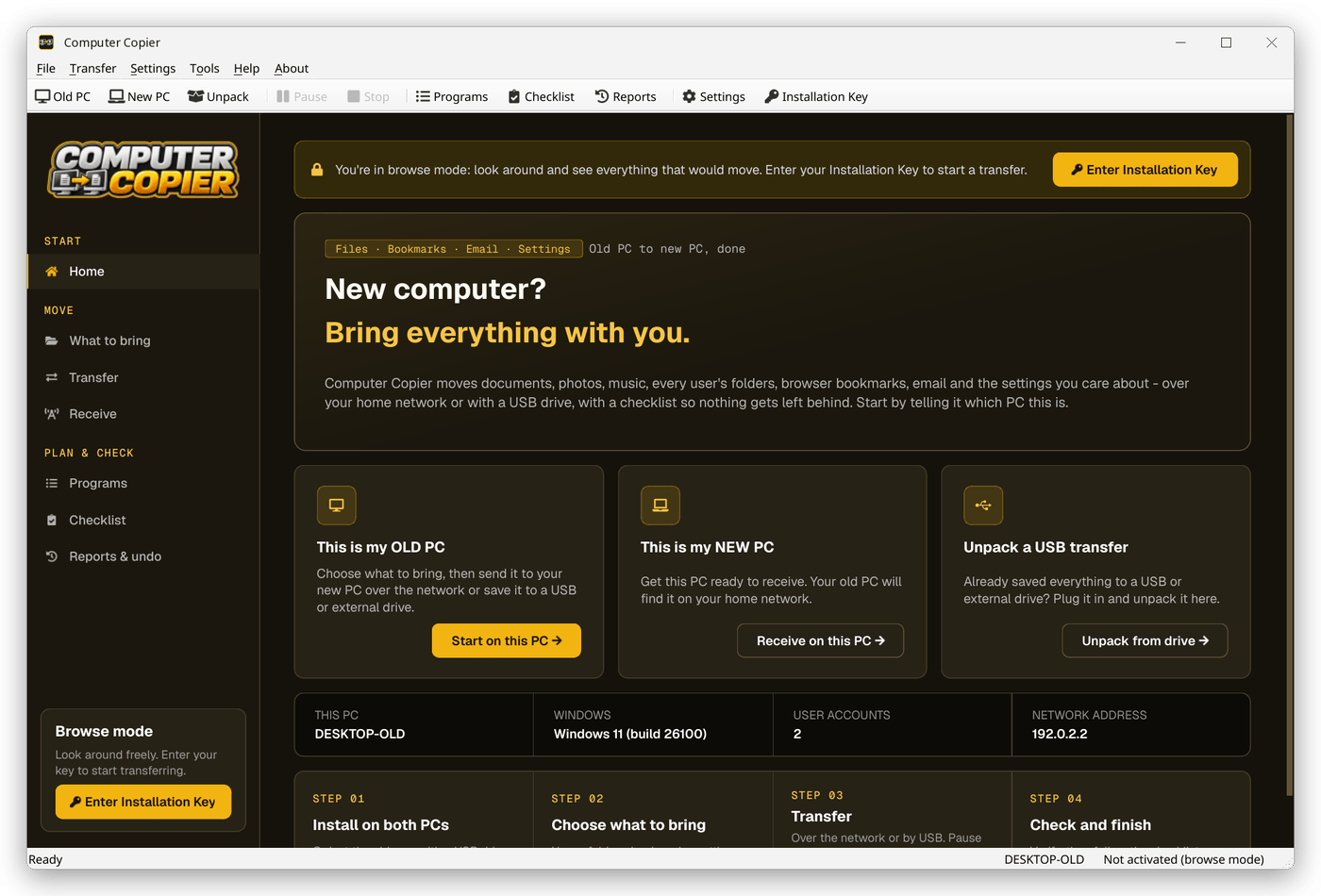
Install on both PCs
Install Computer Copier on the old and new PC and activate your key on one of them. Without a key you can still scan and look around.
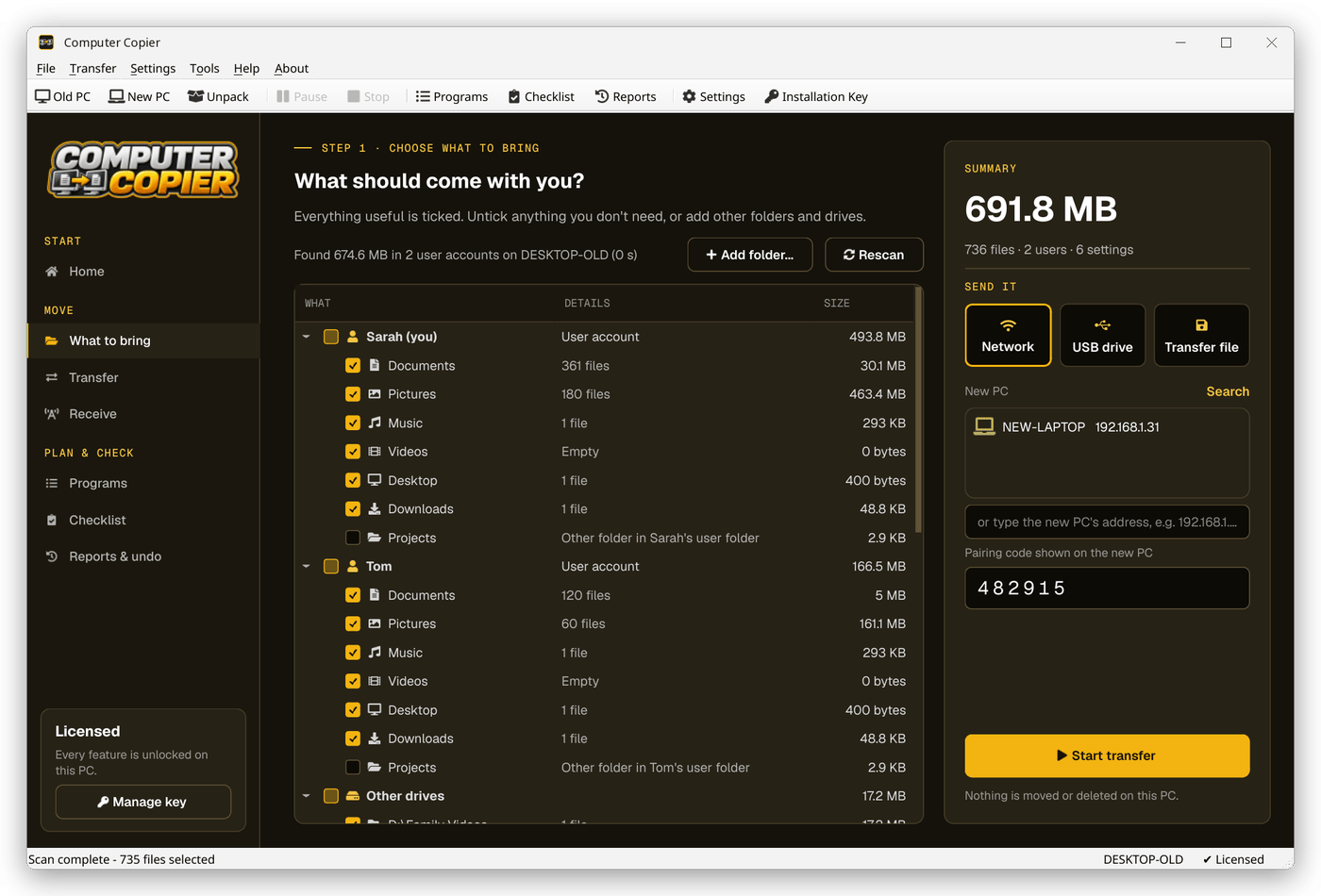
Choose what to bring
The What to bring screen lists every user's folders, bookmarks, email and settings with sizes. Untick anything you don't want.
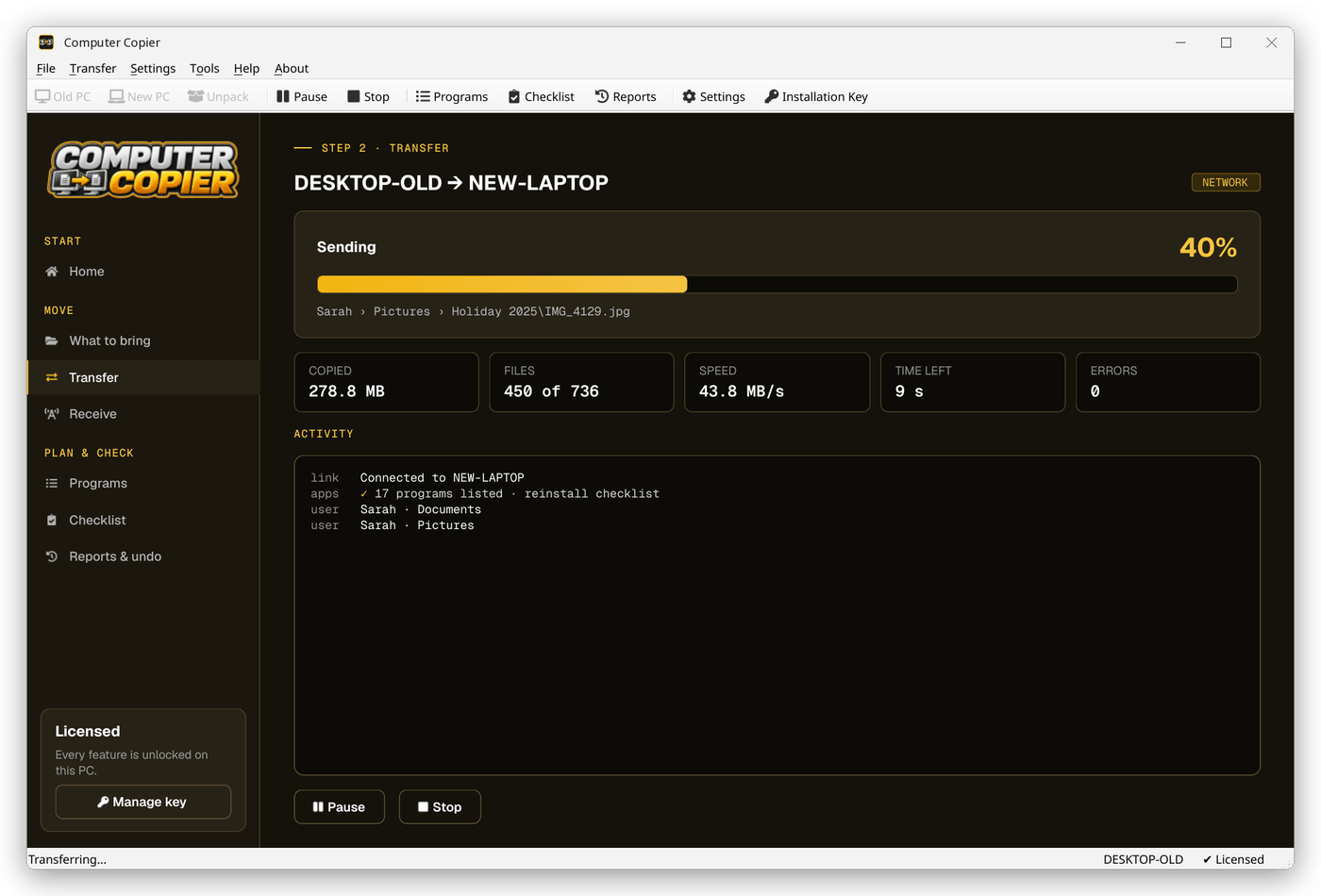
Transfer
Send over the network with a 6-digit pairing code, or save to a USB drive and unpack it on the new PC. Pause whenever you like.
Finish up
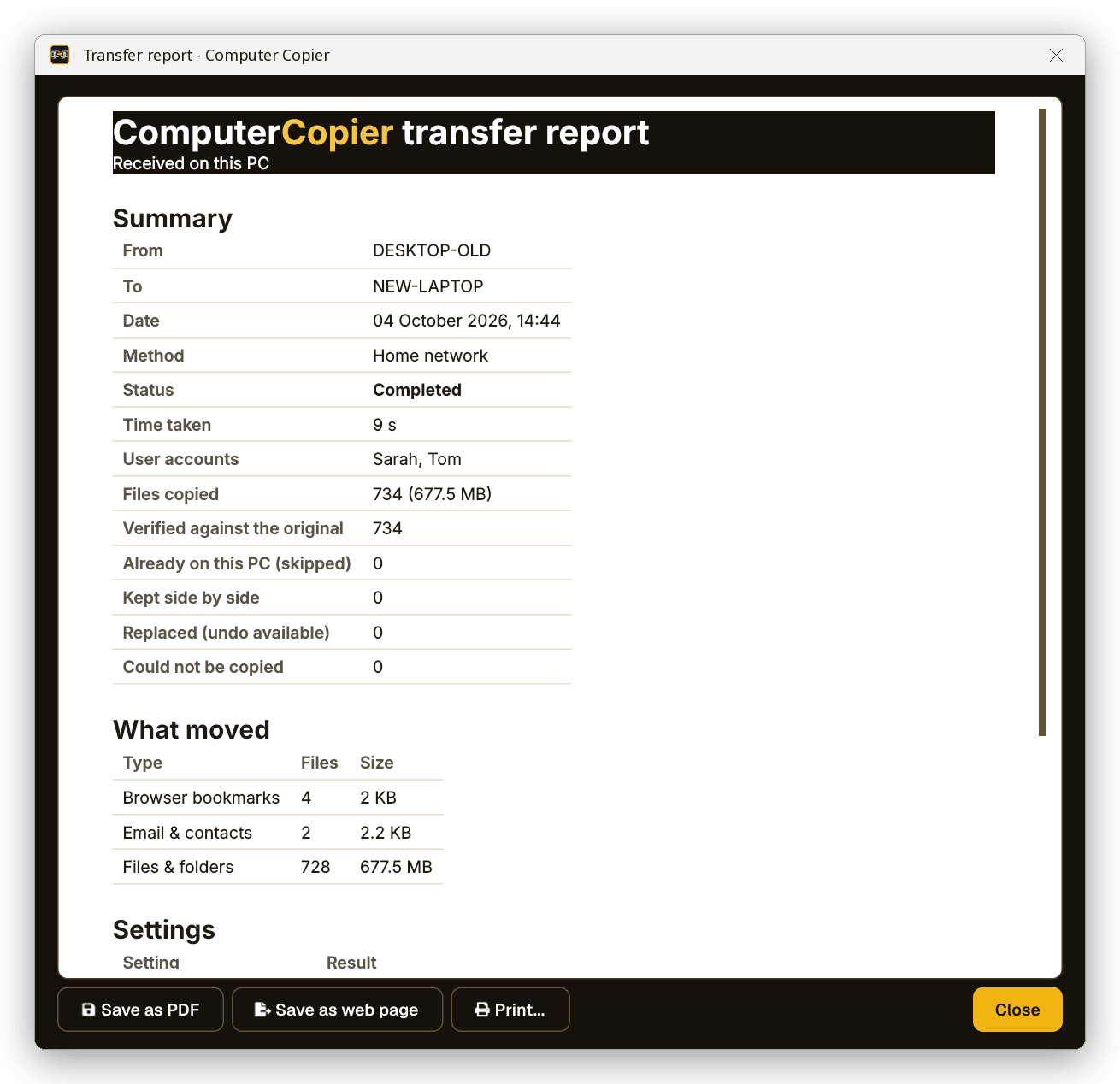
Read the report, reinstall programs from the Programs checklist and work through the migration checklist.
See it all before anything moves
The What to bring screen groups everything by user account, browsers, email and settings, with the total size shown before you start.
Why Computer Copier
Every user's folders
Documents, Pictures, Music, Videos, Desktop and Downloads for each account, including folders moved to another drive or OneDrive.
Bookmarks merged, not replaced
Chrome, Edge and Brave bookmarks land in an Imported from OLD-PC folder. Firefox gets a ready-to-import HTML file on the Desktop.
Email and contacts
Outlook .pst files, Thunderbird mail and settings, and Windows Contacts come across. Gmail and Microsoft 365 accounts sync again when you sign in.
Settings you pick
Wallpaper, saved Wi-Fi with passwords, mapped drives, printers, regional formats and settings for programs like Notepad++ and VS Code.
Every file verified
Each copied file is read back and checksum-compared with the original. Anything that failed is listed with the reason.
Undo and report
Undo removes copied files, restores replaced ones and reverts settings. Save the report as PDF or print it.
Who it's not for: Mac, Linux, iPhone or Android users. Computer Copier runs on 64-bit Windows 10 and 11 and must be installed on both PCs.
One license. No subscription.
- Transfer sizeUnlimited
- Network & USBIncluded
- Works onWindows 10 & 11 (64-bit)
- UpdatesFree
- Activations2 PCs
- DeliveryDownload + key by email
Get Computer Copier
You'll go straight to your download page once payment is confirmed, and we'll email your download link and license key.
Buy now · $39.95Already purchased? Get your download link again
PC transfer software questions
What does PC transfer software actually move?
Does it need to be installed on both computers?
Can I see what will move before I buy a key?
Will it change or delete anything on my old PC?
How long does a transfer take?
More from Computer Copier
Move to your new PC with everything
Files, email, bookmarks and settings, checked file by file.
Get Computer Copier · $39.95