
A PCmover alternative for moving to a new PC
If you're comparing PC transfer tools, here's what Computer Copier does and how it works. It moves your data, email, bookmarks and chosen settings, lists programs for reinstalling instead of copying them, and is sold as a one-time license with free updates.
What kind of tool Computer Copier is
The points to weigh when you compare.
| Programs | Computer Copier doesn't copy installed programs. It lists them with download links and flags ones needing a license key, because copied software often breaks. |
| Data and settings | User folders for every account, browser bookmarks, Outlook, Thunderbird, Windows Contacts, and settings you tick one by one. |
| Connection | Your home network with a 6-digit pairing code, a USB or external drive, or a transfer file in any folder. |
| Safety net | Every file is verified, the old PC is only read, and the new PC has an undo. |
| Pricing | A one-time license with free updates and two activations, no subscription. |
Switching over in four steps
Install on both PCs
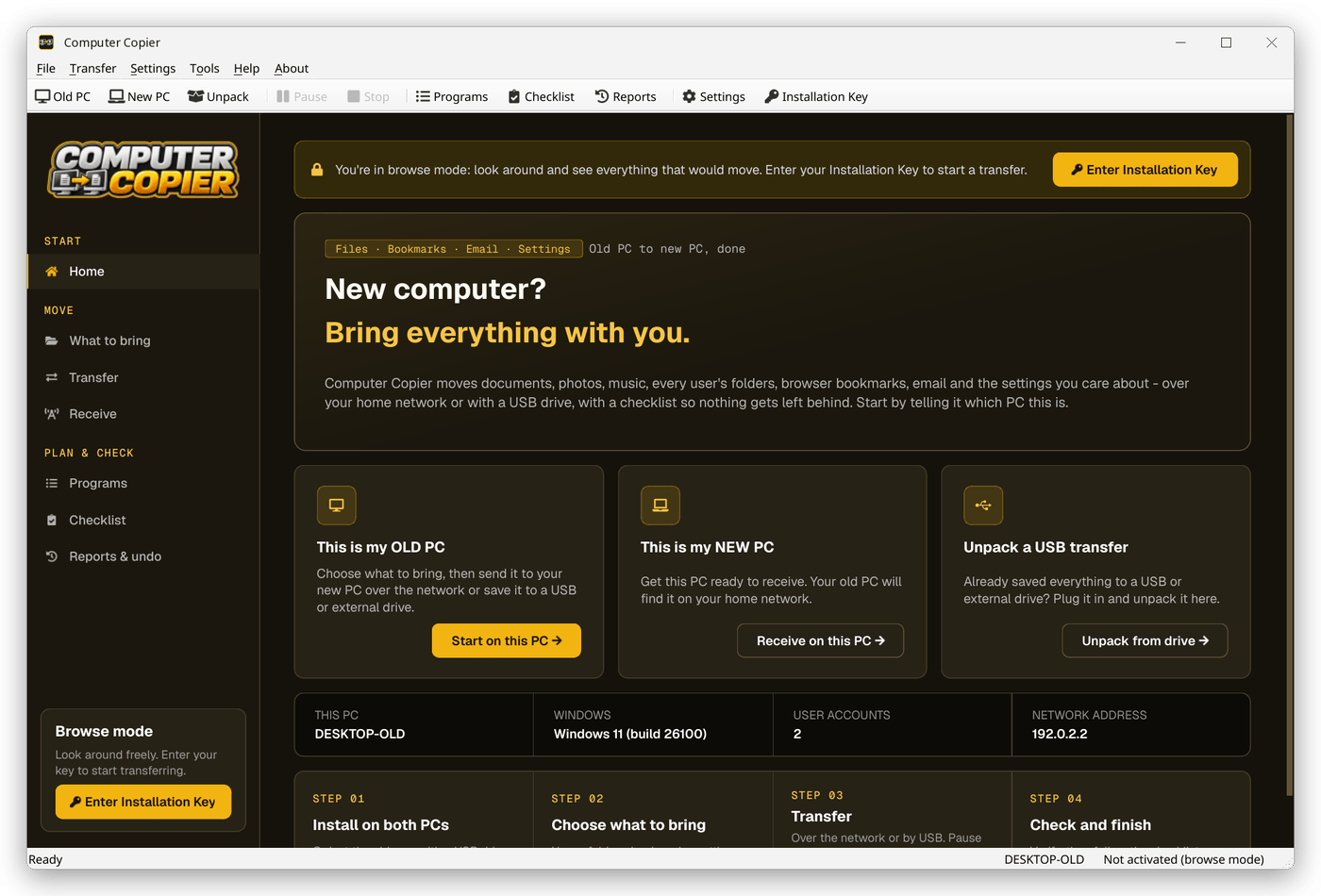
Install Computer Copier on the old and new PC. Activate the key on one; browse mode lets you look before you buy.
Check the scope
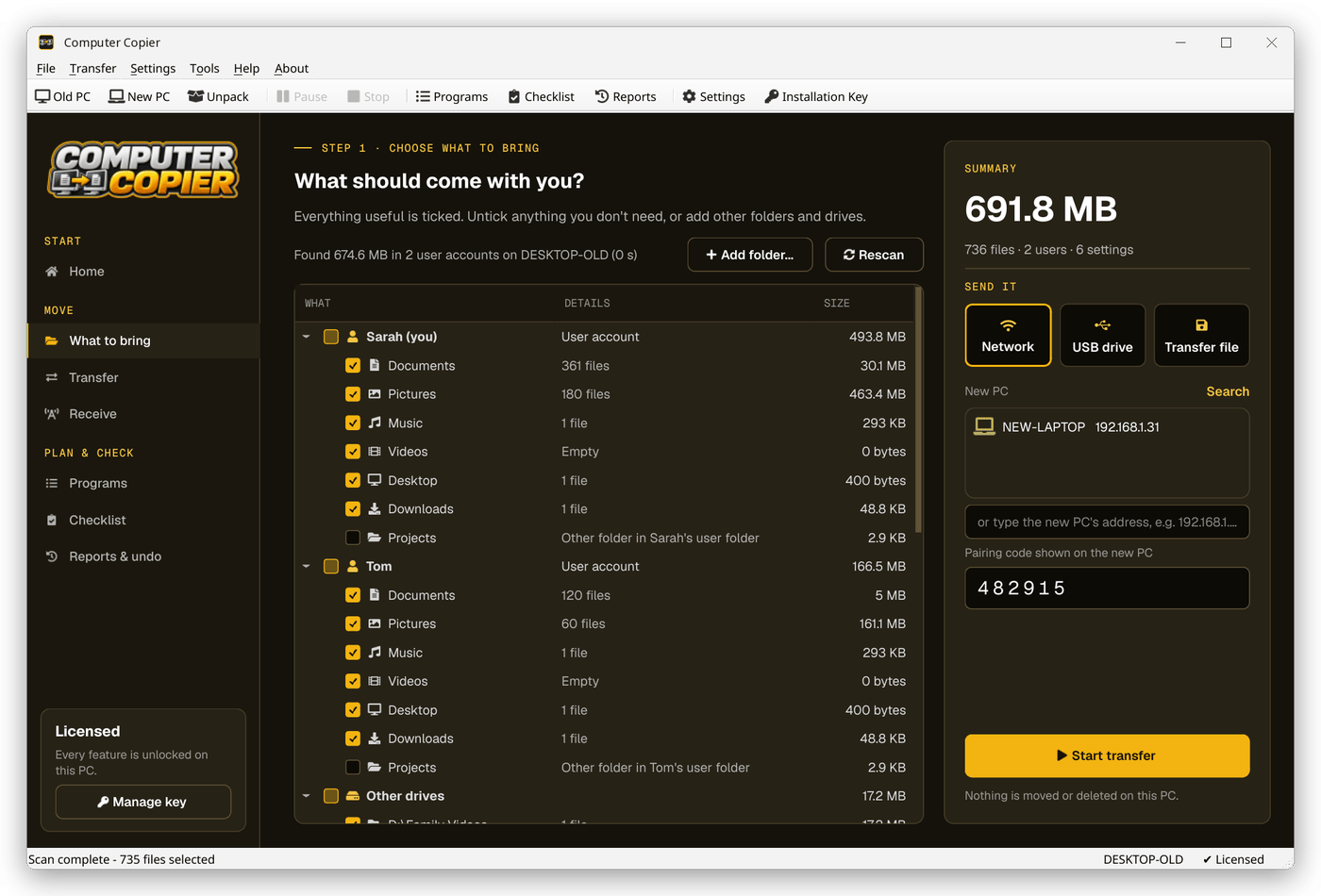
What to bring shows exactly what will move. Compare it with what you need from your old PC.
Move your data
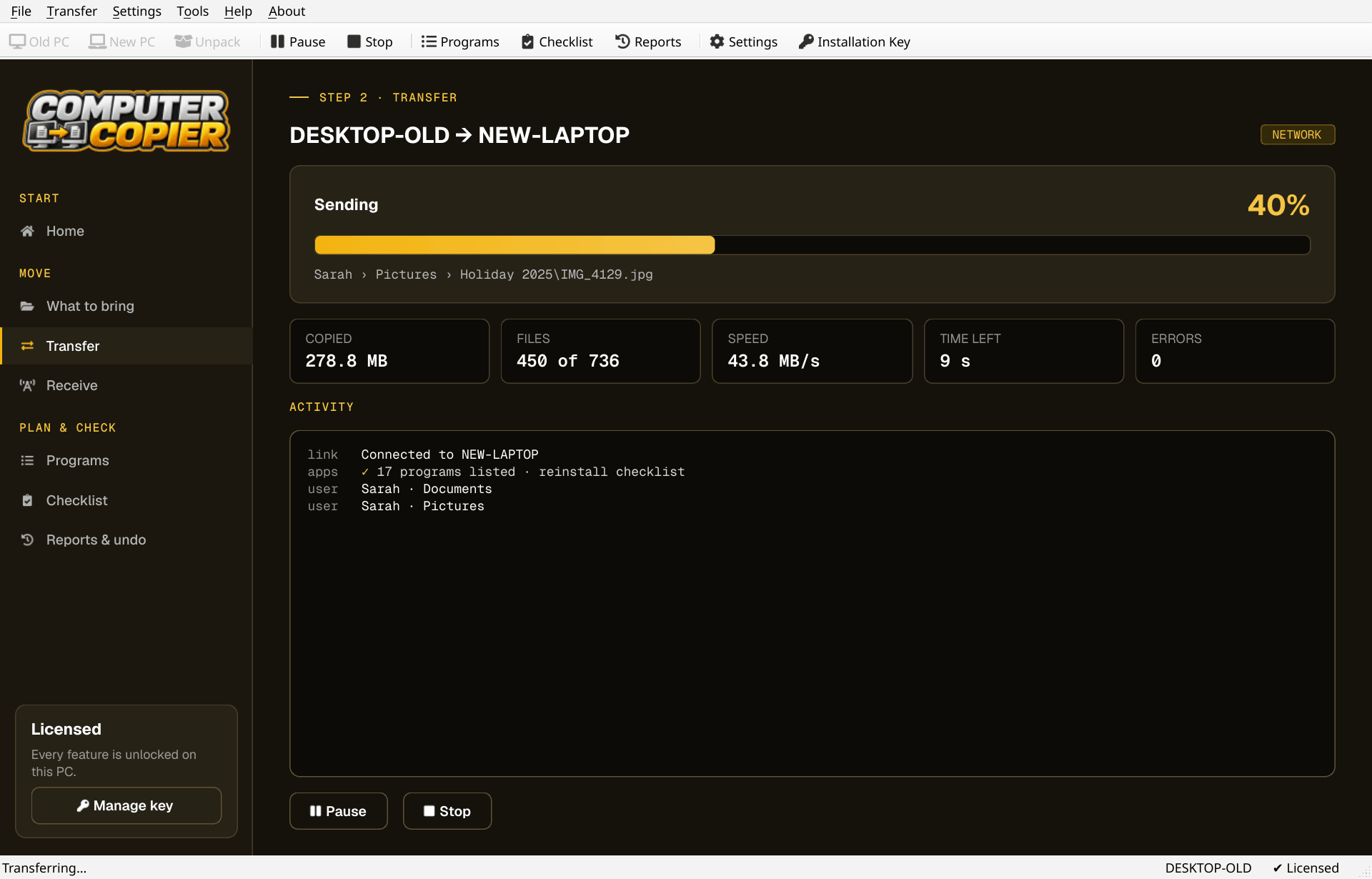
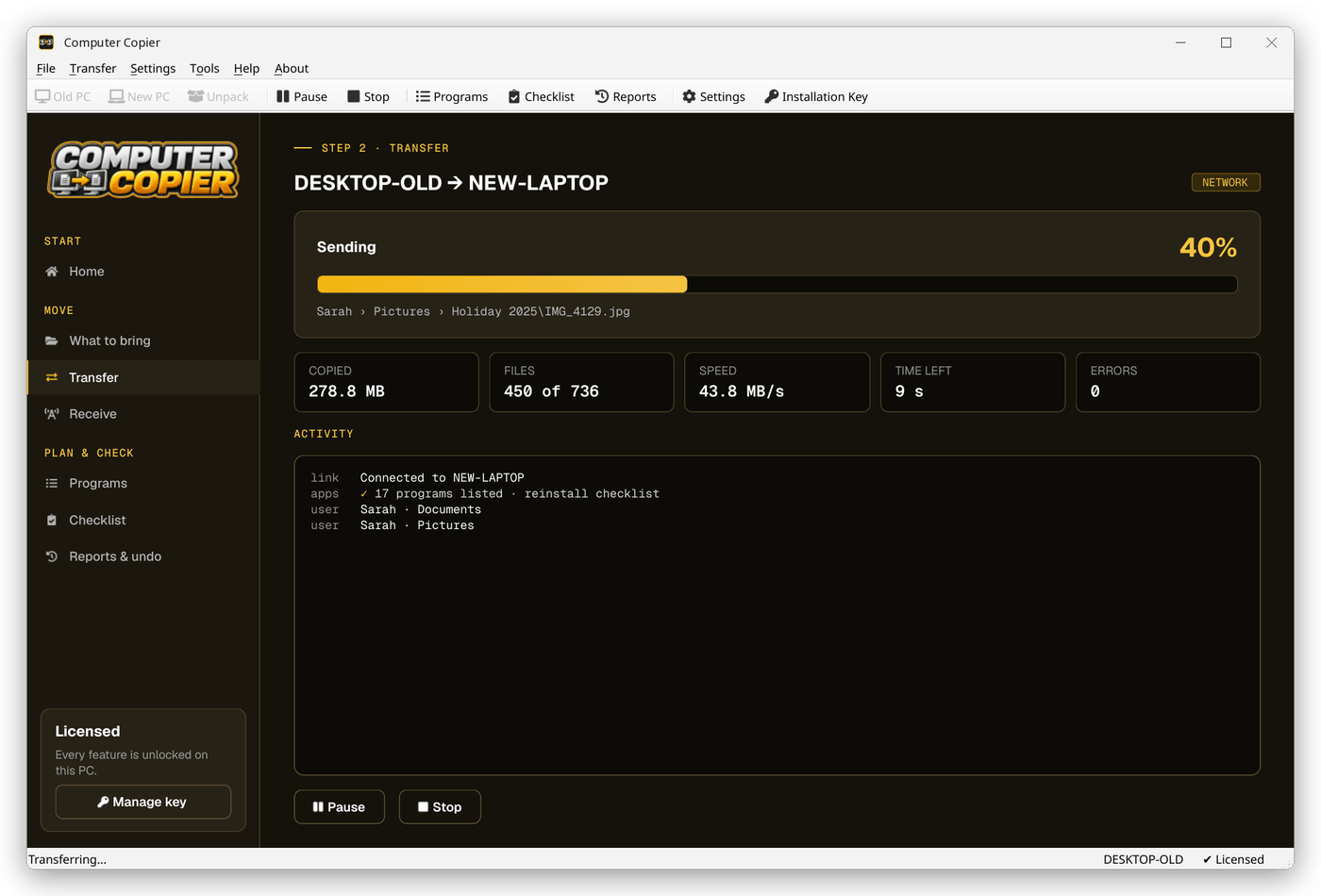
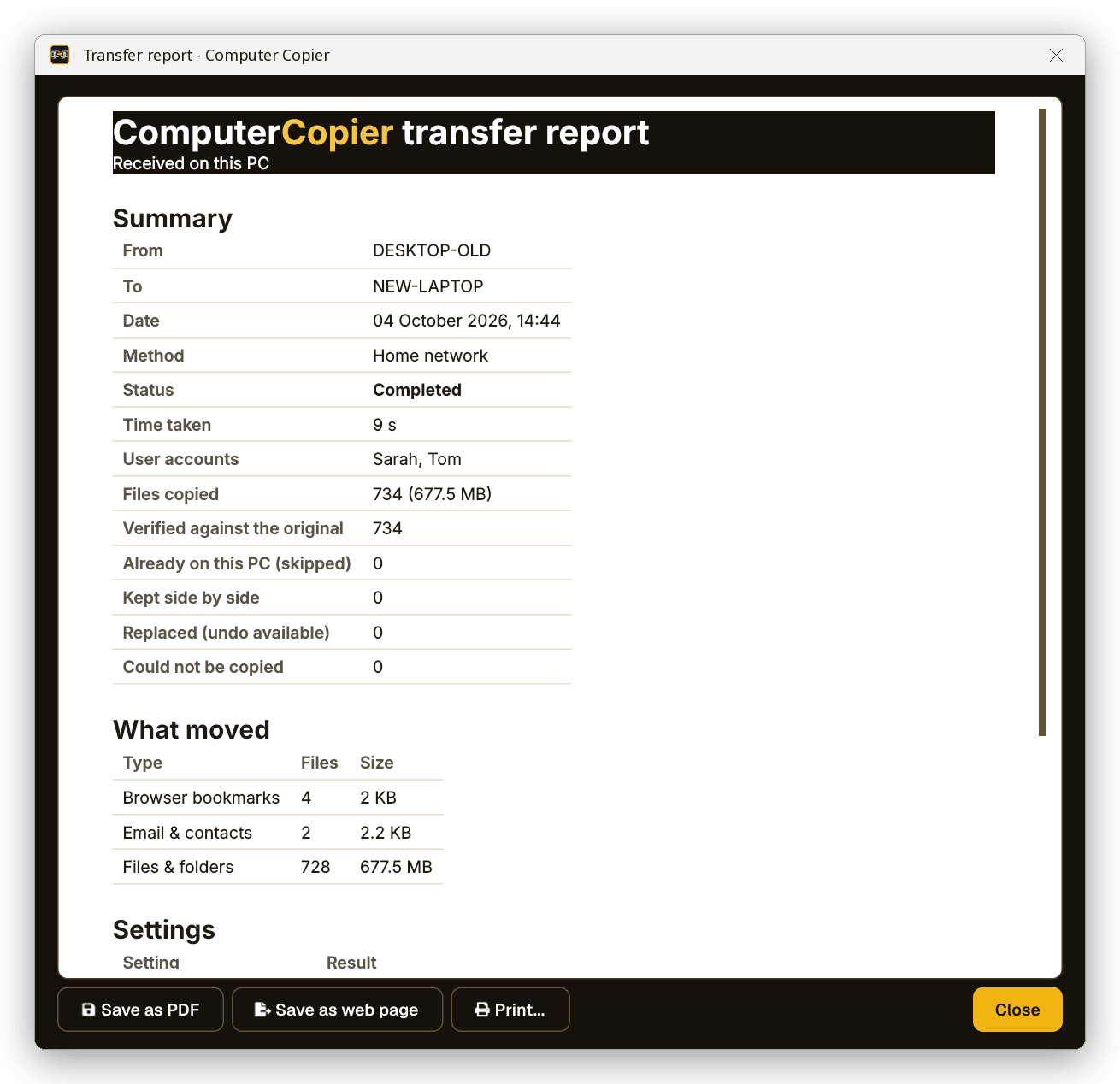
Transfer over the network or by USB drive and watch progress, speed and time left.
Reinstall programs
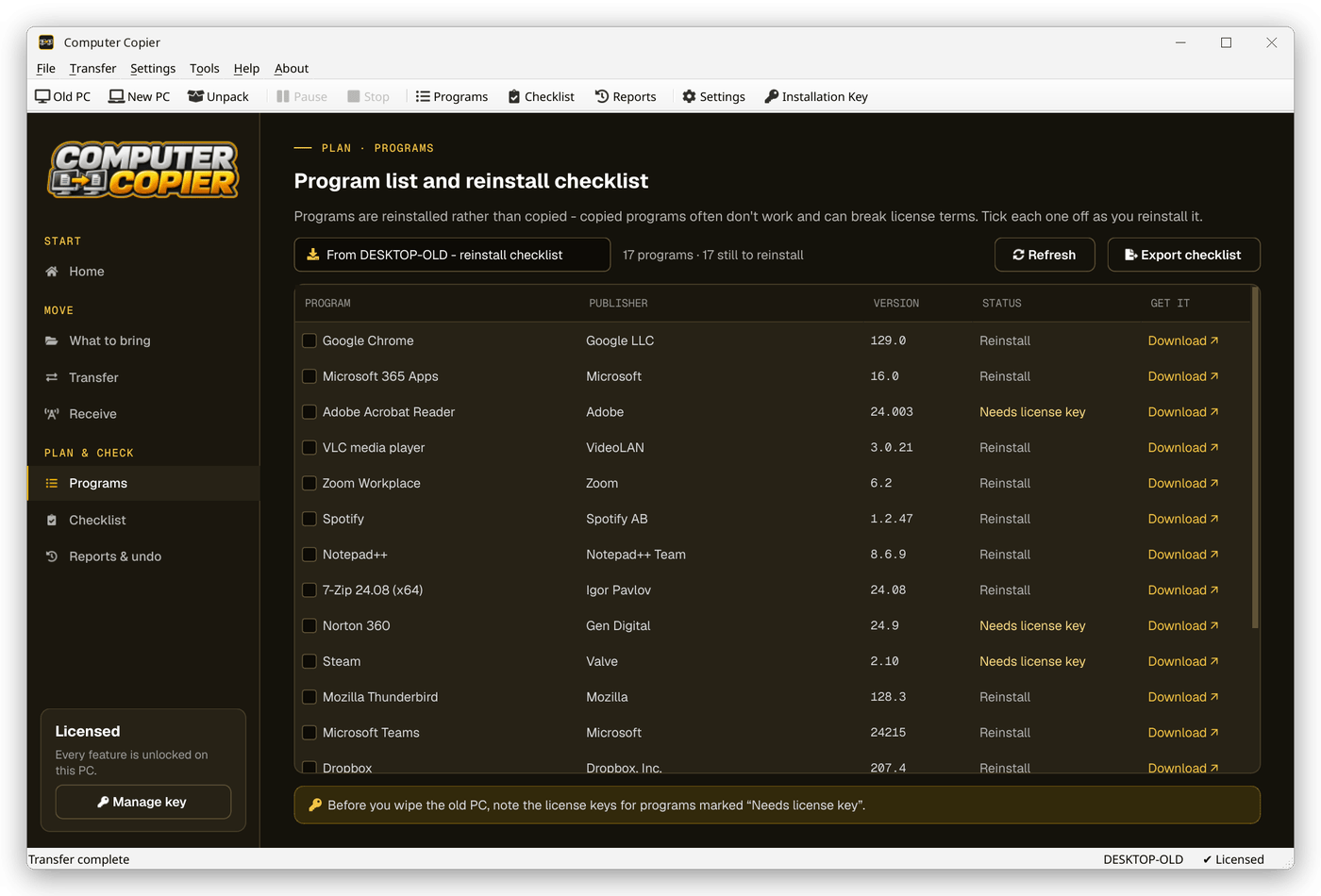
Use the Programs checklist to download and reinstall the software you use, ticking each off.
The Programs checklist
The Programs page shows what was installed on the old PC, marked Installed here, Reinstall with a download link, or Needs license key.
Why people choose Computer Copier
One-time license
Pay once, get free updates, no subscription. Two activations cover the old PC and the new one.
Program checklist
Lists the old PC's programs with download links and flags the ones that usually need a license key. Programs aren't copied.
Every file verified
Each copied file is read back and checksum-compared with the original. Anything that failed is listed with the reason.
Undo and report
Undo removes copied files, restores replaced ones and reverts settings. Save the report as PDF or print it.
No cloud, no account
Files go PC to PC or onto your own drive. The internet is only used to activate your key and check for updates.
Settings you pick
Wallpaper, saved Wi-Fi with passwords, mapped drives, printers, regional formats and settings for programs like Notepad++ and VS Code.
Who it's not for: Mac, Linux, iPhone or Android users. Computer Copier runs on 64-bit Windows 10 and 11 and must be installed on both PCs.
One license. No subscription.
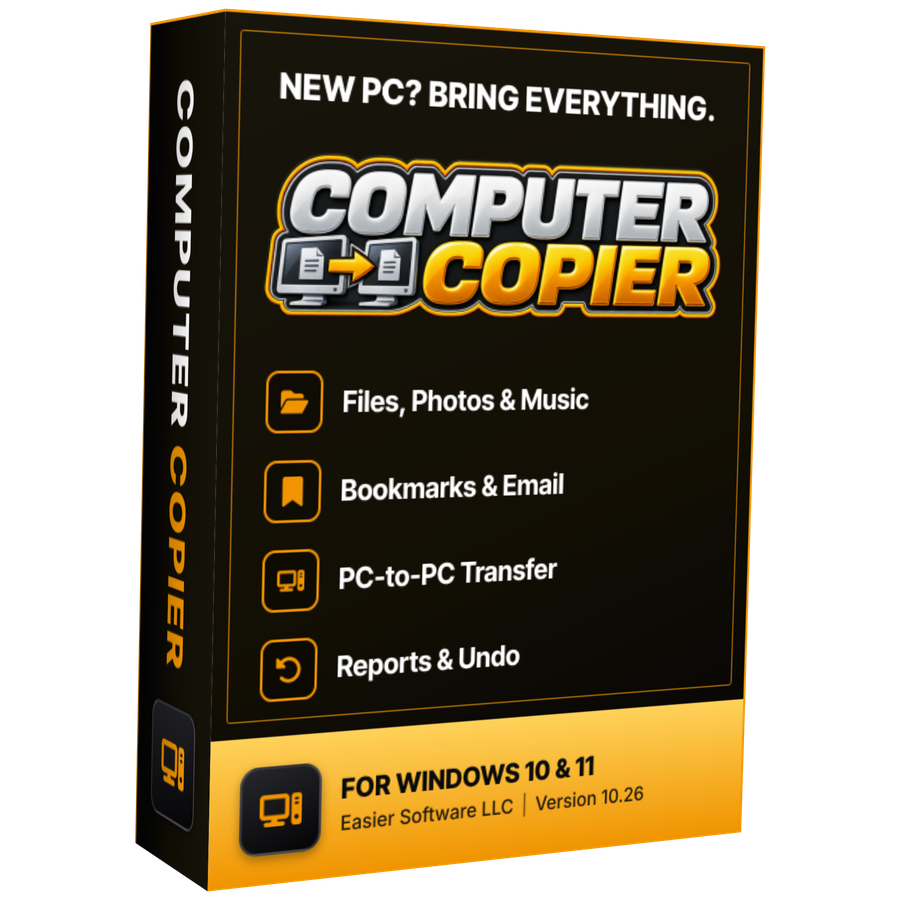
- Transfer sizeUnlimited
- Network & USBIncluded
- Works onWindows 10 & 11 (64-bit)
- UpdatesFree
- Activations2 PCs
- DeliveryDownload + key by email
Get Computer Copier
You'll go straight to your download page once payment is confirmed, and we'll email your download link and license key.
Buy now · $39.95Already purchased? Get your download link again
PCmover alternative questions
Does Computer Copier move programs like some transfer tools do?
Is it a subscription?
Can I try it before buying?
Do I need an online account?
Can I move from Windows 10 to Windows 11?
More from Computer Copier
Try a different approach
Your data moved, your programs freshly installed.
Get Computer Copier · $39.95