
An EaseUS Todo PCTrans alternative that keeps it simple
Comparing tools before a move? Computer Copier focuses on your data: every user's folders, email, bookmarks and the settings you choose. It runs offline between your two PCs, checks every file it copies, and leaves a report and an undo behind.
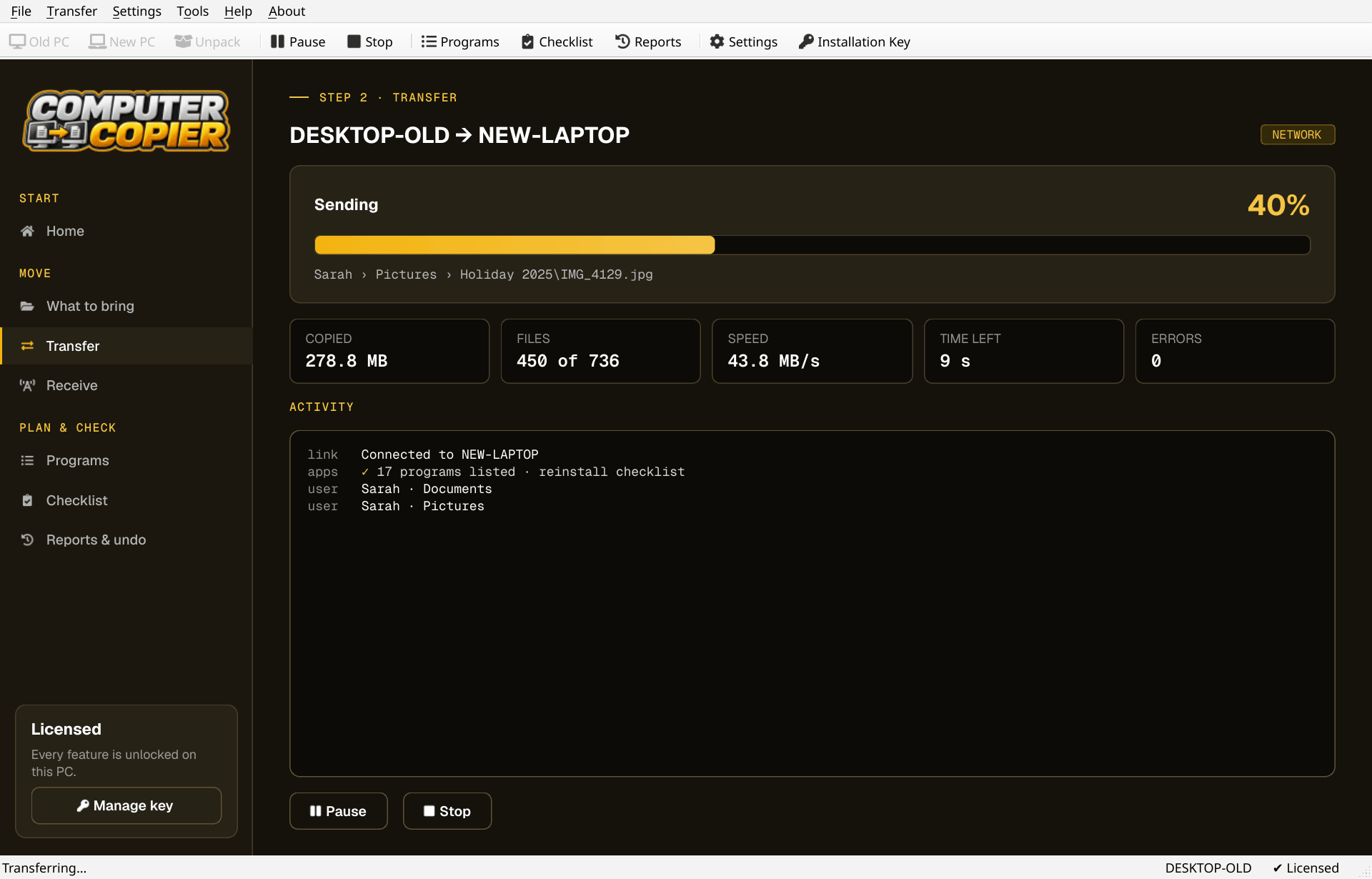
How Computer Copier handles a move
The facts, so you can compare like for like.
| Three ways to move | Network on your home Wi-Fi or Ethernet, USB or external drive, or a transfer file saved to any folder such as a NAS. |
| Data first | User folders for every account, found at their real locations, plus any extra folders and drives you add. |
| Email and browsers | Outlook .pst, Thunderbird, Windows Contacts, and Chrome, Edge, Brave and Firefox bookmarks. |
| Programs | Not copied. You get a reinstall checklist with download links. |
| Records | A report you can save as PDF and an undo for the receiving PC. |
Try it in four steps
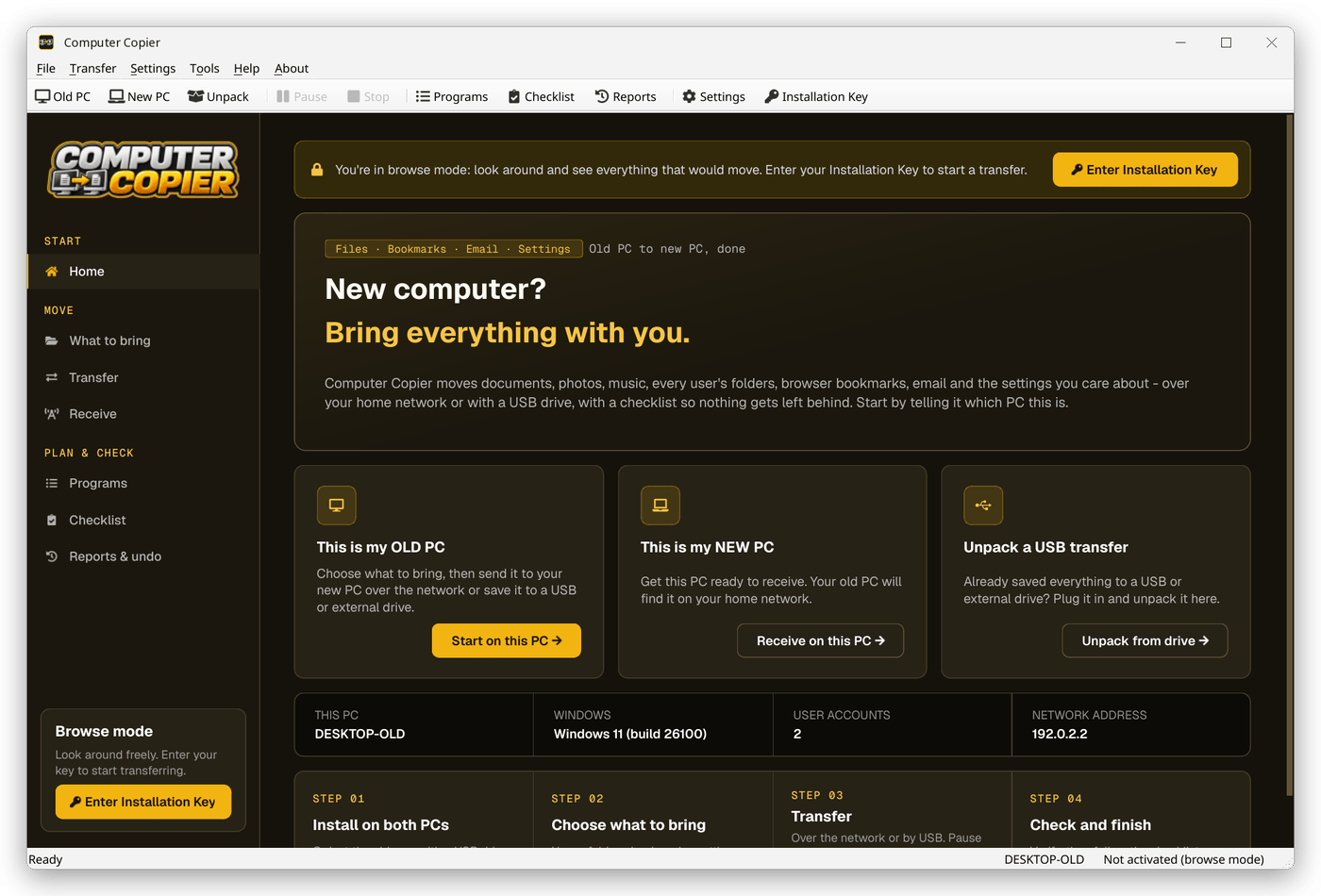
Install and browse
Install on both PCs. Without a key, scan the old PC in browse mode and review what would move.
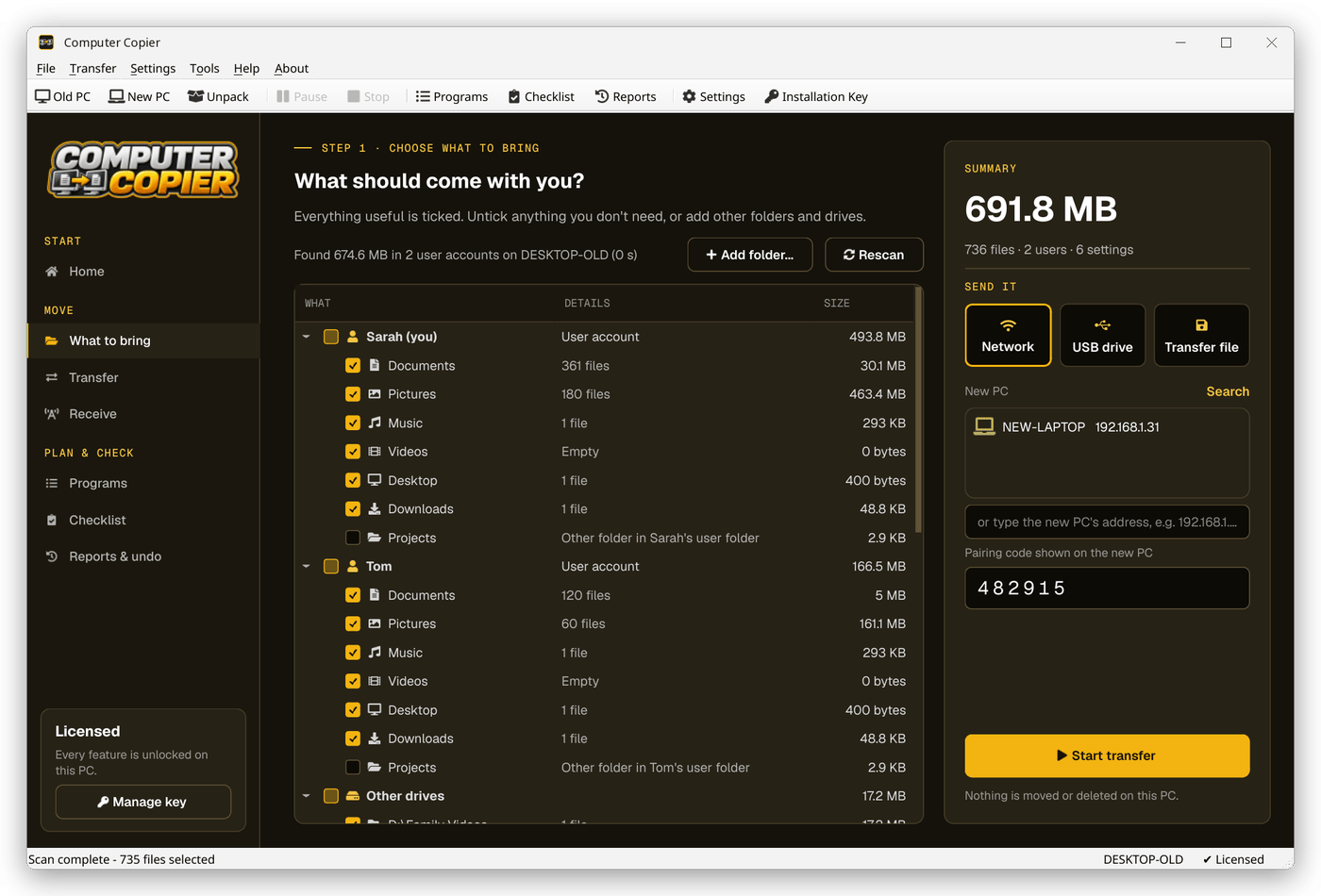
Activate and choose
Activate your key on one PC and tick what to bring on the old PC.
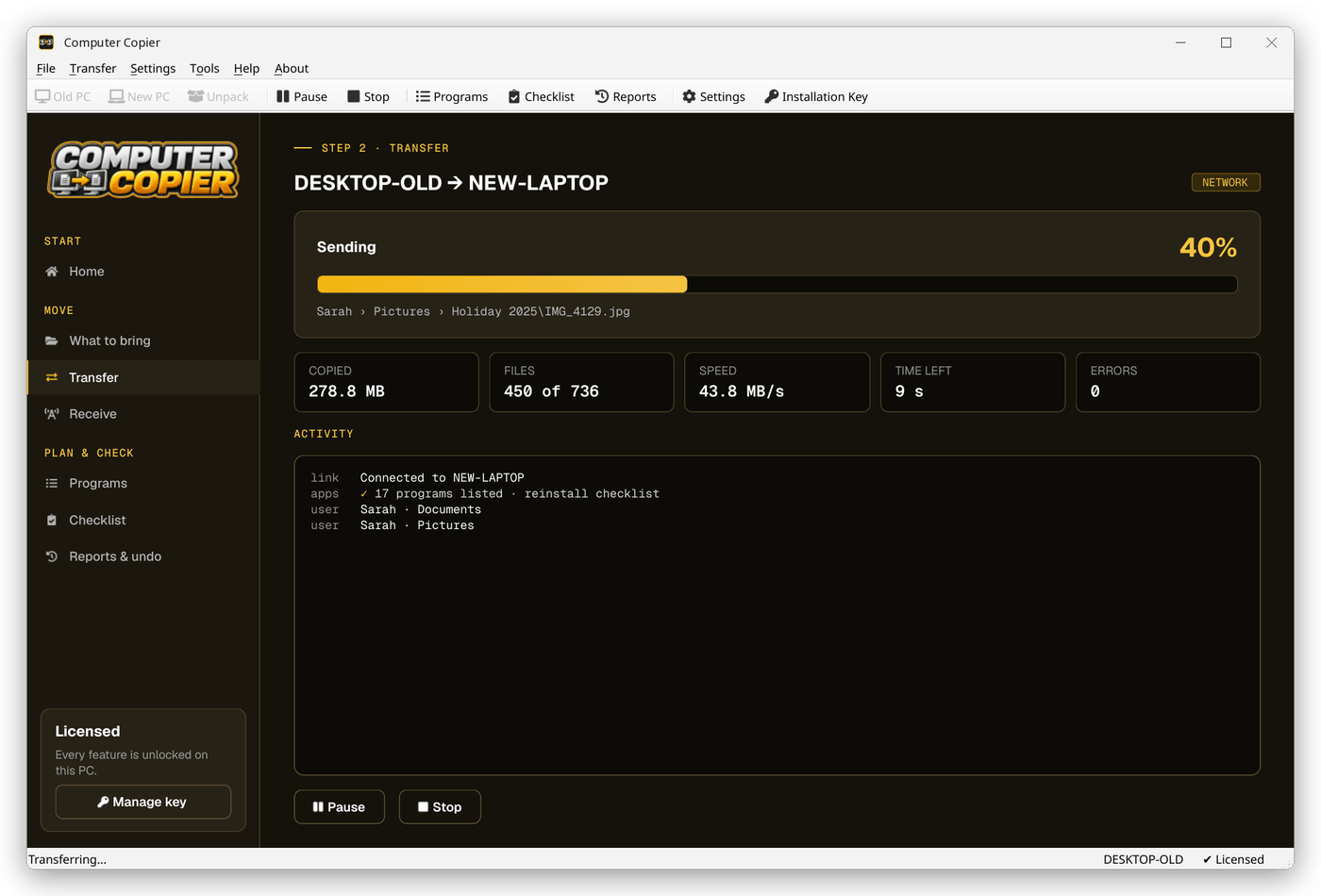
Pick a method
Choose Network, USB drive or Transfer file and click Start transfer.
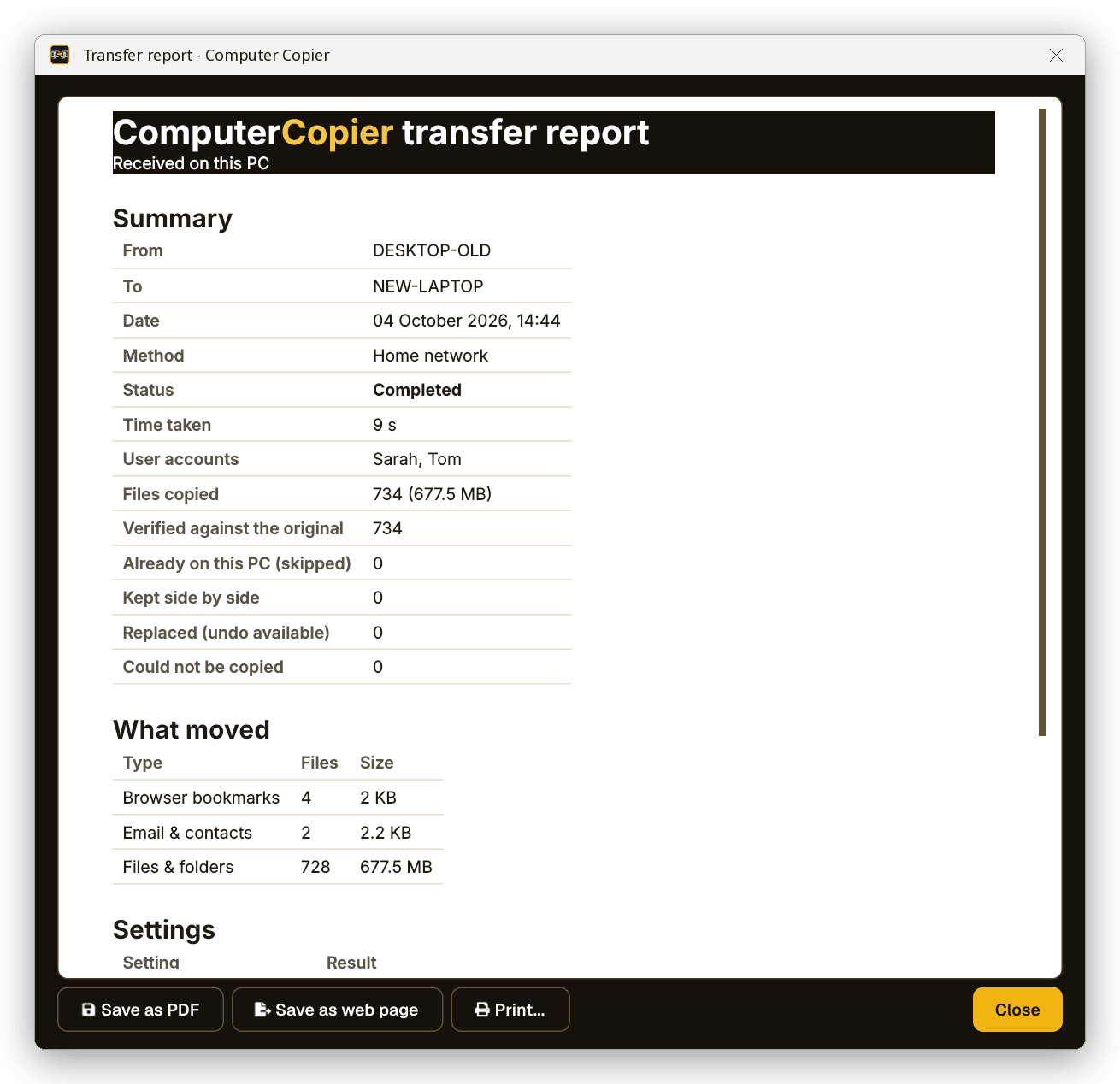
Check the report
When it's done, the report shows every file and setting that moved and anything that didn't.
Pick how the files travel
On the old PC, choose Network, USB drive or Transfer file. Each method ends in the same verified copy on the new PC.
What sets Computer Copier apart
No cloud, no account
Files go PC to PC or onto your own drive. The internet is only used to activate your key and check for updates.
Every file verified
Each copied file is read back and checksum-compared with the original. Anything that failed is listed with the reason.
Undo and report
Undo removes copied files, restores replaced ones and reverts settings. Save the report as PDF or print it.
Nothing overwritten
Identical files are skipped. Same-name files are both kept, with the incoming copy marked (from OLD-PC).
One-time license
Pay once, get free updates, no subscription. Two activations cover the old PC and the new one.
USB or transfer file
Save to a USB stick, an external drive or any folder such as a NAS, then unpack it on the new PC.
Who it's not for: Mac, Linux, iPhone or Android users. Computer Copier runs on 64-bit Windows 10 and 11 and must be installed on both PCs.
One license. No subscription.
- Transfer sizeUnlimited
- Network & USBIncluded
- Works onWindows 10 & 11 (64-bit)
- UpdatesFree
- Activations2 PCs
- DeliveryDownload + key by email
Get Computer Copier
You'll go straight to your download page once payment is confirmed, and we'll email your download link and license key.
Buy now · $39.95Already purchased? Get your download link again
Todo PCTrans alternative questions
What does Computer Copier move?
Does it copy my installed applications?
Does it work without an internet connection?
Can it overwrite files already on my new PC?
How many PCs does one license cover?
More from Computer Copier
Move your files your way
Network, USB drive or transfer file.
Get Computer Copier · $39.95