
Transfer Brave bookmarks to a new computer
Brave can sync bookmarks with a sync chain, or export them to a file you import by hand. Computer Copier does it as part of your move: it copies Brave bookmarks from the old PC and merges them into a folder on the new PC's bookmarks bar, keeping what's already there.
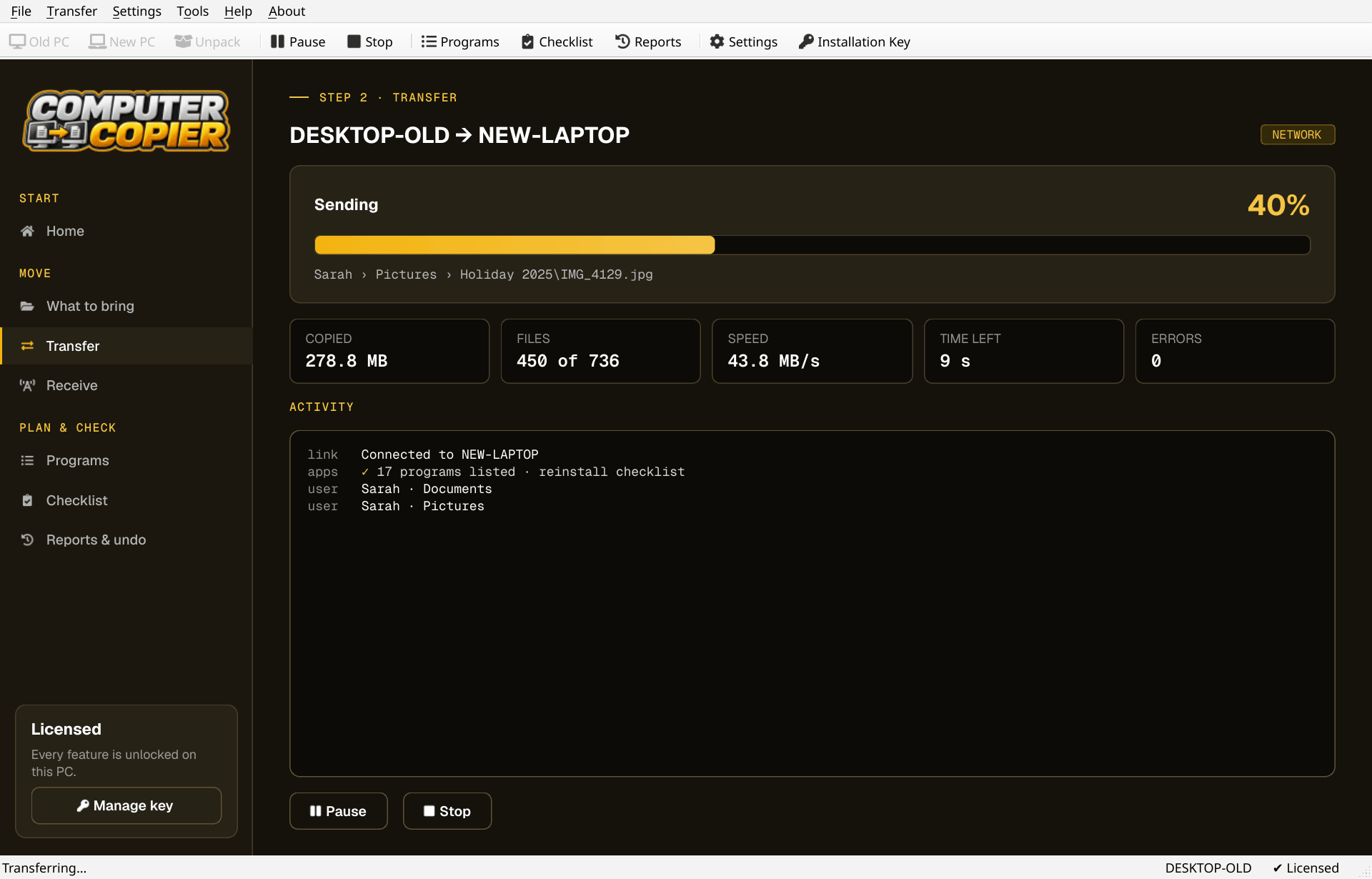
Ways to move Brave bookmarks
Your options, and what Computer Copier does.
| Brave Sync | Brave's own sync links devices with a sync chain. It's built into Brave and needs both browsers set up. |
| Export and import | Brave can export bookmarks to an HTML file you then import on the new PC, one browser at a time. |
| Computer Copier | Brave bookmarks are included under Browser bookmarks and favorites, ticked by default, alongside Chrome, Edge and Firefox. |
| Where they go | They're added to the Bookmarks bar in an Imported from OLD-PC folder. Bookmarks already on the new PC stay. |
| Close Brave | If Brave was open on the new PC during the transfer, close and reopen it to see them. |
Move Brave bookmarks in four steps
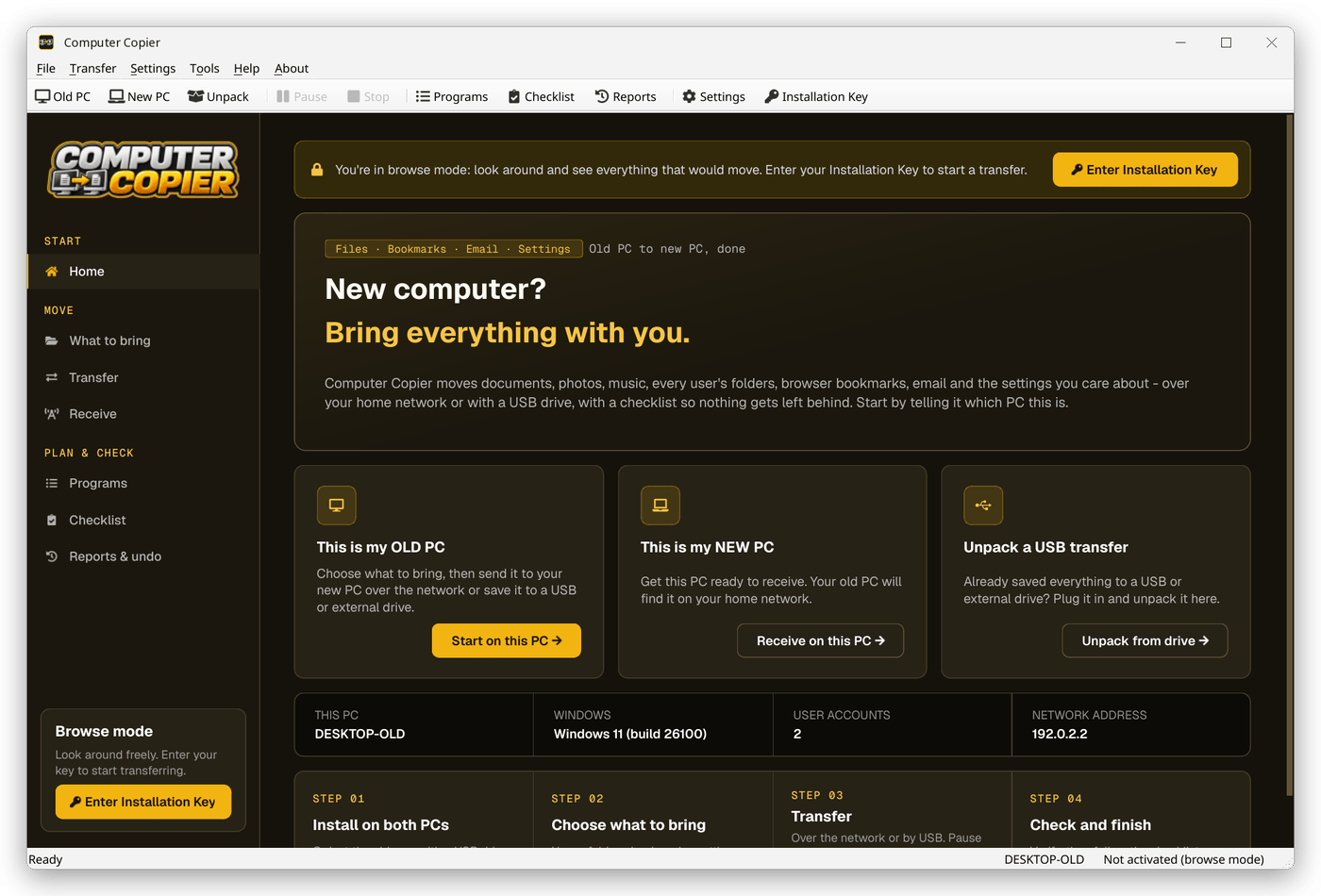
Install Brave on the new PC
Install Brave and open it once so it's ready to receive bookmarks.
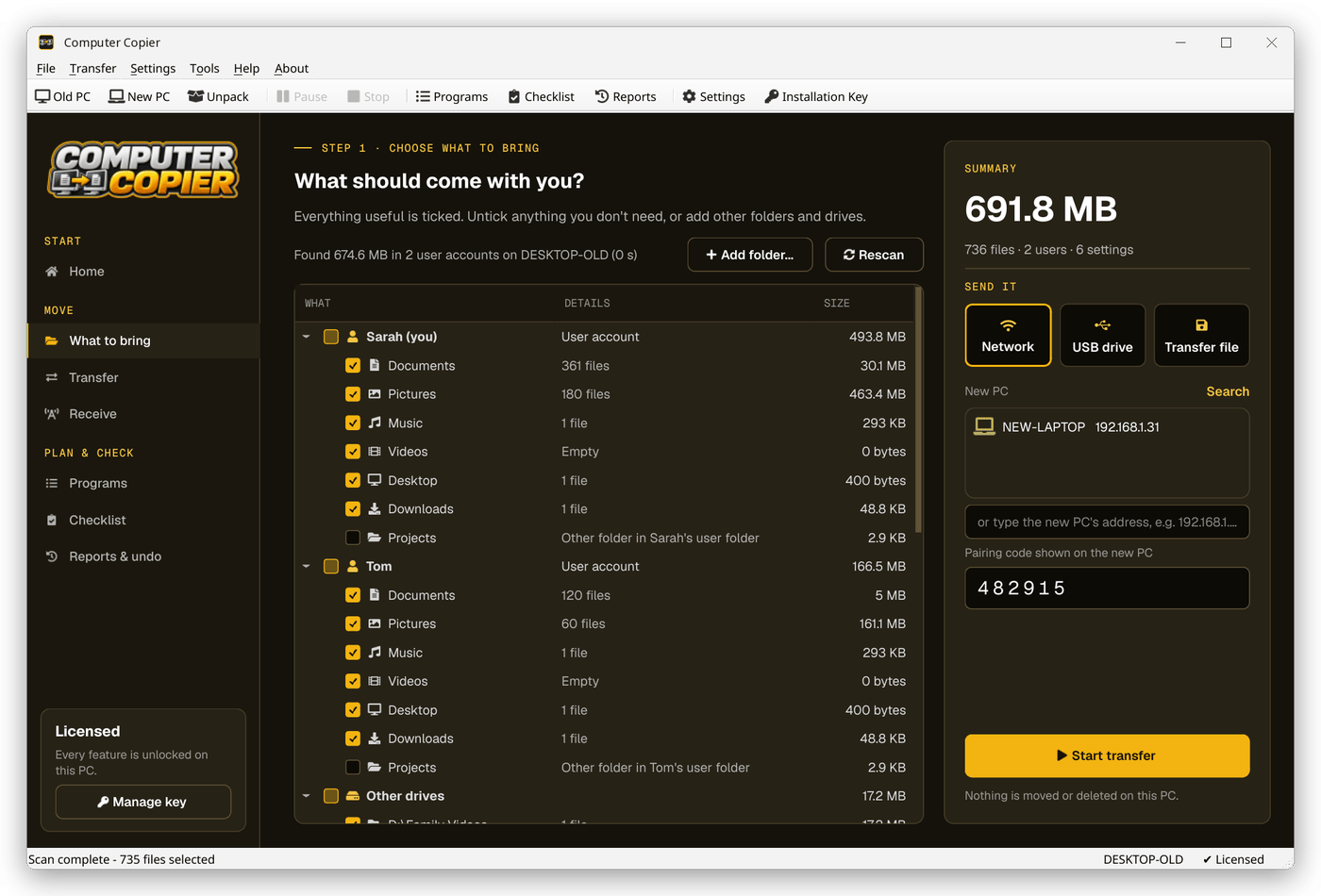
Leave bookmarks ticked
On the old PC, Browser bookmarks and favorites is ticked in What to bring. Keep it ticked.
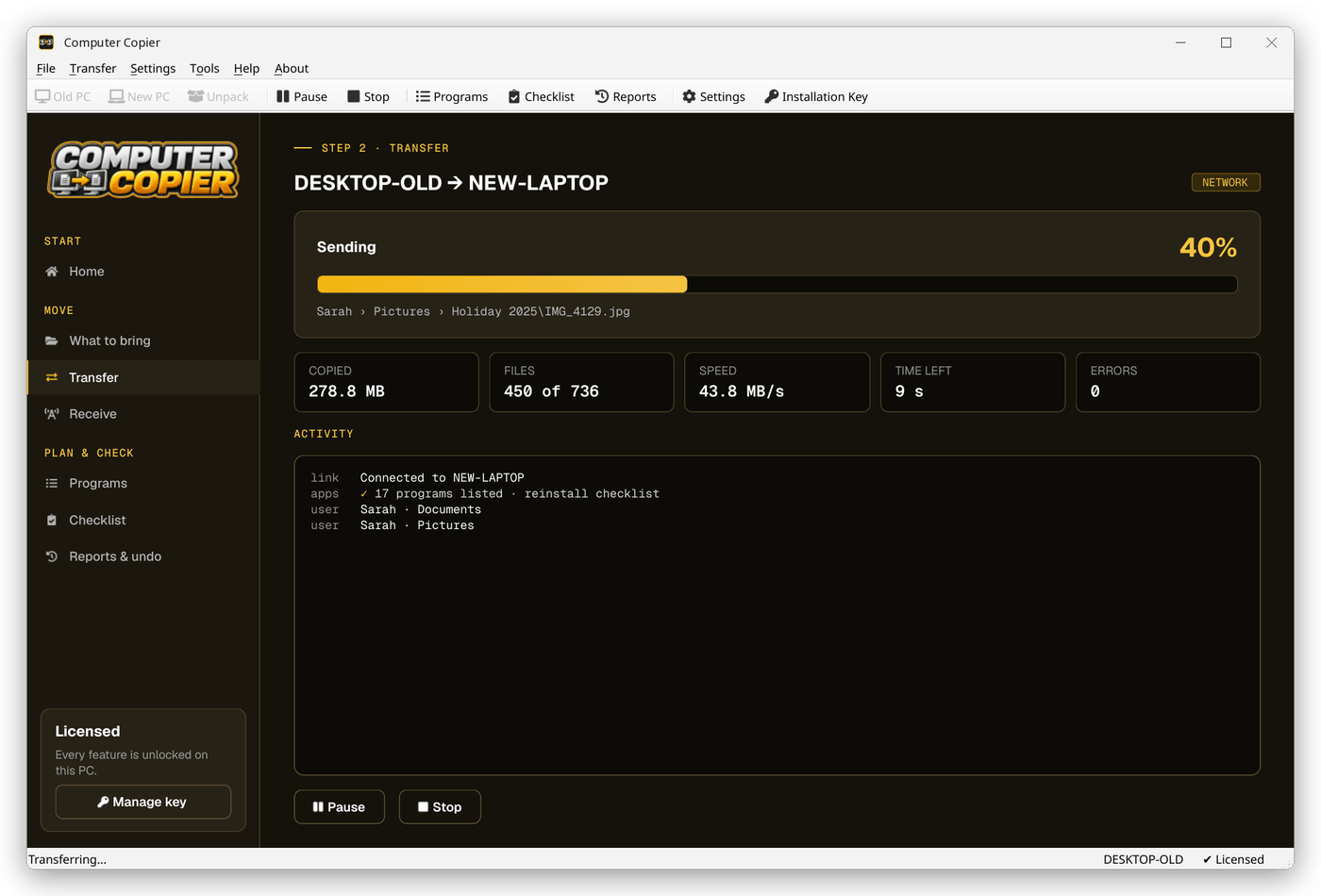
Transfer
Send over the network or by USB drive along with whatever else you're moving.
Reopen Brave
Close and reopen Brave on the new PC and open the Imported from OLD-PC folder on the bookmarks bar.
Browser bookmarks in What to bring
The Browser bookmarks & favorites group lists Chrome, Edge, Brave, Firefox and the Favorites folder, all ticked by default.
Bookmarks and the rest of your move
Bookmarks merged, not replaced
Chrome, Edge and Brave bookmarks land in an Imported from OLD-PC folder. Firefox gets a ready-to-import HTML file on the Desktop.
Every user's folders
Documents, Pictures, Music, Videos, Desktop and Downloads for each account, including folders moved to another drive or OneDrive.
Email and contacts
Outlook .pst files, Thunderbird mail and settings, and Windows Contacts come across. Gmail and Microsoft 365 accounts sync again when you sign in.
Settings you pick
Wallpaper, saved Wi-Fi with passwords, mapped drives, printers, regional formats and settings for programs like Notepad++ and VS Code.
Undo and report
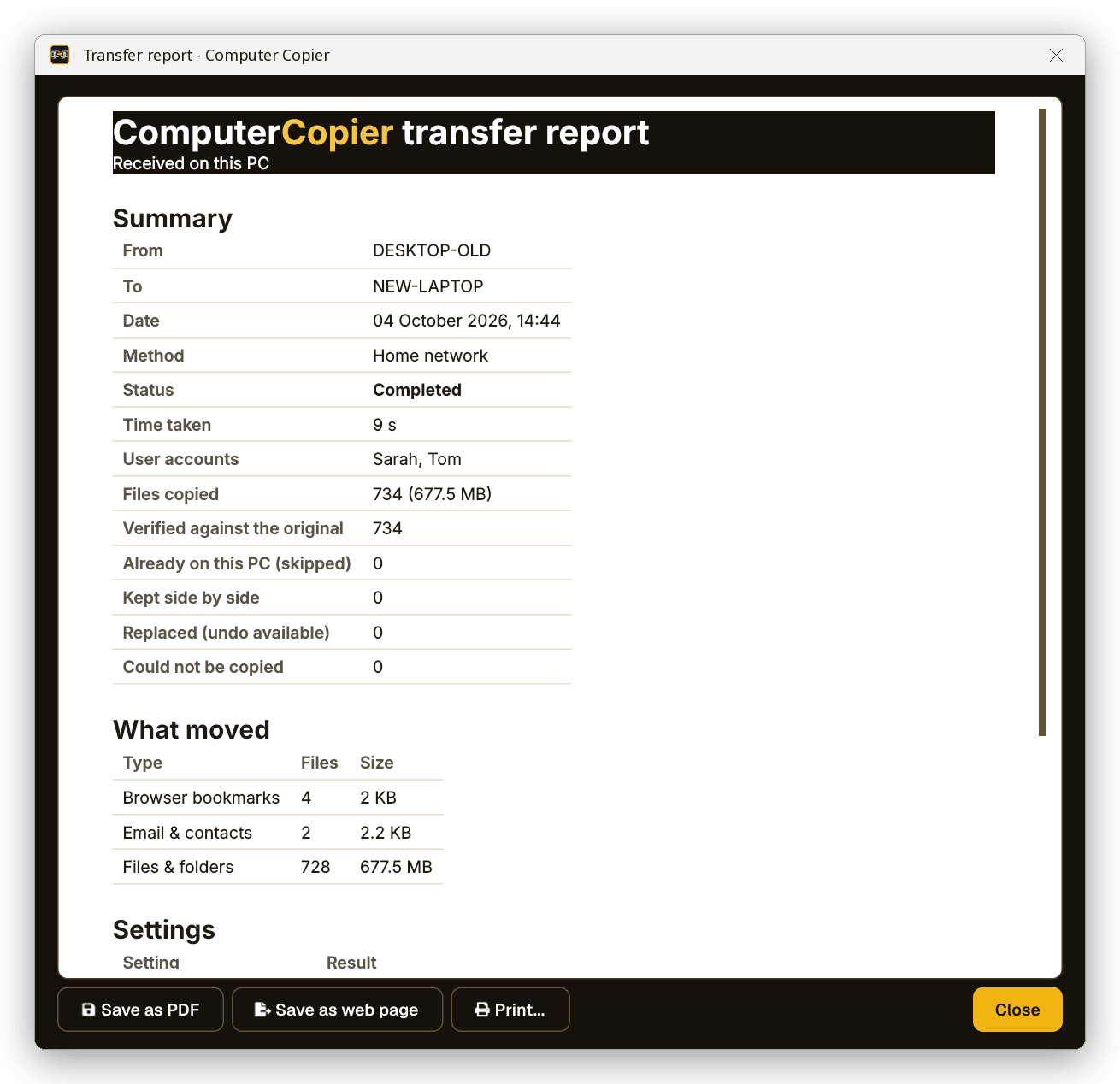
Undo removes copied files, restores replaced ones and reverts settings. Save the report as PDF or print it.
One-time license
Pay once, get free updates, no subscription. Two activations cover the old PC and the new one.
Who it's not for: Mac, Linux, iPhone or Android users. Computer Copier runs on 64-bit Windows 10 and 11 and must be installed on both PCs.
One license. No subscription.
- Transfer sizeUnlimited
- Network & USBIncluded
- Works onWindows 10 & 11 (64-bit)
- UpdatesFree
- Activations2 PCs
- DeliveryDownload + key by email
Get Computer Copier
You'll go straight to your download page once payment is confirmed, and we'll email your download link and license key.
Buy now · $39.95Already purchased? Get your download link again
Brave bookmark questions
Will my existing Brave bookmarks on the new PC be overwritten?
I can't see the imported bookmarks. Why?
Does it also move Chrome and Edge bookmarks?
Does it move Brave passwords or extensions?
Can I move just bookmarks?
More from Computer Copier
Bring your Brave bookmarks
Merged into a folder, nothing lost.
Get Computer Copier · $39.95