Transfer files to a new PC with a USB stick
A USB stick is the simplest link when PCs aren't on the same network. Computer Copier saves your selection to the stick, asks for another stick if it fills, and on the new PC unpacks everything into the right folders, ready to check against the report.
USB transfer facts
What happens on the stick and what you'll need.
| Folder on the stick | Computer Copier creates Computer Copier Transfer - <old PC name> with a Disk 1 folder inside. |
| Small sticks | When a stick fills, it asks for another and continues as Disk 2. Large files are split across sticks automatically. |
| Reserve | 64 MB is left free on each drive by default. Change it under Settings, Transfer. |
| Key | Activate the key on the old PC. The new PC can unpack a transfer saved by an activated copy without a key. |
| Faster option | If both PCs are on the same network, a network transfer saves swapping sticks. |
USB stick transfer in four steps
Plug in on the old PC
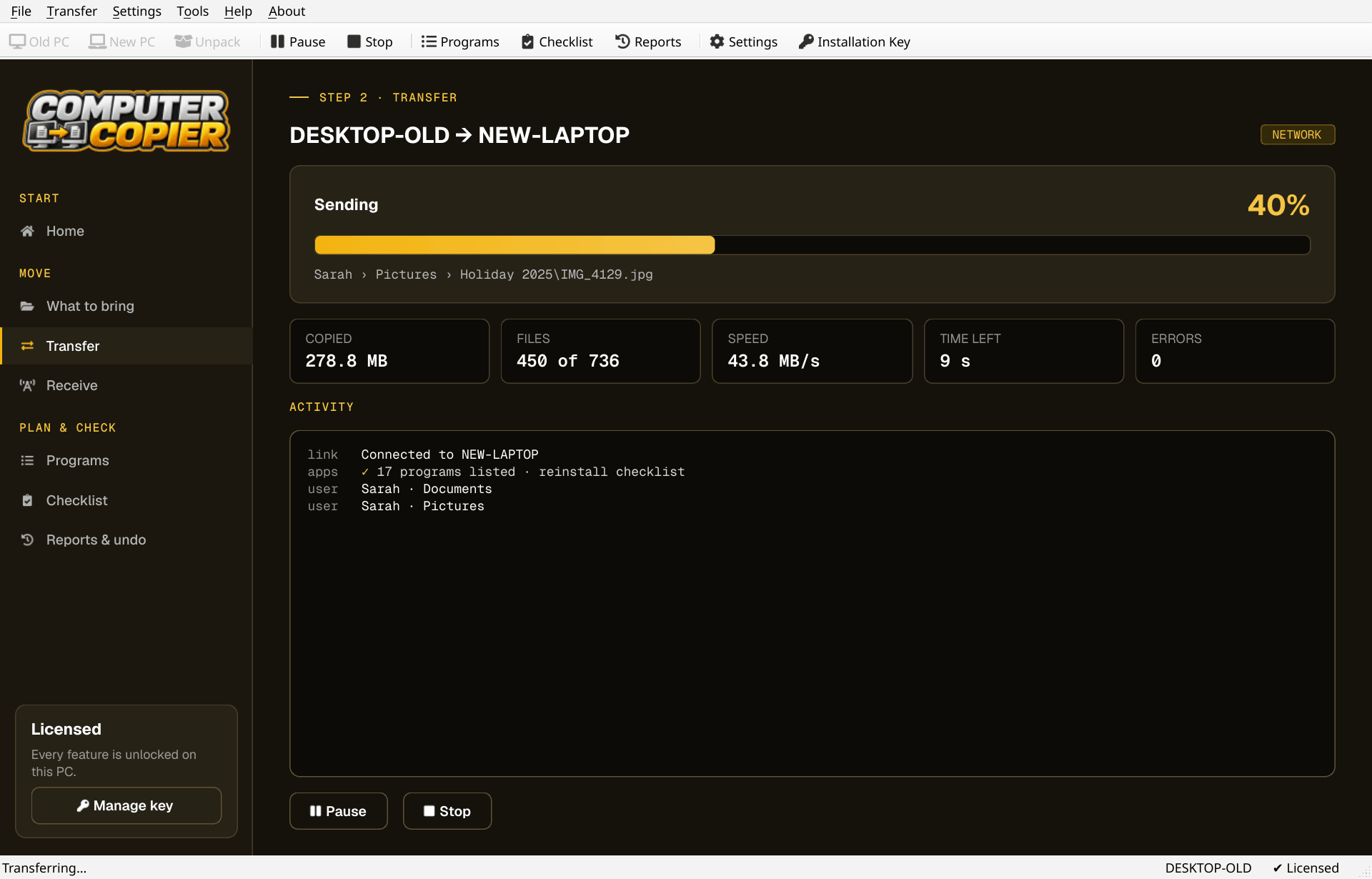
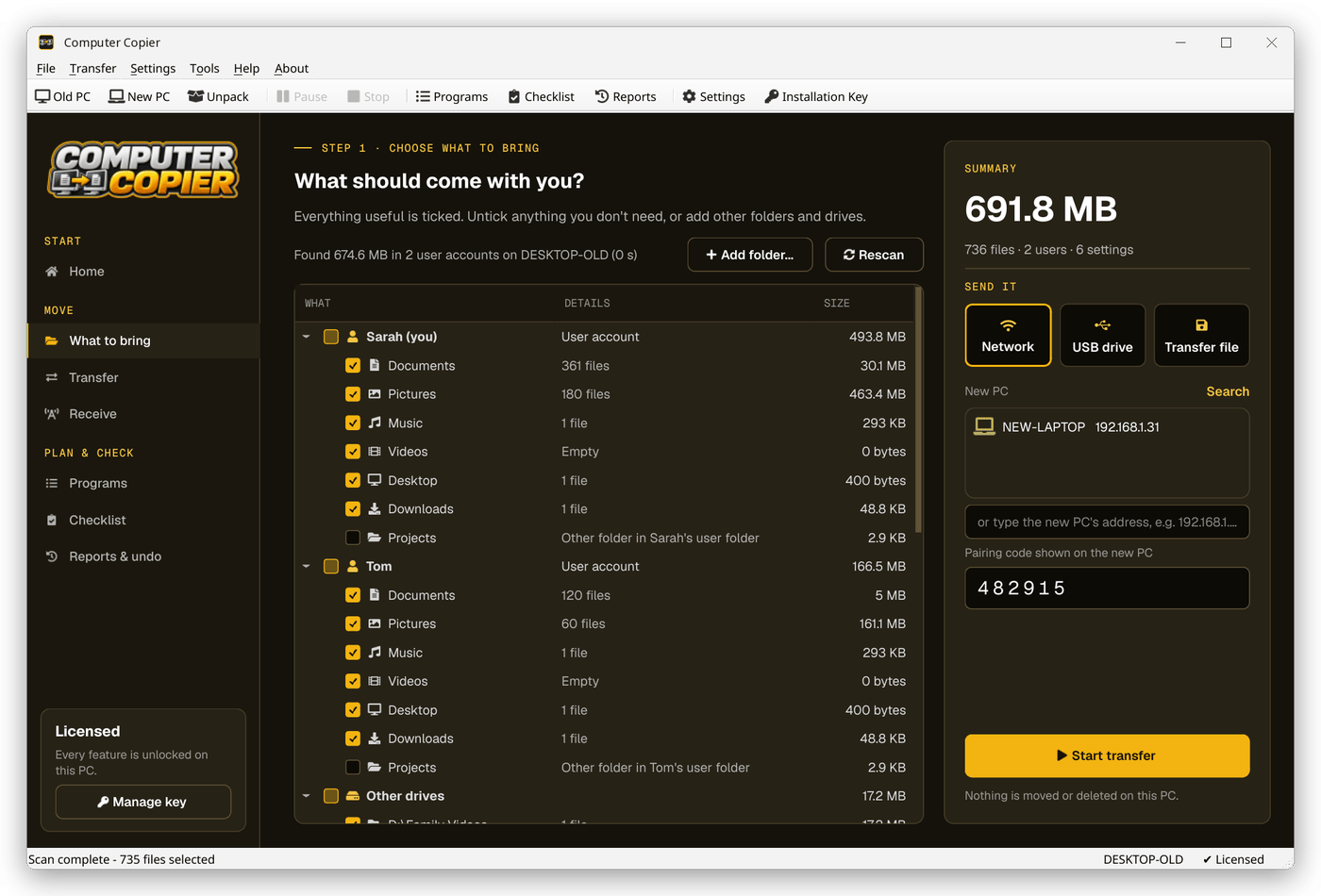
Insert the stick, choose what to bring, then pick USB drive and select the stick.
Save
Click Start transfer. If it fills, swap in another stick when asked and it carries on.
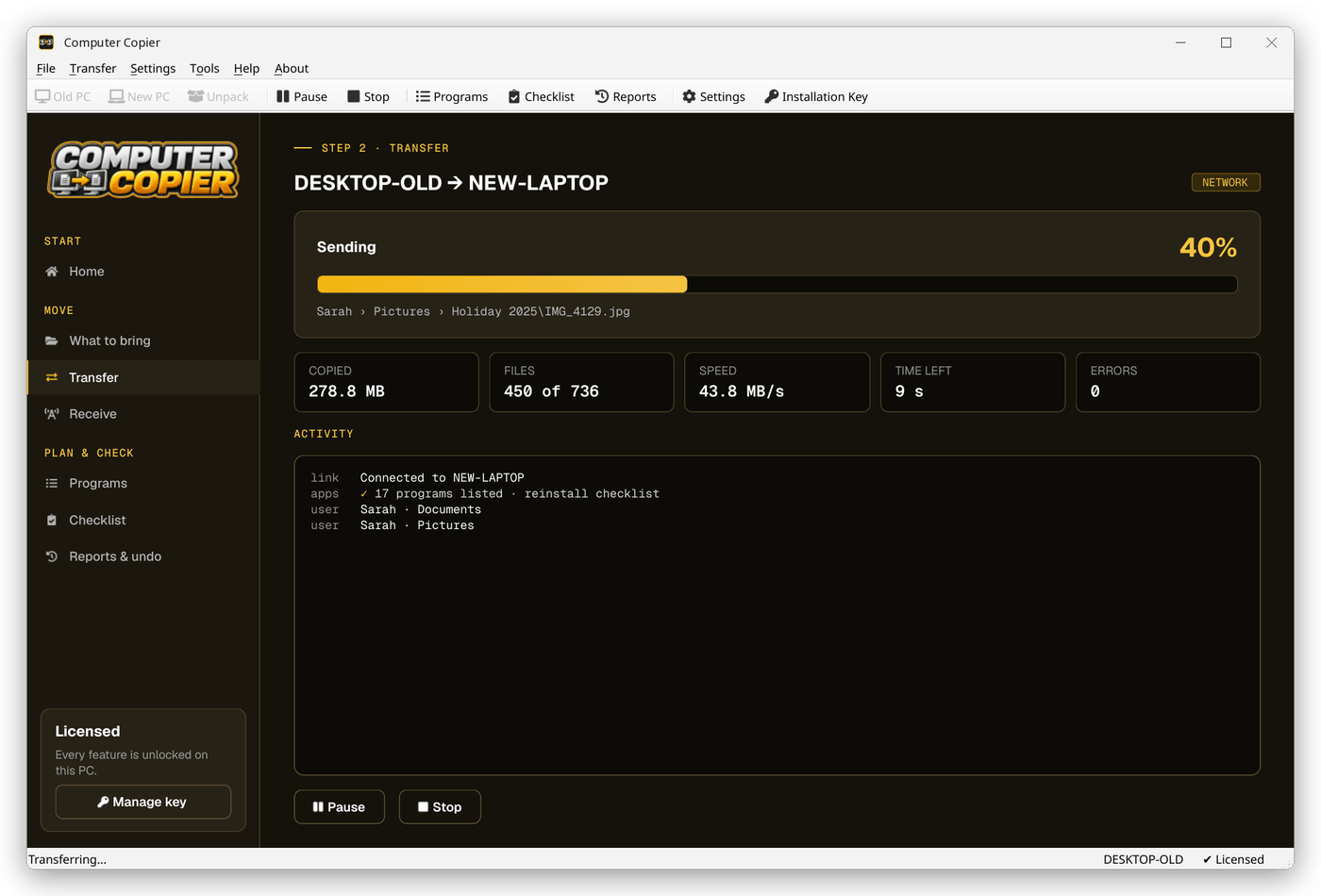
Unpack on the new PC
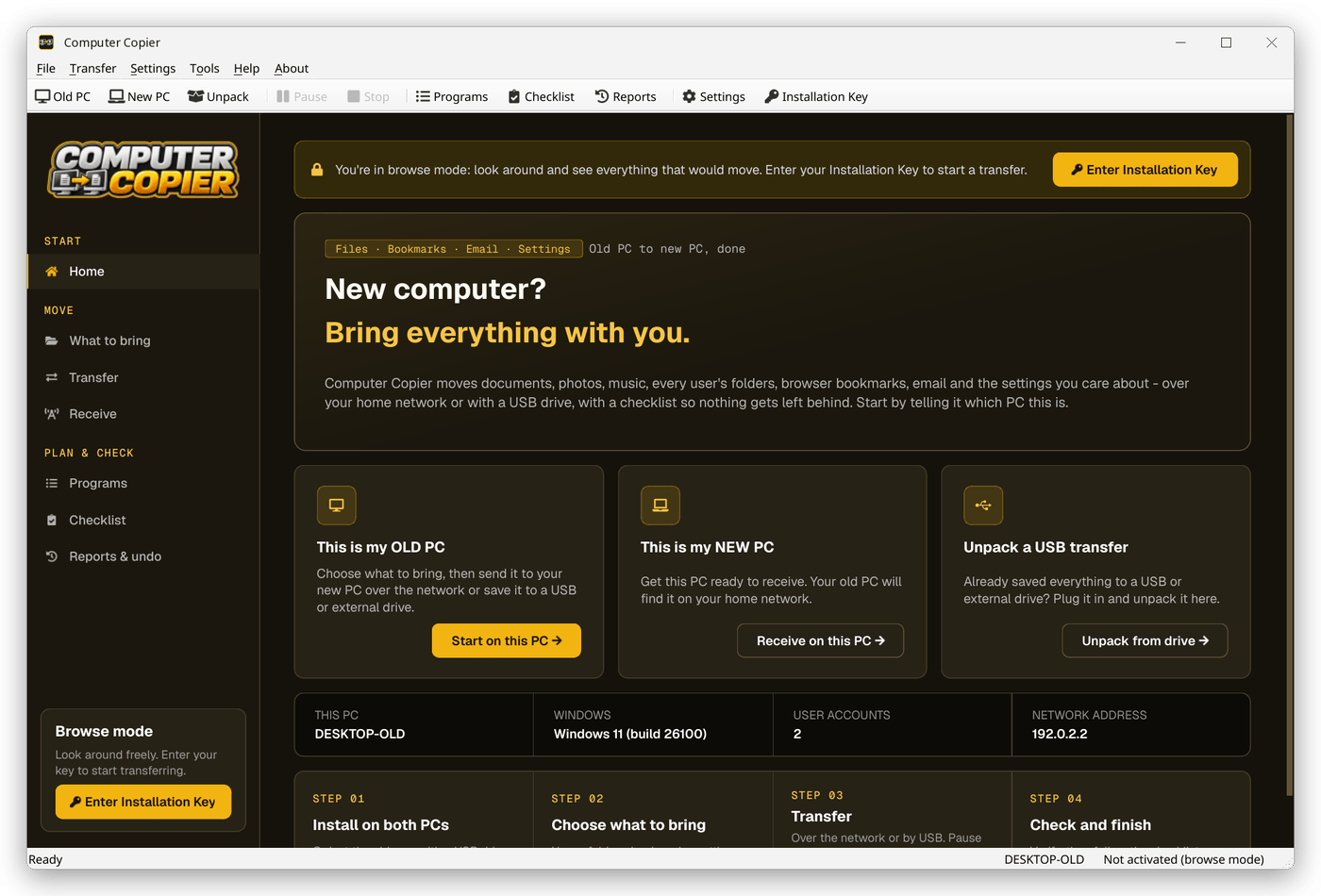
Click Unpack a USB transfer or press Ctrl+U and select the stick.
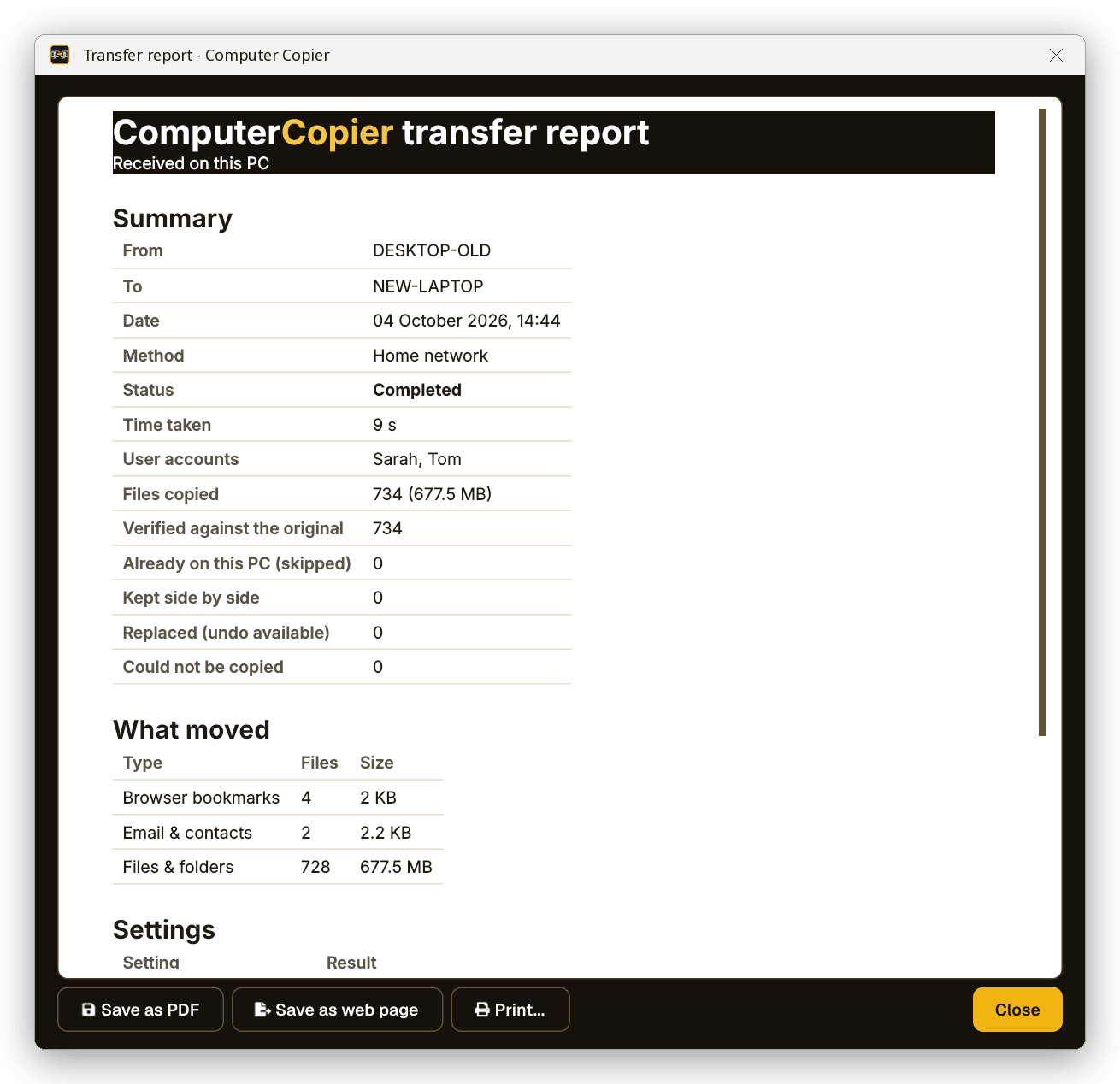
Confirm
Check the file count, size, source PC and date, click Yes, and insert each disk in turn if asked.
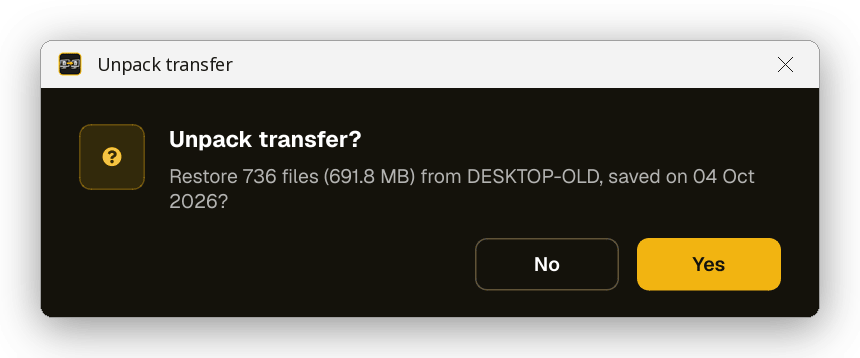
Unpack confirmation
Before anything is written, Unpack shows the file count, size, source PC and date of the transfer on the stick.
Why Computer Copier for USB
USB or transfer file
Save to a USB stick, an external drive or any folder such as a NAS, then unpack it on the new PC.
Spans several drives
When a drive fills, it asks for the next one and carries on as Disk 2. Large files are split automatically.
Every file verified
Each copied file is read back and checksum-compared with the original. Anything that failed is listed with the reason.
Nothing overwritten
Identical files are skipped. Same-name files are both kept, with the incoming copy marked (from OLD-PC).
Every user's folders
Documents, Pictures, Music, Videos, Desktop and Downloads for each account, including folders moved to another drive or OneDrive.
Undo and report
Undo removes copied files, restores replaced ones and reverts settings. Save the report as PDF or print it.
Who it's not for: Mac, Linux, iPhone or Android users. Computer Copier runs on 64-bit Windows 10 and 11 and must be installed on both PCs.
One license. No subscription.
- Transfer sizeUnlimited
- Network & USBIncluded
- Works onWindows 10 & 11 (64-bit)
- UpdatesFree
- Activations2 PCs
- DeliveryDownload + key by email
Get Computer Copier
You'll go straight to your download page once payment is confirmed, and we'll email your download link and license key.
Buy now · $39.95Already purchased? Get your download link again
USB stick transfer questions
Is a USB stick big enough for my files?
Does the new PC need a license key to unpack?
What's the folder on the stick?
Can I use an external hard drive instead?
I copied all the disks to one place. Will it find them?
More from Computer Copier
Carry it over on a USB stick
One stick or several, verified on arrival.
Get Computer Copier · $39.95