
Transfer files without the cloud
Cloud storage means uploading everything, waiting, then downloading it again, within your plan's space. Computer Copier skips all that. Files go directly from one PC to the other on your home network, or onto a drive you hold, and never leave your hands.
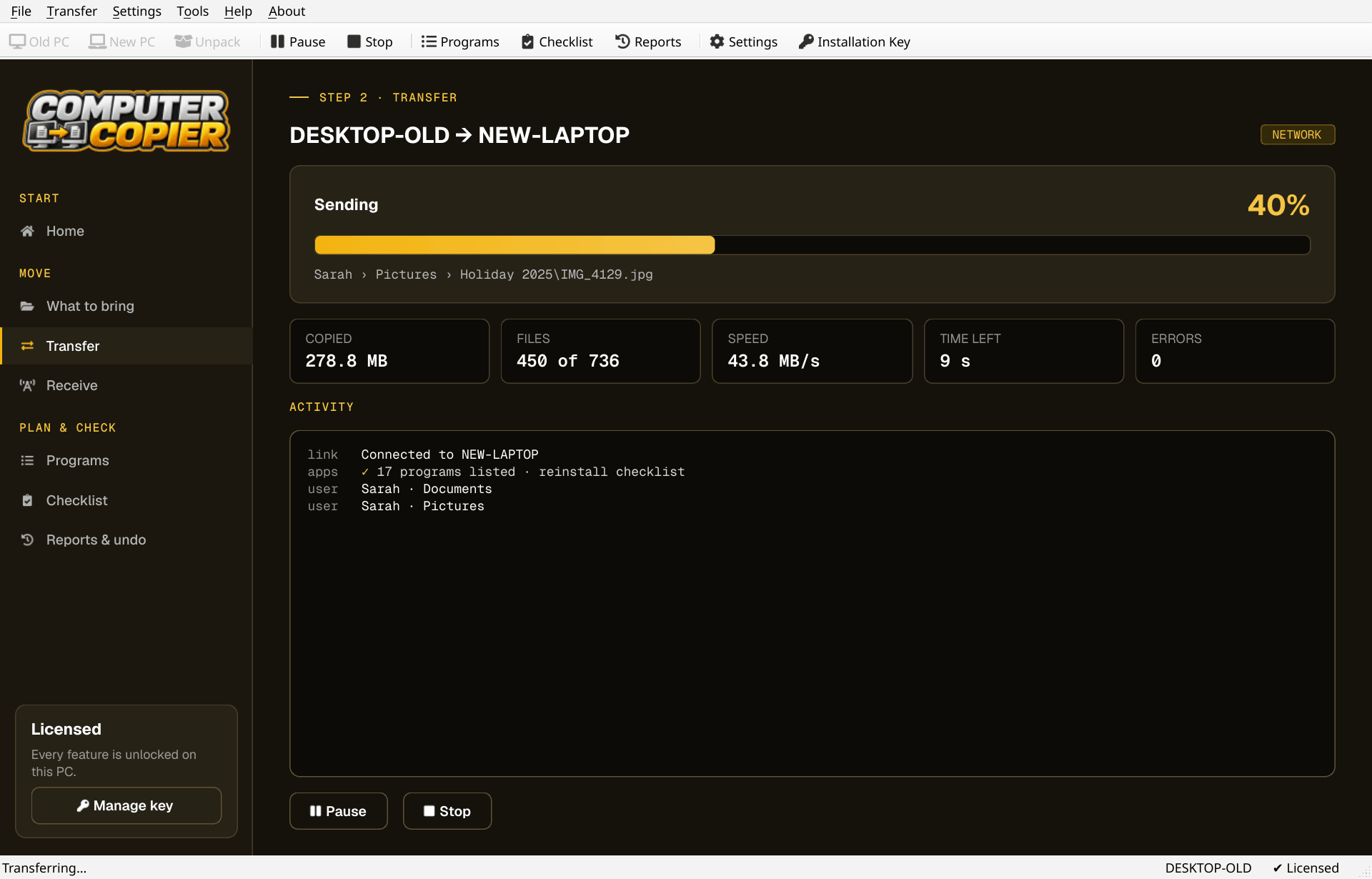
Cloud versus a local transfer
The practical differences.
| Twice the trip | A cloud move uploads every file and downloads it again. A local transfer copies it once, PC to PC or via a drive. |
| Space | Cloud plans have storage limits. Computer Copier's transfer size is unlimited, and a USB transfer spans several drives if needed. |
| Privacy | Network transfers go directly between your PCs, USB transfers stay on your drive, and files are never uploaded. |
| What goes online | Only key activation, license checks and update checks, which send the key, a PC identifier, PC name and Windows and app versions. |
| OneDrive files | If you already use OneDrive, online-only files aren't downloaded; they return when you sign in on the new PC. |
Move files without the cloud
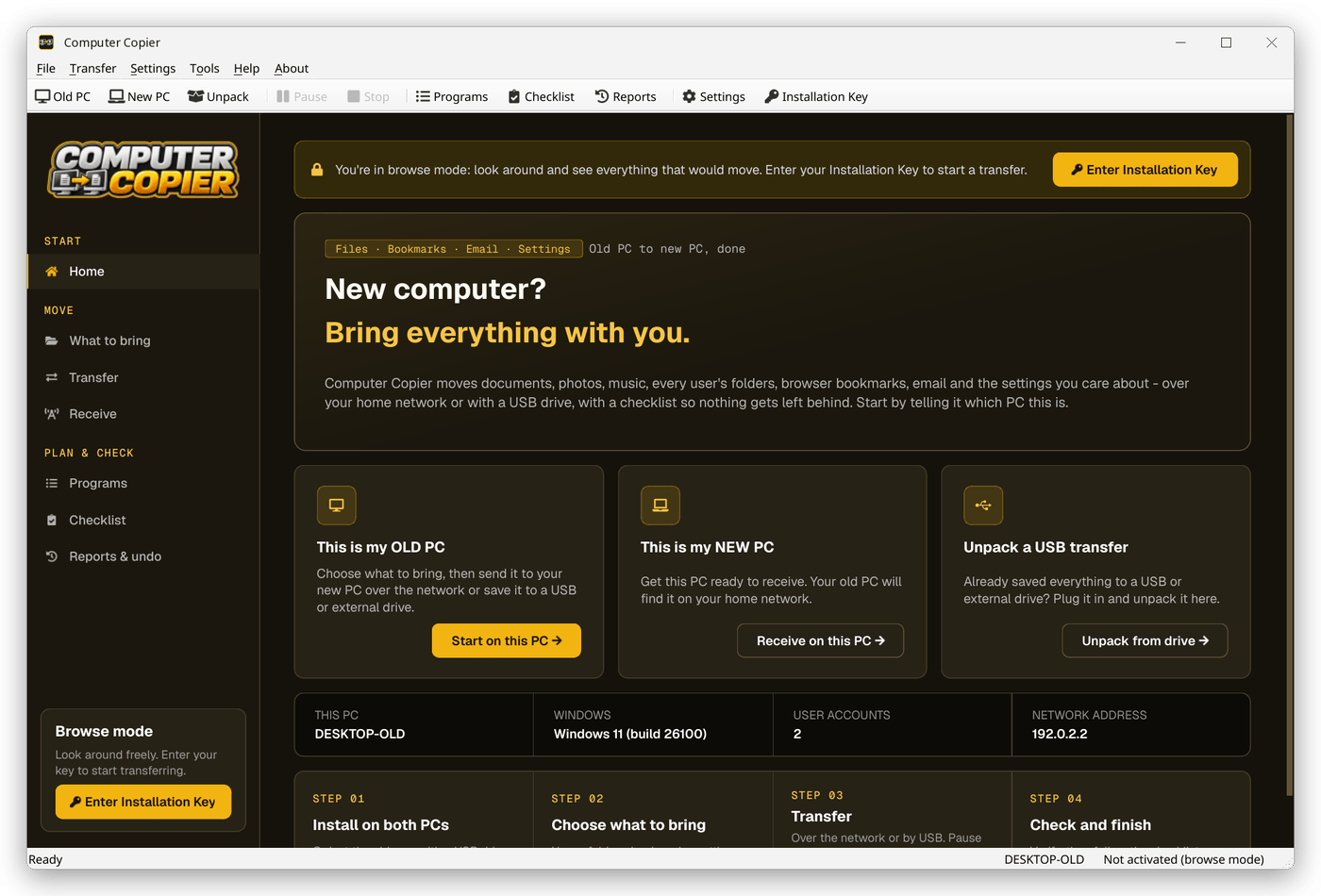
Activate once
Activate your key on one PC while online. After that the copy works offline.
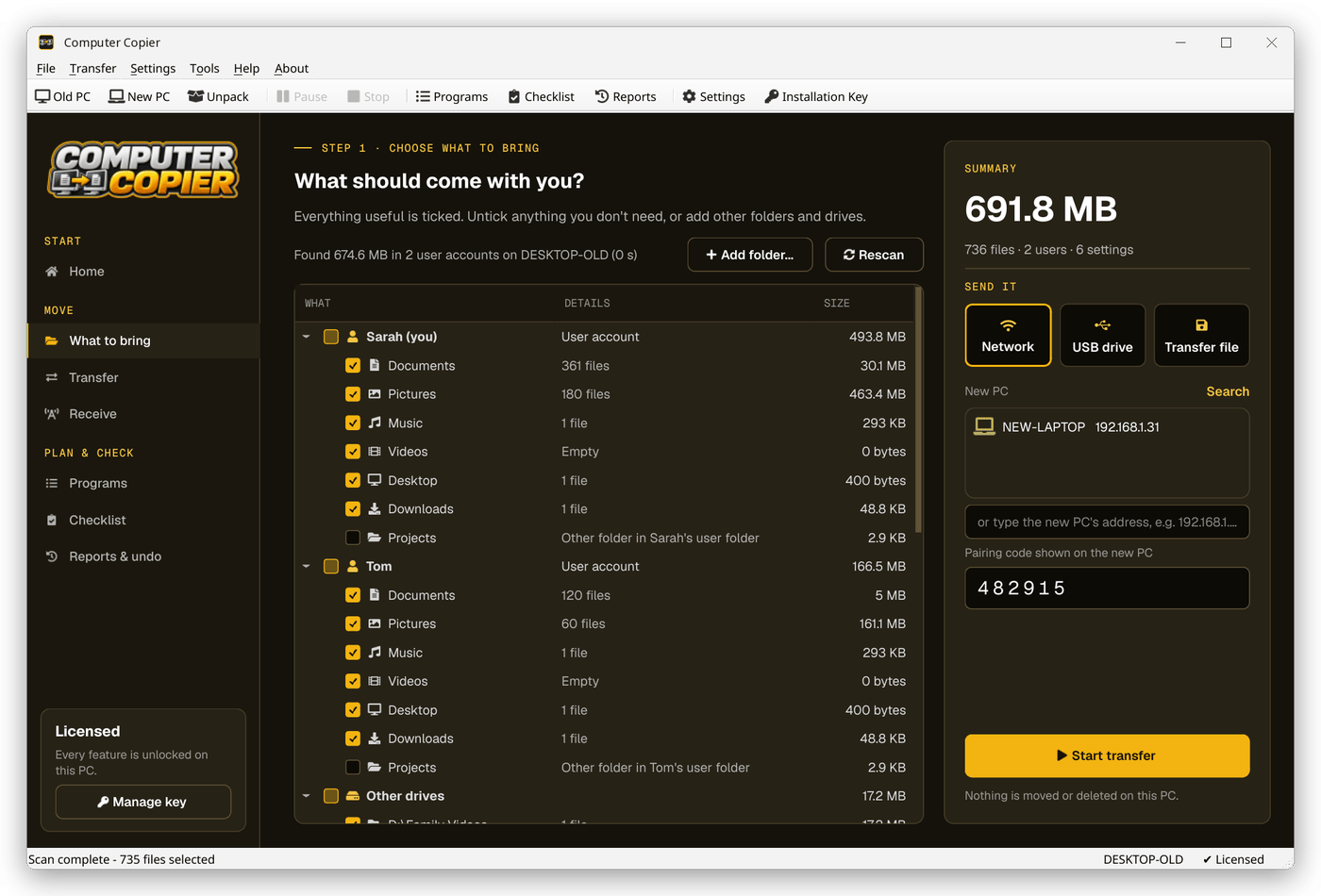
Choose local or drive
Pick Network for a direct PC to PC copy, or USB drive or Transfer file to carry the files yourself.
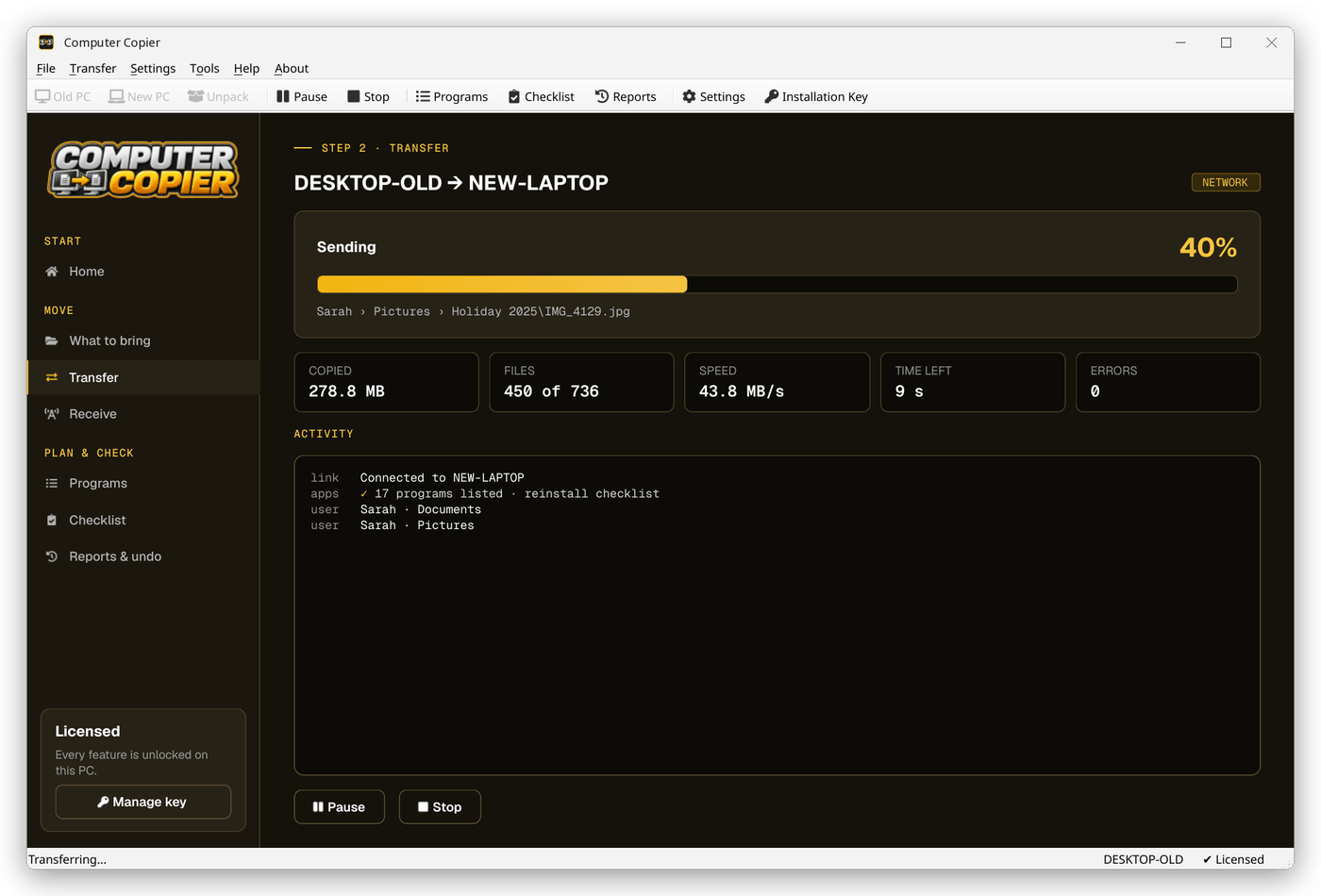
Select and send
Tick what to bring and click Start transfer. Nothing is sent to a server.
Unpack or receive
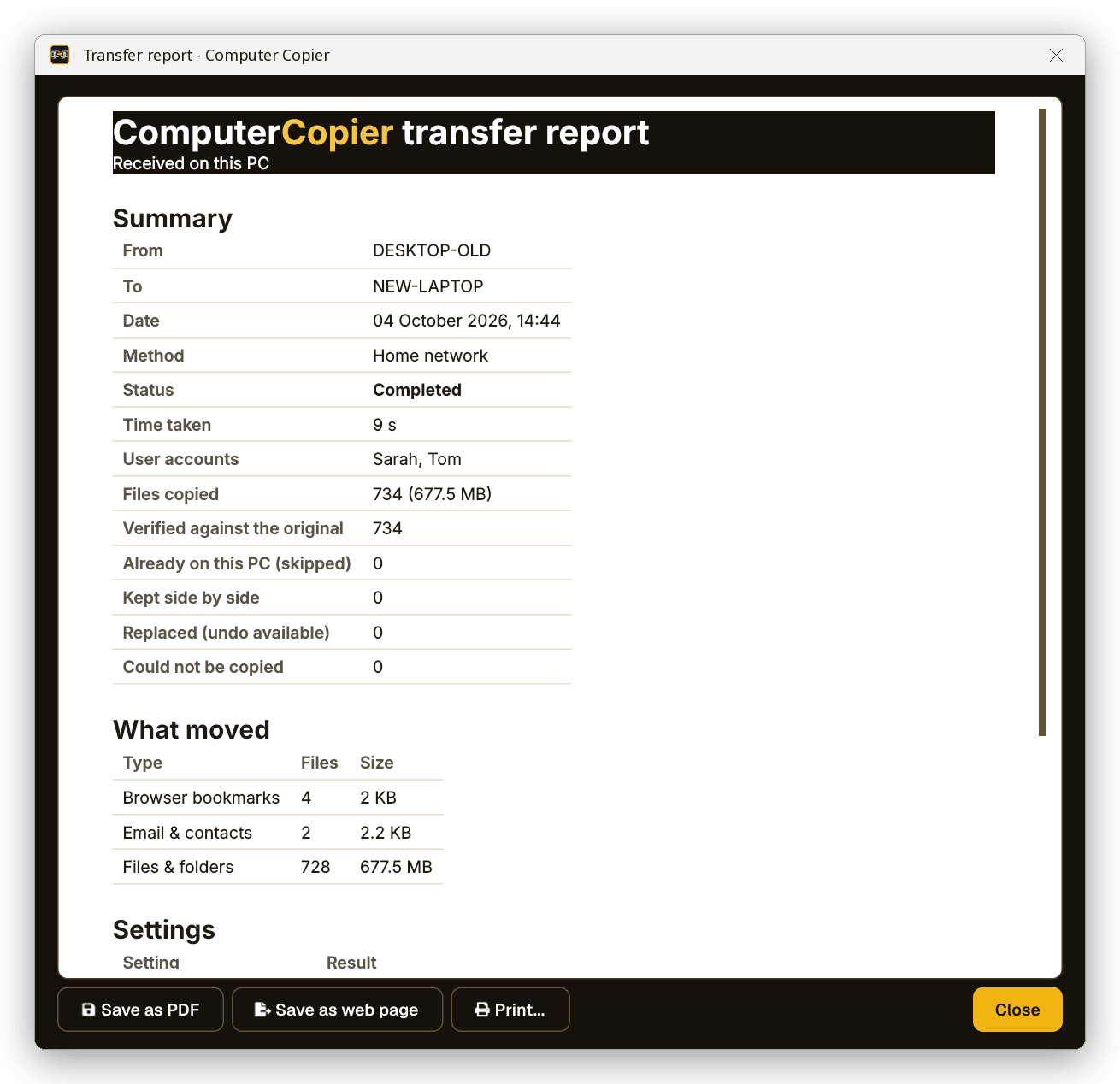
The new PC receives over the network, or uses Unpack a USB transfer to read the drive.
Your files, your route
The method picker offers Network, USB drive and Transfer file. None of them route through the internet.
Local by design
No cloud, no account
Files go PC to PC or onto your own drive. The internet is only used to activate your key and check for updates.
Network with a pairing code
Over Wi-Fi or Ethernet on your home network. A 6-digit code makes sure files only go to your PC.
USB or transfer file
Save to a USB stick, an external drive or any folder such as a NAS, then unpack it on the new PC.
Spans several drives
When a drive fills, it asks for the next one and carries on as Disk 2. Large files are split automatically.
Every file verified
Each copied file is read back and checksum-compared with the original. Anything that failed is listed with the reason.
Old PC untouched
Computer Copier only reads the old PC. Nothing there is moved, changed or deleted.
Who it's not for: Mac, Linux, iPhone or Android users. Computer Copier runs on 64-bit Windows 10 and 11 and must be installed on both PCs.
One license. No subscription.
- Transfer sizeUnlimited
- Network & USBIncluded
- Works onWindows 10 & 11 (64-bit)
- UpdatesFree
- Activations2 PCs
- DeliveryDownload + key by email
Get Computer Copier
You'll go straight to your download page once payment is confirmed, and we'll email your download link and license key.
Buy now · $39.95Already purchased? Get your download link again
No-cloud transfer questions
Does Computer Copier upload my files anywhere?
Do I need an internet connection at all?
Is there a storage or size limit like a cloud plan?
What data is sent when I activate?
Do I need an account?
More from Computer Copier
Keep it off the cloud
PC to PC, or onto a drive you hold.
Get Computer Copier · $39.95