Transfer files to a new PC using a NAS
A NAS makes a handy stopover when the old and new PC won't be on at the same time. Computer Copier saves a transfer file to any folder, including a NAS or network share, and the new PC unpacks it from there whenever you're ready.
What to know about the NAS route
General points and how Computer Copier fits.
| Access | Both PCs need to reach the NAS folder through Windows, such as a mapped drive or network share path. Computer Copier doesn't set up the NAS. |
| Space | The NAS needs room for the transfer. What to bring shows the total size before you save. |
| Two steps | The data is written to the NAS first, then copied to the new PC, so it moves twice. A direct network transfer moves it once. |
| Keys | Saving needs an activated key on the old PC. The new PC can unpack without one if an activated copy saved it. |
| Clean up | Once the new PC has unpacked and you've checked the report, you can delete the transfer folder from the NAS. |
Transfer through a NAS
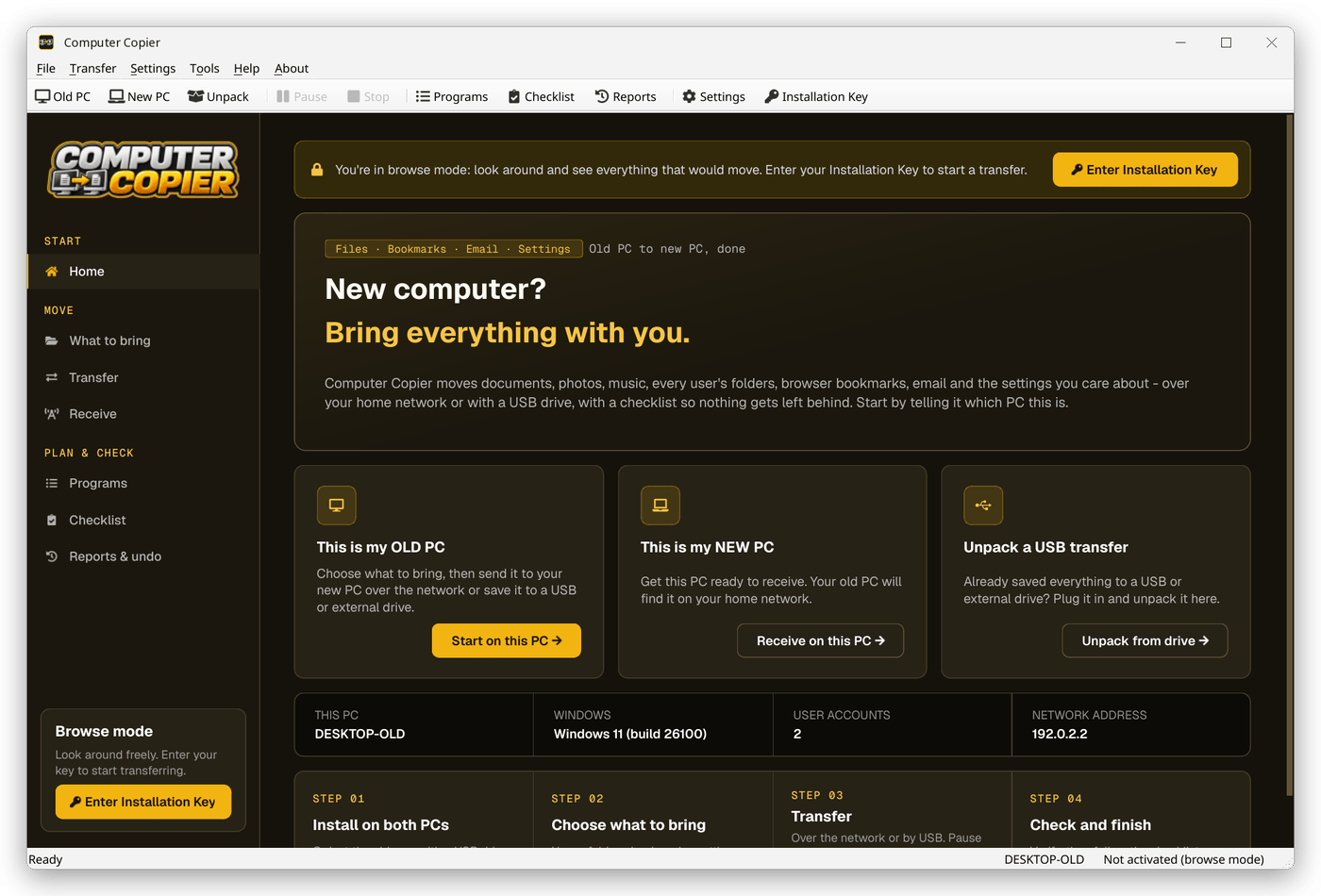
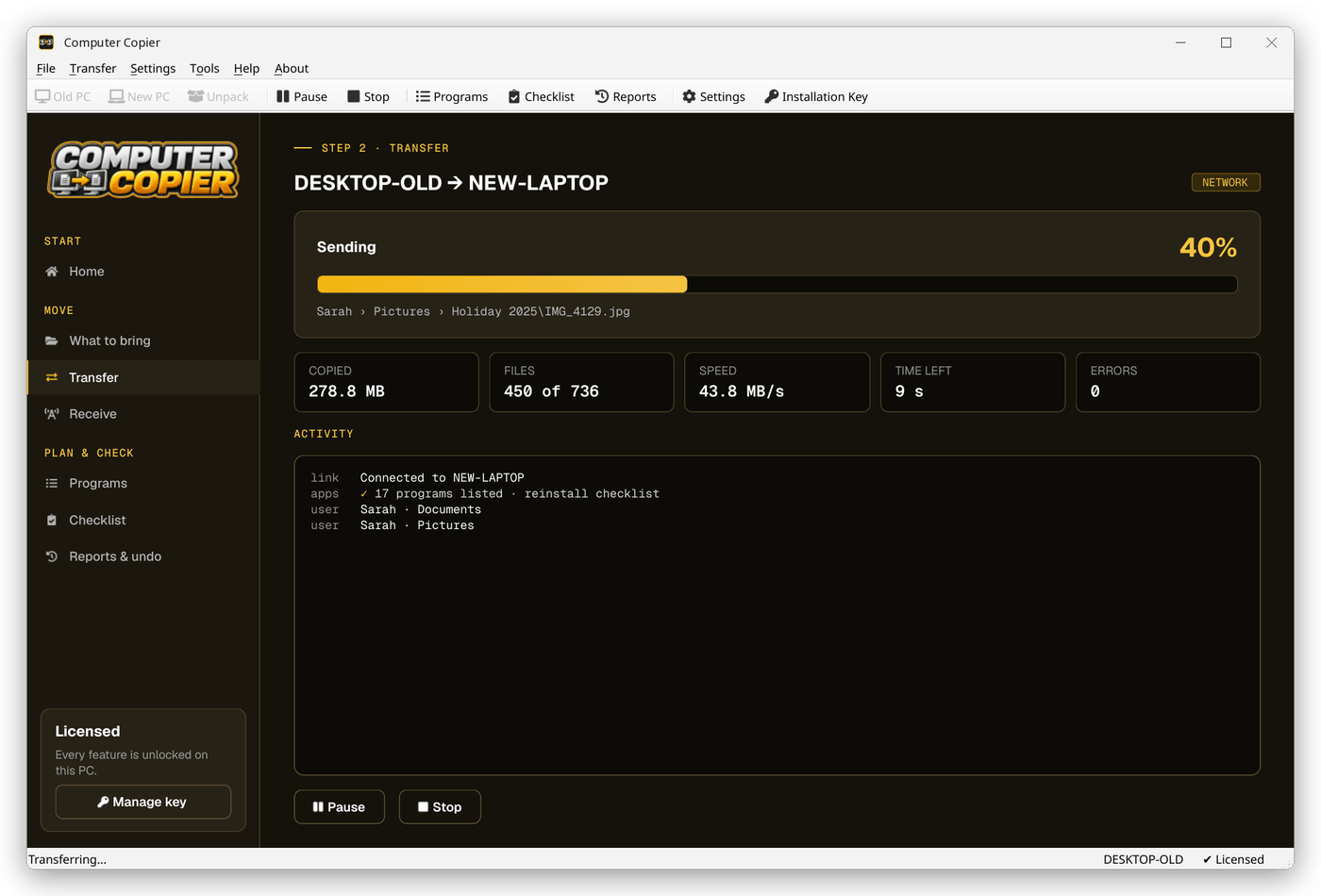
Pick Transfer file
On the old PC, choose what to bring, then Transfer file instead of Network or USB drive.
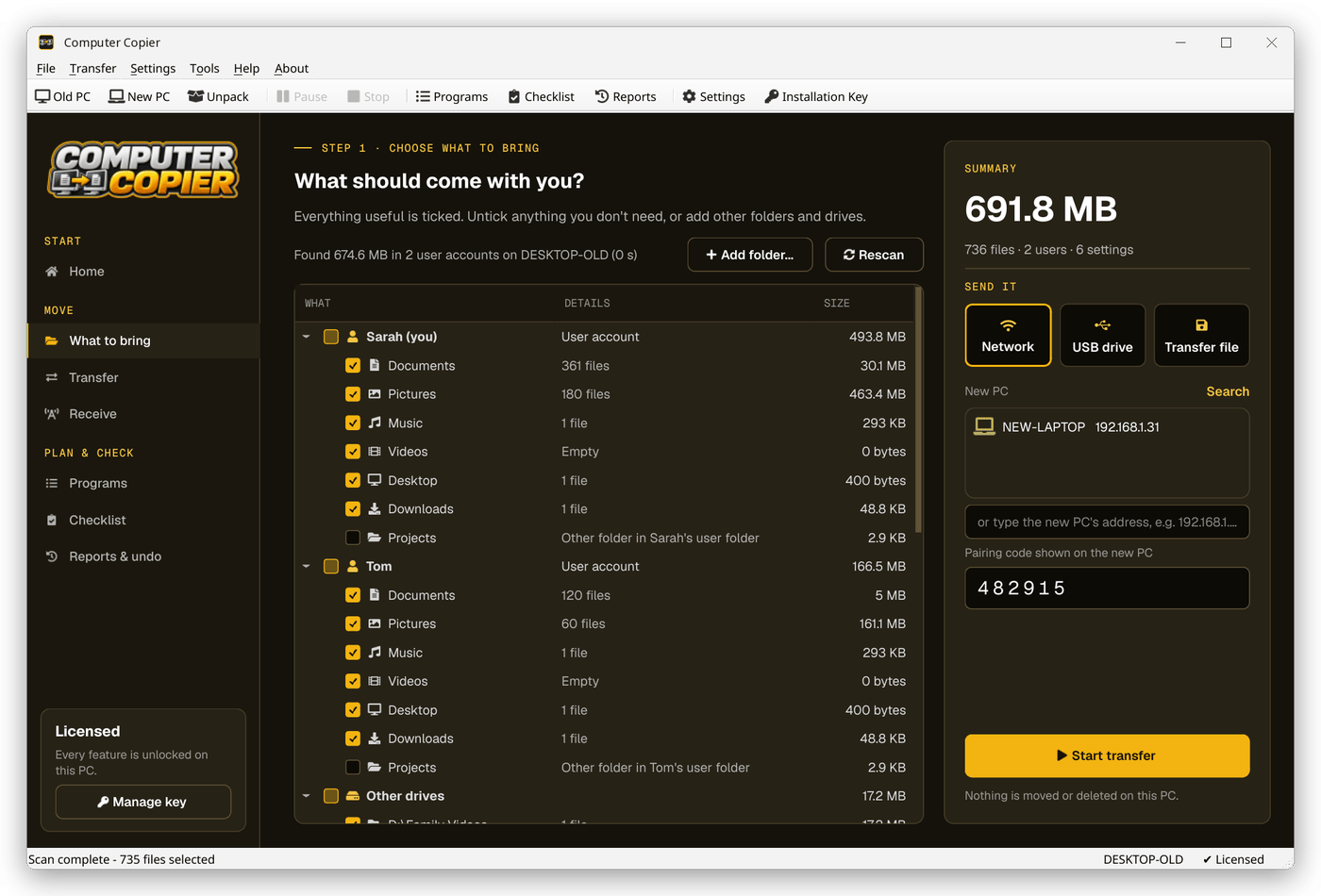
Choose the NAS folder
Select a folder on the NAS or network share as the destination and click Start transfer.
Unpack on the new PC
On the new PC choose Unpack a USB transfer and select the same NAS folder.
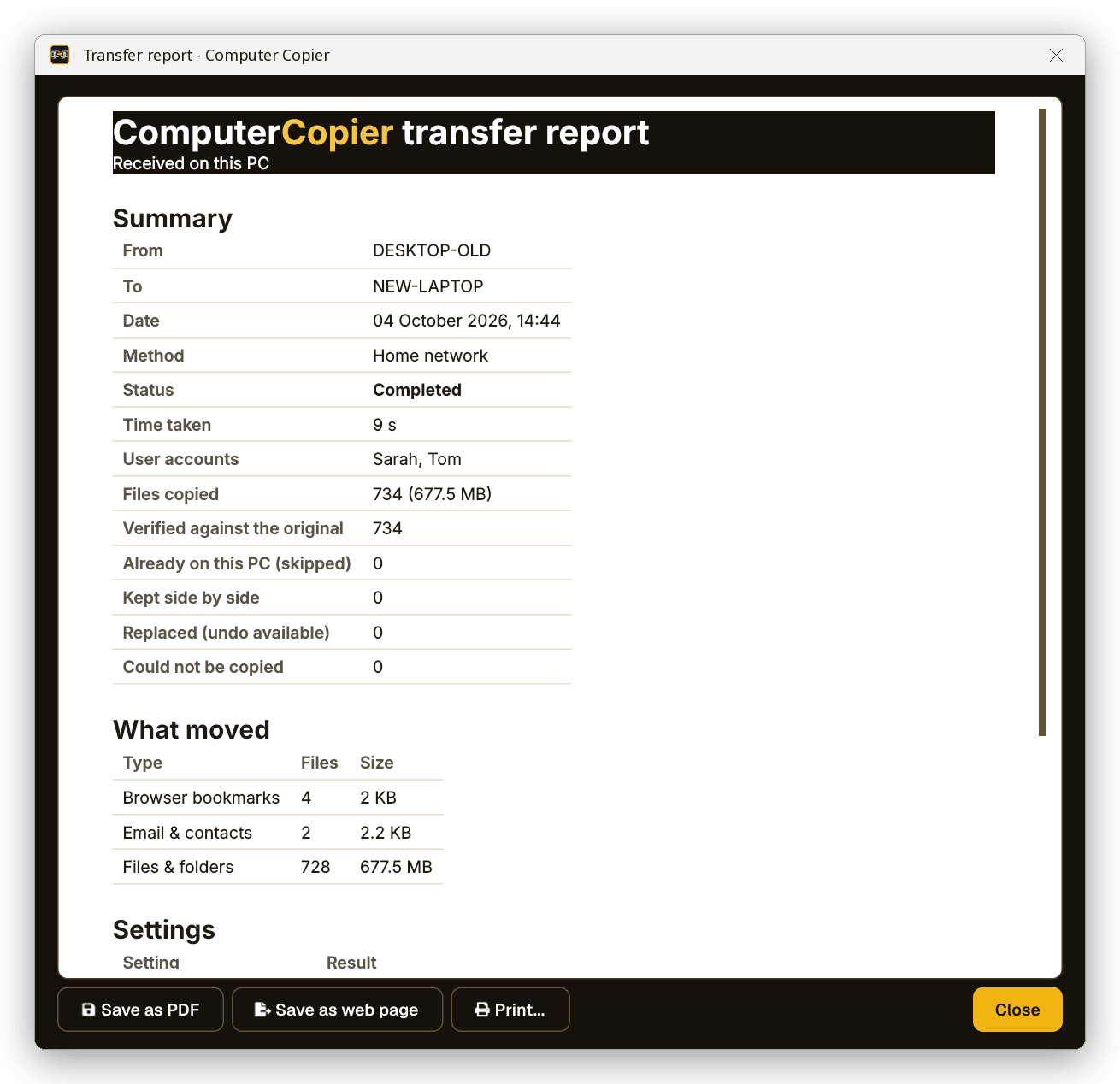
Check and tidy
Confirm the details, unpack, read the report, then remove the transfer folder from the NAS when you're happy.
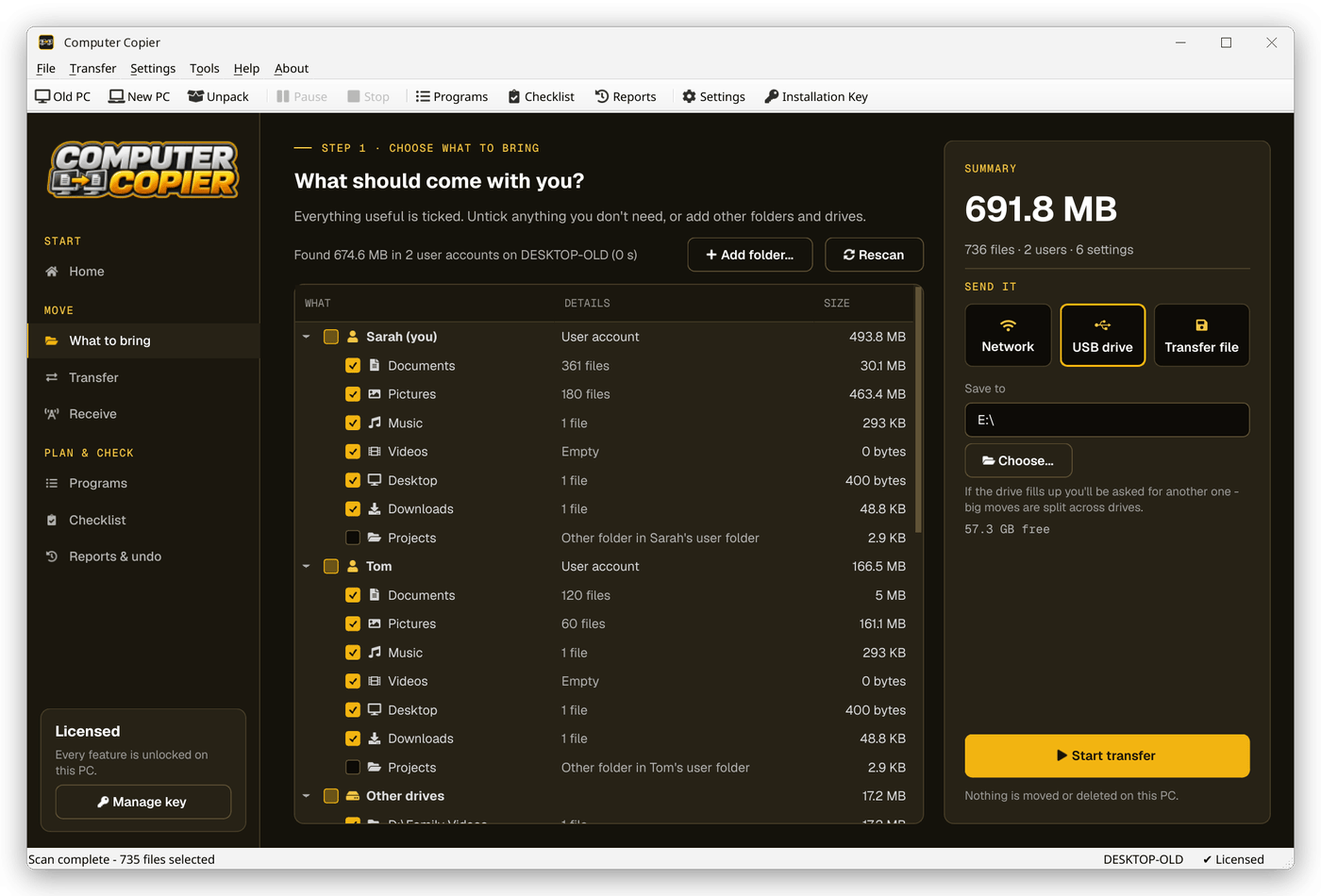
Saving a transfer file
The Transfer file option saves to any folder you choose, such as a NAS or network share, with progress and verification as normal.
Why Computer Copier with a NAS
USB or transfer file
Save to a USB stick, an external drive or any folder such as a NAS, then unpack it on the new PC.
Every file verified
Each copied file is read back and checksum-compared with the original. Anything that failed is listed with the reason.
Pause and resume
Pause any time. If the transfer stops, restart it and it skips the files already copied.
Every user's folders
Documents, Pictures, Music, Videos, Desktop and Downloads for each account, including folders moved to another drive or OneDrive.
Old PC untouched
Computer Copier only reads the old PC. Nothing there is moved, changed or deleted.
One-time license
Pay once, get free updates, no subscription. Two activations cover the old PC and the new one.
Who it's not for: Mac, Linux, iPhone or Android users. Computer Copier runs on 64-bit Windows 10 and 11 and must be installed on both PCs.
One license. No subscription.
- Transfer sizeUnlimited
- Network & USBIncluded
- Works onWindows 10 & 11 (64-bit)
- UpdatesFree
- Activations2 PCs
- DeliveryDownload + key by email
Get Computer Copier
You'll go straight to your download page once payment is confirmed, and we'll email your download link and license key.
Buy now · $39.95Already purchased? Get your download link again
NAS transfer questions
Can Computer Copier save straight to my NAS?
Do both PCs have to be on at the same time?
Does Computer Copier configure the NAS?
Is a NAS faster than a direct transfer?
Does the new PC need a key to unpack from the NAS?
More from Computer Copier
Stop over on your NAS
Save now, unpack whenever the new PC is ready.
Get Computer Copier · $39.95